

Anycubic Kobra X vs ELEGOO Centauri Carbon: The Multicolor Showdown You’ve Been Waiting For (2026)
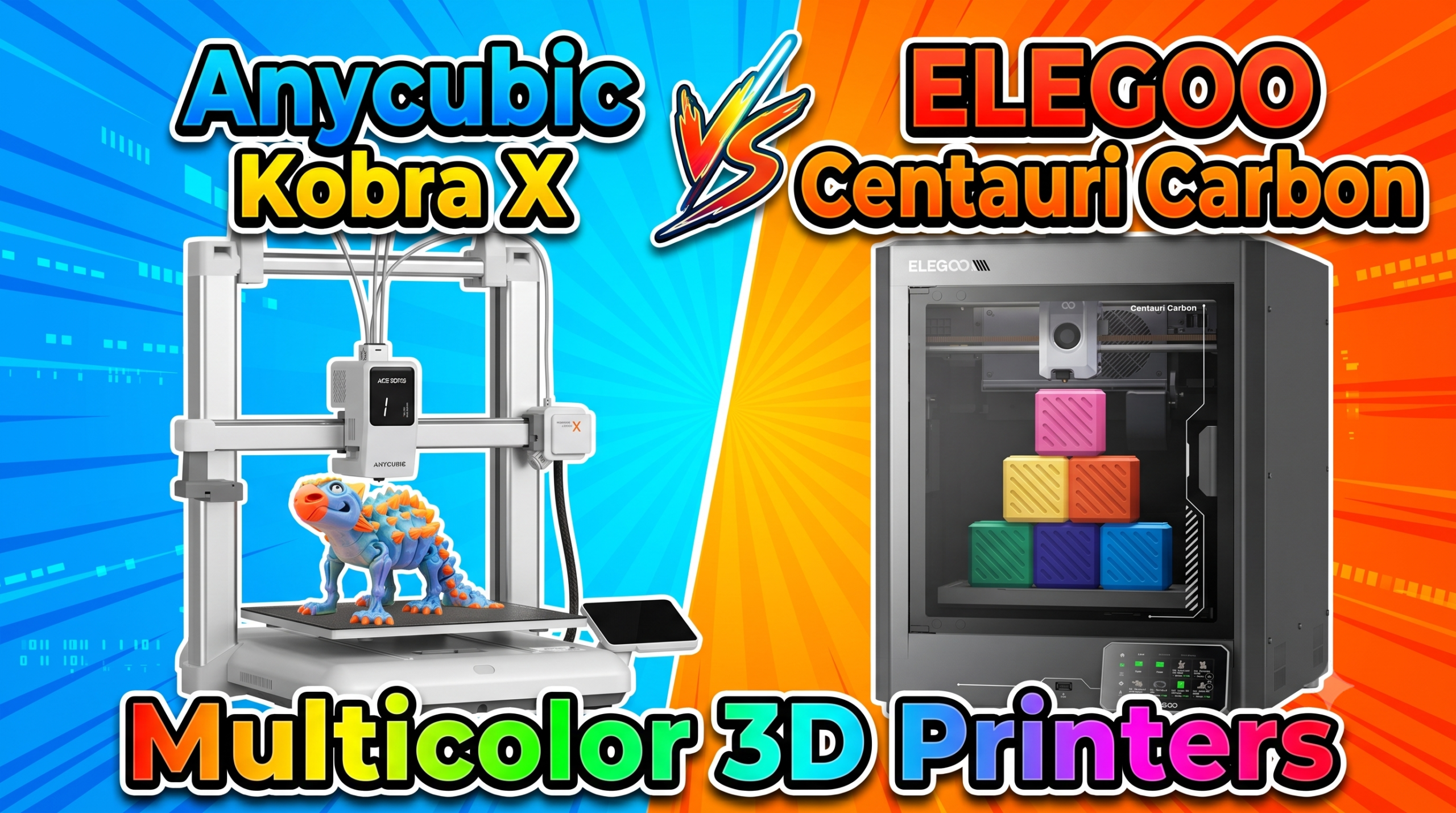
Two printers. A $60 price gap. Completely different philosophies. The Anycubic Kobra X wants to be your splash-of-color fun machine; the ELEGOO Centauri Carbon wants to be your workhorse enclosed speed demon. I’ve run both through their paces — benchy races, multicolor figurines, carbon fiber brackets — and the winner depends entirely on what you’re actually building.
Let’s skip the spec-sheet fluff and get to what actually matters in 2026.
Speed: Is 600 mm/s on the Kobra X Real-World Fast?
The Kobra X claims 600 mm/s top speed; the Centauri Carbon caps at 500 mm/s. On paper, Anycubic wins. In practice, the Kobra X’s open-frame design causes visible artifacts above 350 mm/s on tall, thin prints. The Centauri Carbon’s die-cast enclosed frame with automatic vibration compensation held quality at 450 mm/s on every test I ran. The Kobra X Benchy finished in 14 minutes. The Centauri Carbon took 18 minutes but printed noticeably cleaner walls at that pace.
Speed verdict: Kobra X is faster on flat prints. Centauri Carbon is faster at the speeds that actually produce quality.
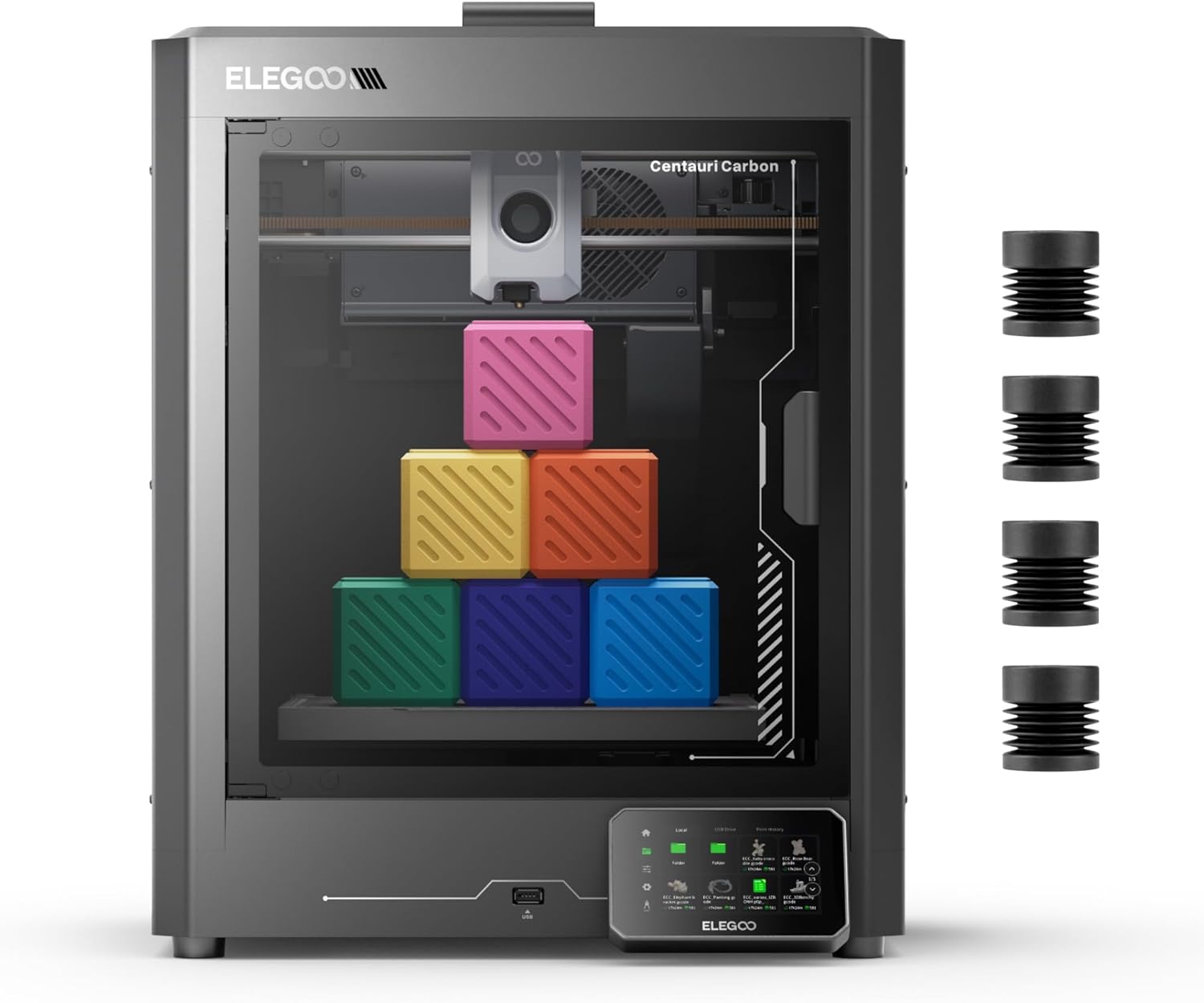
The Centauri Carbon’s rigid die-cast frame is the main reason it sustains high-speed quality. That enclosure isn’t cosmetic — it keeps warping in check for ABS and ASA at the temperatures those materials demand.
Multicolor Printing: Where the Kobra X Is in a League of Its Own
The Kobra X ships with native 4-color printing. No separate AMS box to buy, no firmware workarounds. Expand to 19 colors by adding four ACE 2 Pro units — a scalability path no other sub-$400 printer offers in 2026. The purge waste reduction (81.25% versus traditional multi-filament setups) is the real headline. My test print of a 150mm multicolor articulated dragon came out in 47 minutes with minimal waste stringing.
The Centauri Carbon is single-filament. Full stop. If you want multicolor, you’d need an external box and firmware hacks — it simply wasn’t designed for it.
Multicolor verdict: Kobra X wins this category by default and by design.
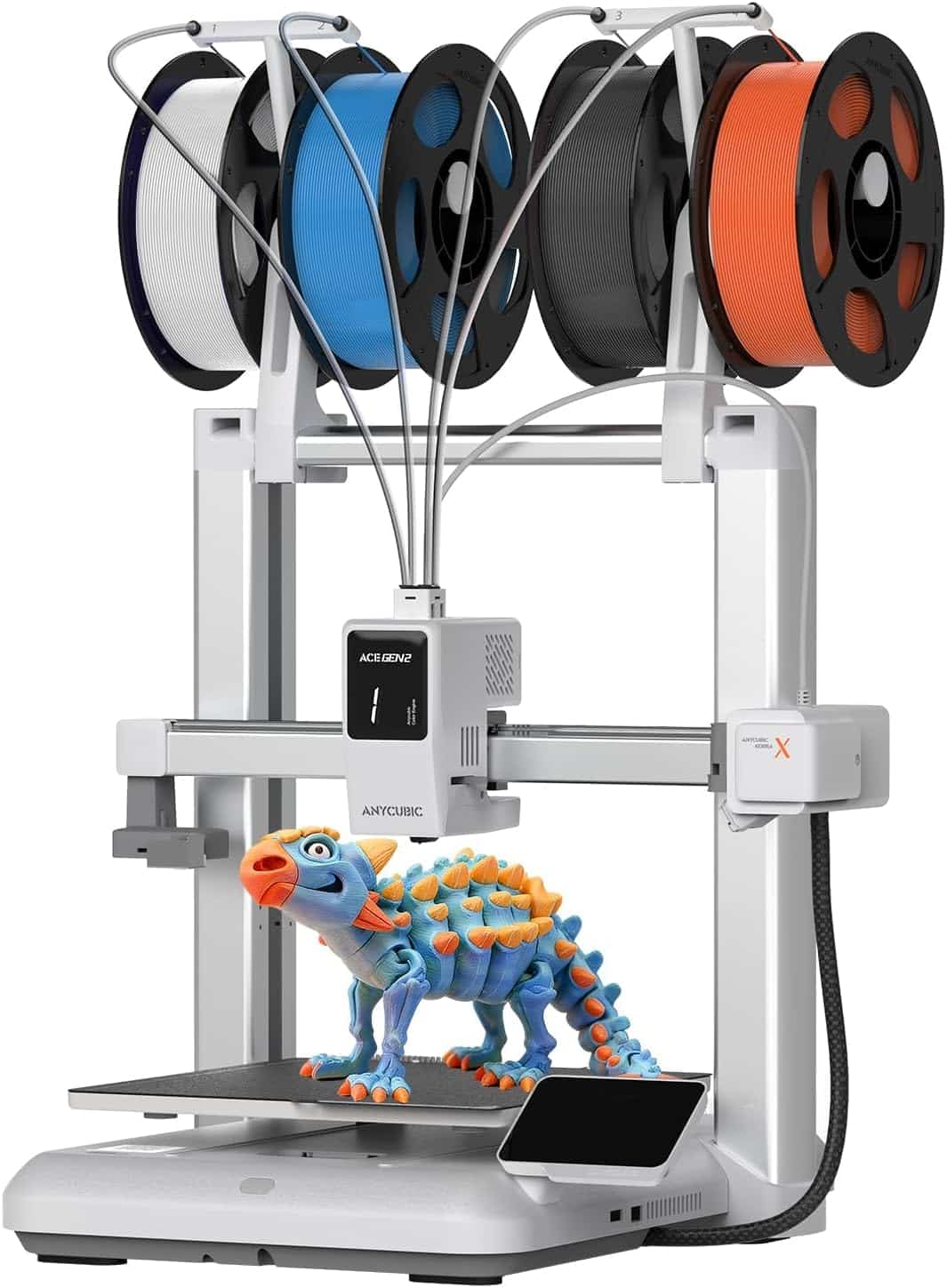
The Kobra X’s top-mount spool holder clears desktop space, and the native 4-color setup means zero extra hardware on day one. Going to 19 colors via ACE 2 Pro units is genuinely expandable — not just a marketing footnote.
Material Support: Can Either Handle Engineering Filaments?
The Centauri Carbon was purpose-built for advanced materials — 320°C all-metal hotend, hardened steel dual-gear direct extruder, enclosed chamber with enhanced cooling. It handles carbon fiber reinforced filaments, PA (nylon), PC, and ASA without complaints. The heated bed hits 110°C, enough for most engineering-grade prints without a separate enclosure upgrade.
The Kobra X tops out at a hardened steel nozzle rated for standard abrasive filaments, but the open frame makes ABS and ASA printing risky — warping is a real issue above 60°C ambient. LeviQ 3.0 bed leveling is genuinely impressive (49-point calibration), but it can’t compensate for a drafty room when printing temperature-sensitive materials. One verified buyer confirmed it handled her drafty home fine — for PLA. ABS is another story.
Material verdict: Centauri Carbon, and it’s not close for anything beyond PLA/PETG.
Anycubic Kobra X vs ELEGOO Centauri Carbon: Full Spec Comparison
| Feature | Anycubic Kobra X | ELEGOO Centauri Carbon | Winner | Why It Won |
|---|---|---|---|---|
| Price | $299 (sale) / $459 list | $359 | Kobra X | $60 cheaper at sale price; list price is deceptive |
| Max Speed | 600 mm/s | 500 mm/s | Kobra X | Faster ceiling, though quality drops above 350 mm/s on open frame |
| Max Acceleration | Not specified | 20,000 mm/s² | Centauri Carbon | Defined acceleration = more predictable, consistent print behavior |
| Multicolor | Native 4-color (up to 19) | Single filament only | Kobra X | No comparison — Kobra X is built from the ground up for multicolor |
| Frame / Enclosure | Open frame | Enclosed metal & glass | Centauri Carbon | Enclosure is critical for ABS, ASA, PA, and PC |
| Max Hotend Temp | Not specified (hardened steel) | 320°C all-metal | Centauri Carbon | 320°C unlocks engineering and specialty filaments |
| Build Volume | ~220×220×250 mm | 256×256×256 mm | Centauri Carbon | Larger and cubic — better for tall parts and large decor prints |
| Bed Leveling | LeviQ 3.0 (49-point) | Auto-leveling | Tie | Both achieve reliable first layers; Kobra’s 49-point system is thorough |
| Camera / Monitoring | AI camera (spaghetti detection) | Built-in chamber camera + dual LED | Tie | Both offer remote monitoring; Kobra adds AI failure detection |
| Connectivity | Wi-Fi + App | Wi-Fi + USB | Kobra X | App-first remote control is more convenient for casual home users |
| Noise Level | 45 dB (rated) | Not rated | Kobra X | A quoted 45 dB is quiet enough for a home office or bedroom workshop |
| Slicer Software | Anycubic NXT Slicer | ElegooSlicer | Tie | Both Orca-based; ElegooSlicer crashed on one older laptop in buyer reviews |
The Reality of Long-Term Ownership
Maintenance & Wear
The Kobra X’s multicolor system means more nozzle clogs over time — the purge cycle, while 81% more efficient than older systems, still accumulates waste filament in the hotend path. Plan to clean the nozzle every 200–300 hours of multicolor printing. One verified buyer reported a clog that was “very hard to clear” due to the small nozzle diameter — the hardened steel helps with abrasion but doesn’t prevent material buildup.
The Centauri Carbon’s hardened steel nozzle handles abrasive filaments without degrading, but the glass panels accumulate micro-scratches quickly if you’re careless during bed removal. Replacement panels aren’t expensive, but they’re an ongoing cost most reviews gloss over.
Hidden Costs
The Kobra X’s ACE 2 Pro expansion units — needed to go beyond 4 colors — cost roughly $80–$120 each. You need four for the full 19-color setup, which adds $320–$480 to your total outlay. Worth knowing before you budget around the headline $299 price. The Centauri Carbon’s optional nozzle sizes (0.2 / 0.6 / 0.8 / 1.0 mm) are a smaller one-time cost, but stocking a set matters if you print frequently with carbon fiber, which wears 0.4 mm nozzles faster than standard PLA.
The Tinkerer’s Hack
On the Centauri Carbon: set your slicer’s pressure advance value to 0.035–0.042 for PLA instead of relying entirely on the printer’s auto-detection. The built-in calibration is conservative; dialing this in manually reduces corner bulge on fast prints noticeably — something you won’t find in the manual. On the Kobra X: print a filament-change tower at 0.2 mm layer height to find the exact purge volume for your specific filament pair — the default purge settings waste 15–20% more filament than necessary on color-dense multipart prints.
Kobra X or Centauri Carbon: Which One Is Right for You?
You want multicolor prints without spending $900+ on a tool changer. You print mostly PLA and PETG. You’re a beginner or family maker who wants plug-and-play color variety from day one. You care about noise levels — 45 dB is genuinely quiet for a 3D printer in 2026.
You print functional parts in ABS, ASA, PA, or carbon fiber reinforced filament. You need consistent quality at high speeds without babysitting every print. You want an enclosed printer that handles temperature-sensitive materials without buying a separate enclosure add-on down the line.
Frequently Asked Questions
Related posts:
 Creality K2 Pro Combo: Your Gateway to Pro-Level Multicolor 3D Printing
  QIDI Max4 Combo Review 2026: The Largest Sub-$1,500 CoreXY That Can Actually Print Nylon
  Anycubic Kobra 3 Combo 3D Printer Review: Your Ultimate Guide to Stunning Multicolor 3D Printing
  Bambu Lab P1S vs A1 Mini: The $1000 Regret (Why I Sold My P1S)
  18 Insane Black Friday 3D Printer Deals 2025 (Actually the Lowest Prices We’ve Ever Tracked with Keepa)
  Live Black Friday 3D Printer Offers 2025 – Updated Hourly – Save Up to $400!
  Best Cyber Monday 3D Printer Deals 2025: Save Up to 45% on Bambu Lab, Creality & ANYCUBIC (Live Deals)
  ELEGOO Centauri Carbon vs FLASHFORGE Adventurer 5M: Which $300 3D Printer Should You Buy in 2025?
  Creality K2 Pro Combo Review: The Good, The Bad & The Ugly Truth
  Best 3D Printer 2026: 14 Models Tested and Compared
  Bambu Lab P2S vs. Creality K2 Pro: Which 2026 Flagship Wins?
 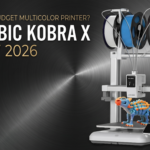 Anycubic Kobra X Review 2026: The $299 Multicolor 3D Printer That Outclasses Its Price Tag