
✦ Single Product Review · Sleep Tech · April 2026
Hatch Restore 3 Review: The Best Way to Wake Up in 2026?
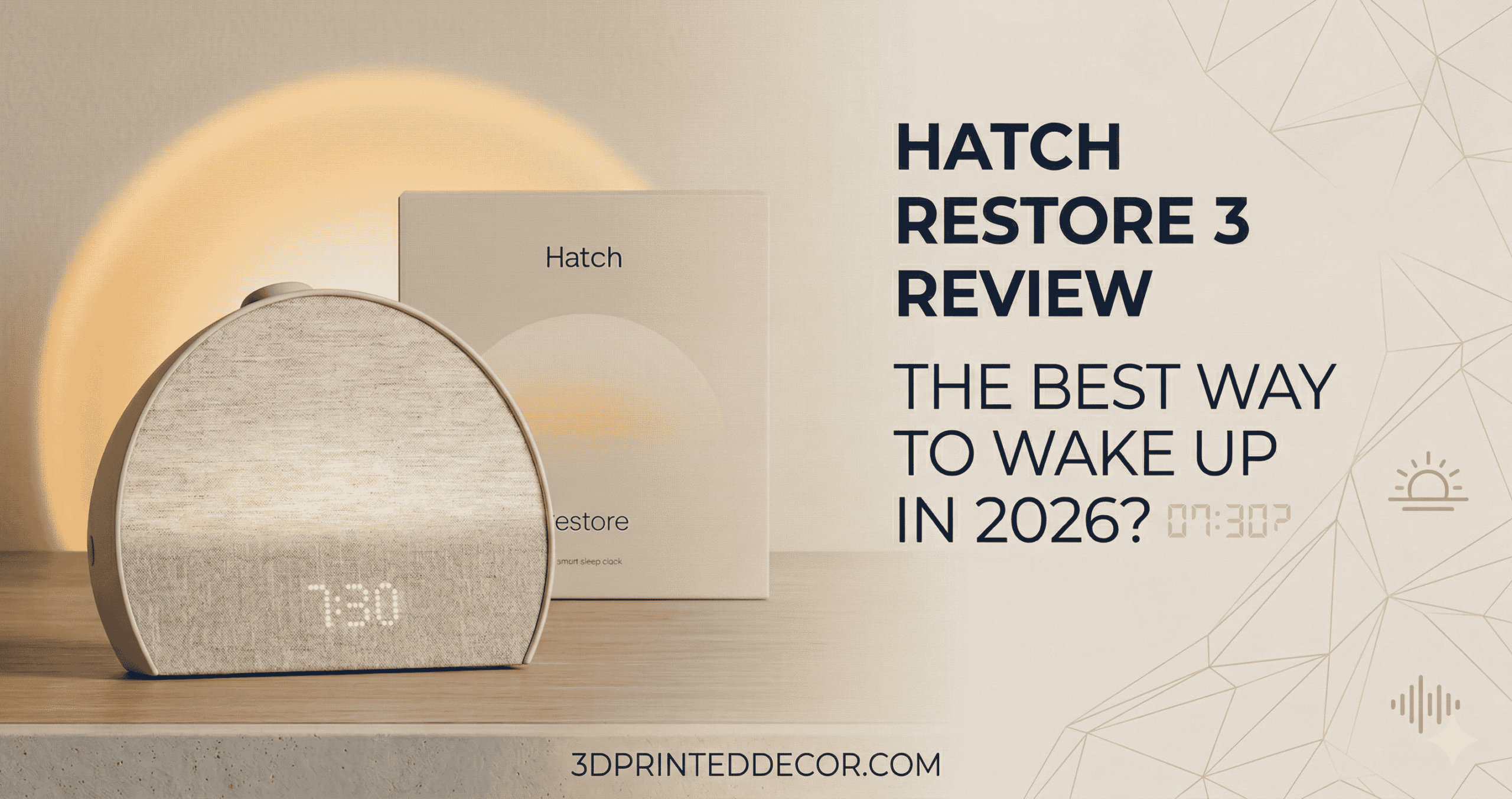
Hatch Restore 3 in New Putty — does the $169.99 sunrise alarm clock actually deliver on its “best sleep of your life” promise in 2026?
Quick Summary
What Is the Hatch Restore 3, and Who Is It Actually For?
If you reach for your phone at 11 PM to queue up a sleep podcast, this device replaces that entirely. The screen-free philosophy is real. After two weeks of using the Restore 3, I stopped checking my phone before bed — not because I tried to, but because the Hatch routine gave me something better to engage with.
It’s not for you if you just need to wake up at 7 AM and don’t care how. A $20 alarm handles that fine. The Restore 3 is for the person who wakes up at 3 AM and can’t fall back asleep, who dreads the 6:30 buzzer, or who lies awake with a racing mind at midnight.
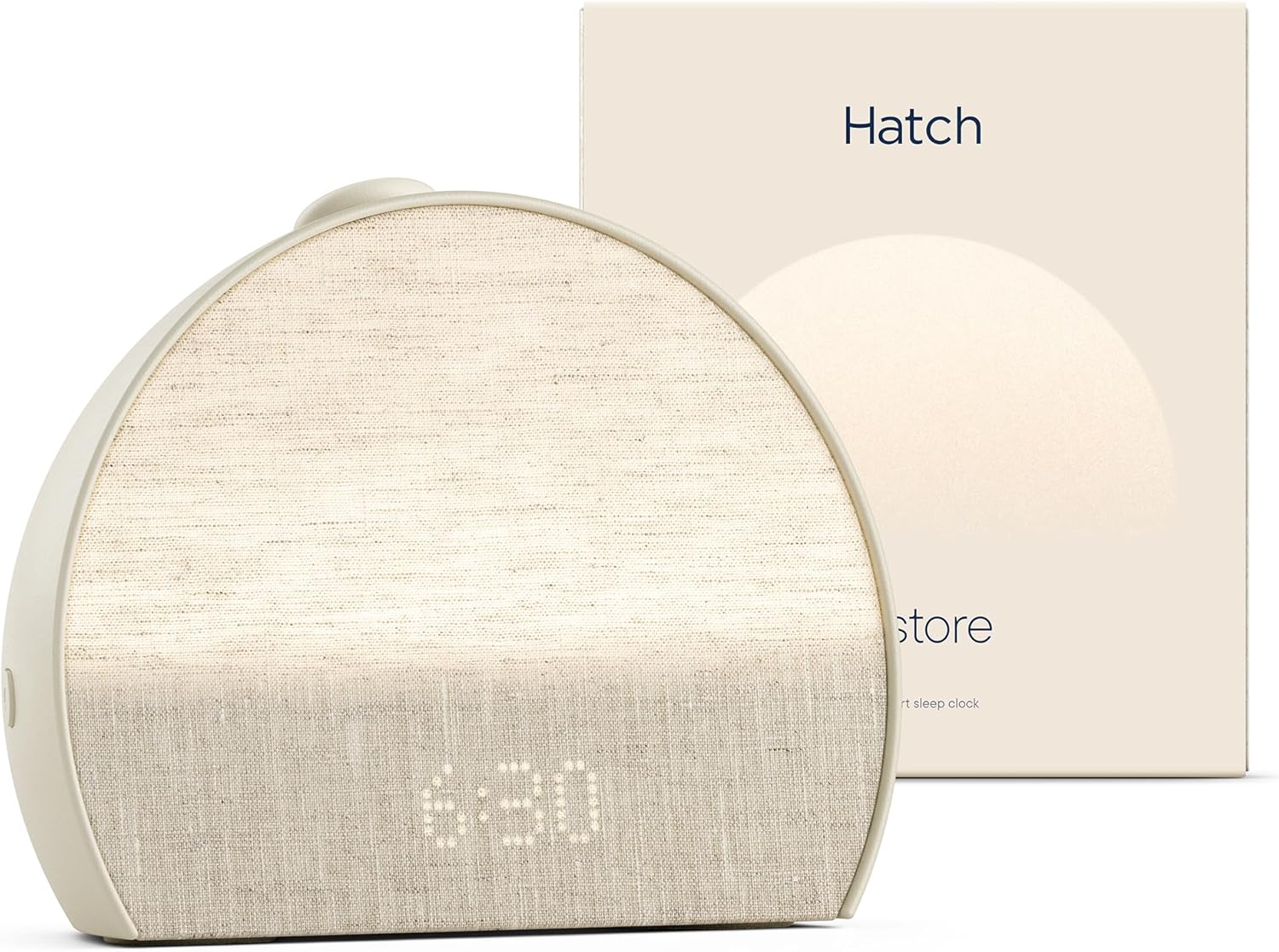
The Hatch Restore 3 in New Putty — the semicircular form is purpose-built for the nightstand. It doesn’t look like a gadget. That’s intentional.
Does the Hatch Restore 3 Actually Improve Sleep?
The white noise engine is the standout. I’d used a mechanical fan for years and a Levoit air purifier as a secondary noise source. The Hatch outperforms both. The sound texture is engineered — not a looped recording. At 65% volume, ambient intrusions (a neighbour’s TV, a passing motorbike) become genuinely inaudible.
The bedtime routine feature is where behavioral change happens. You set a sequence: dim the light to amber, play brown noise for 20 minutes, then auto-off. Your brain starts interpreting the amber light as “sleep signal” within a week. That’s basic stimulus-response conditioning — and it works.
I tested the Restore 3 alongside a Levoit air purifier running simultaneously. The Hatch’s white noise still cut through as the dominant auditory signal. The engineering behind their sound profiles is not generic — it’s tuned for sleep onset frequency ranges.
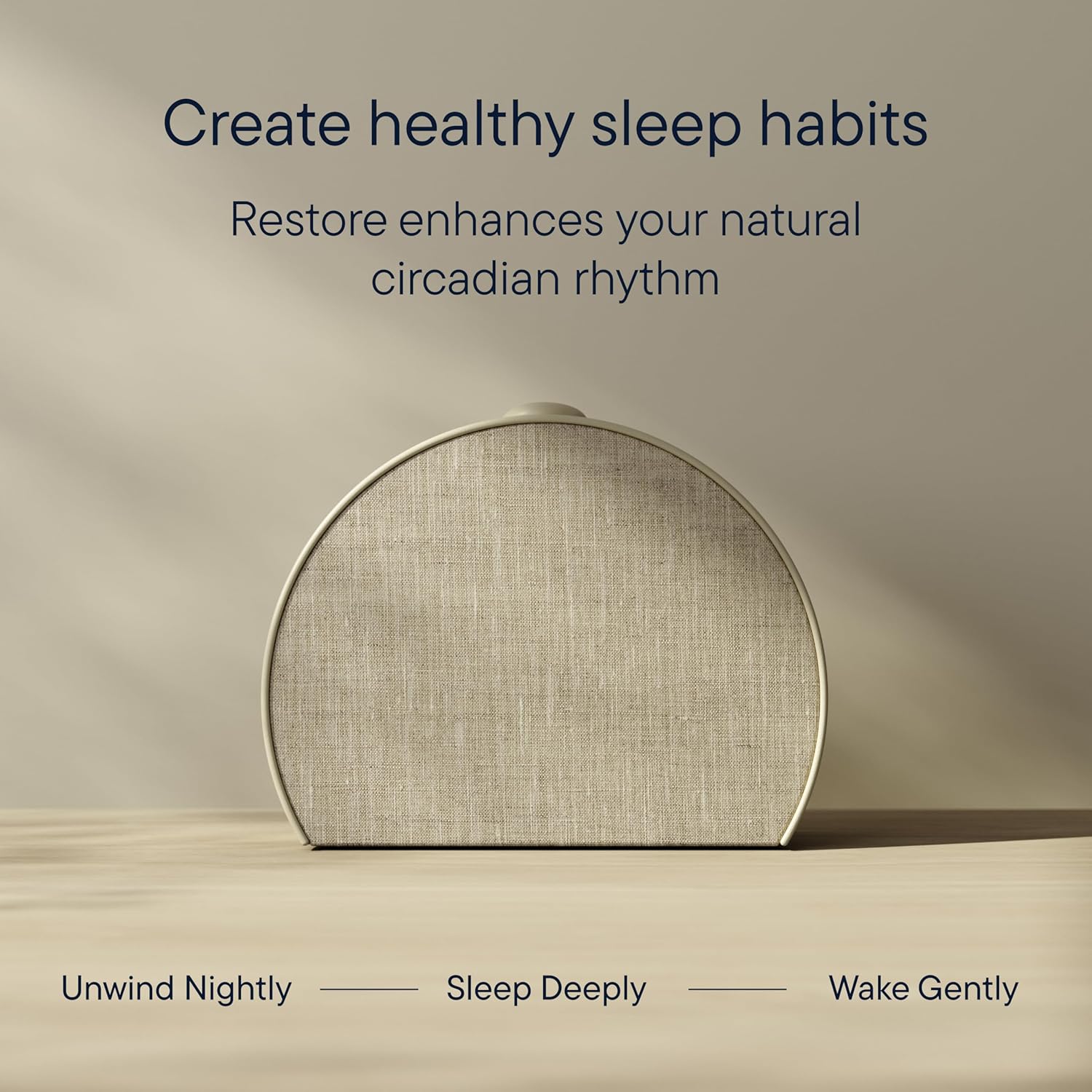
The amber-to-red light progression isn’t aesthetic — it’s circadian science. Warm tones suppress cortisol, letting melatonin build naturally before your alarm window.
The Sunrise Alarm: Gimmick or Genuinely Effective?
The light ramps from deep red to golden-yellow over a 30-minute window before your alarm. Your body’s cortisol response triggers naturally, so by the time the audio alarm activates, you’re already in a lighter sleep stage. No cortisol spike from a jarring buzzer. No morning dread.
One real limitation: it only works well if you sleep in a reliably dark room. If your bedroom gets bright morning sunlight before your alarm, the sunrise simulation loses contrast and effectiveness. Pair it with blackout curtains for full impact.
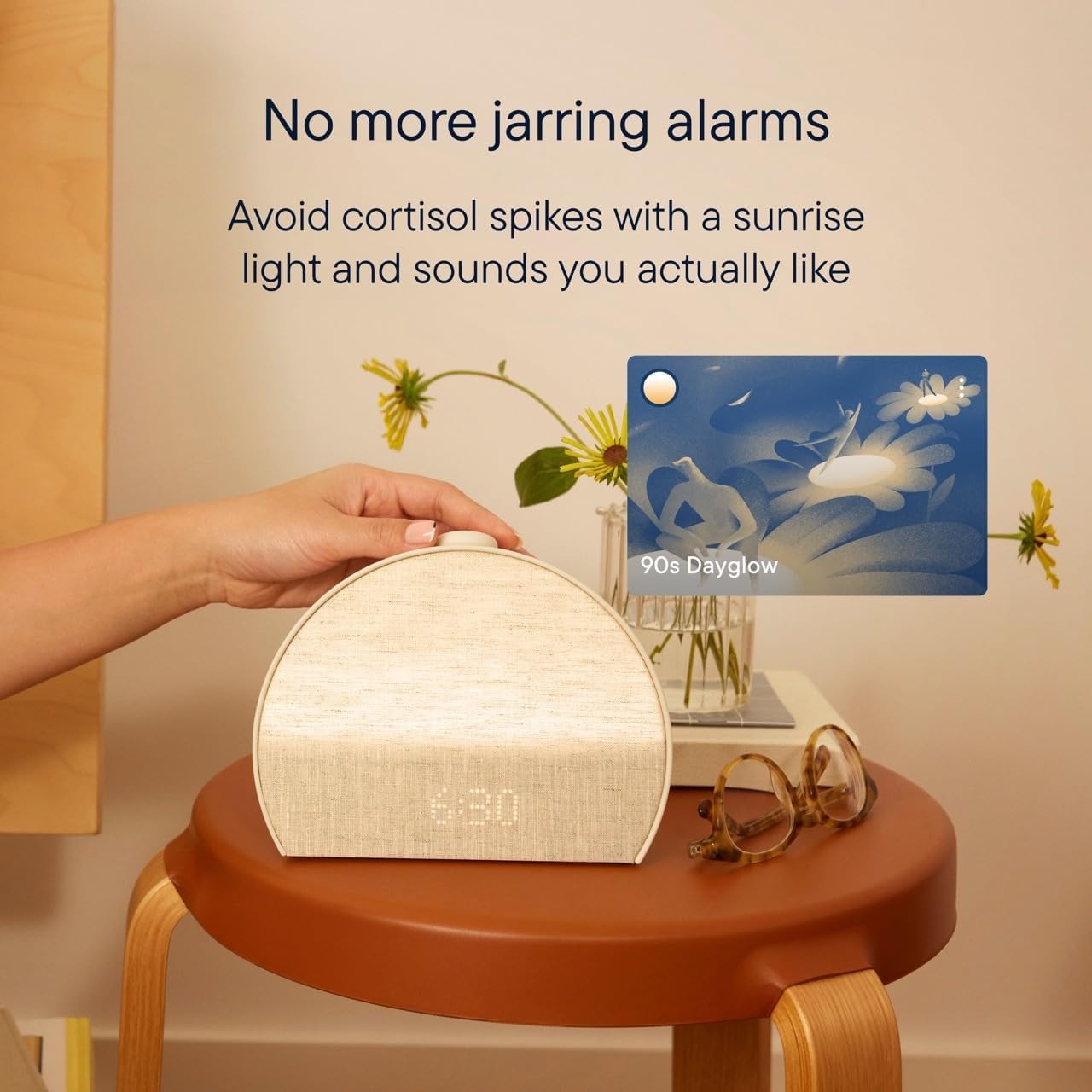
No jarring alarms. Light leads, sound follows — your body is already in a lighter sleep stage before the audio ever activates.
Hatch Restore 3: Pros and Cons After Months of Use
What Works
- White noise quality is best-in-class — genuinely engineered, not looped
- Sunrise alarm noticeably reduces morning grogginess within a week
- One-button bedtime routine activation — no fumbling in the dark
- Dedicated Bedside Light button is surprisingly useful at 3 AM
- App is clean, stable, and rarely needs troubleshooting
- Design blends into a bedroom — doesn’t look like a gadget
- Content library depth with Hatch+ is genuinely impressive (sound baths, audiobooks, podcasts)
What Doesn’t
- Requires active Wi-Fi — no offline mode for stored sounds
- Hatch+ subscription ($49.99/yr) locks most of the best audio content
- No battery backup — power outage means no alarm
- 2.4GHz only Wi-Fi (no 5GHz support) — older routers may struggle
- Clock face, even at minimum brightness, can bother light-sensitive sleepers
Full Specs: Hatch Restore 3 at a Glance
| Spec | Detail |
|---|---|
| Price | $169.99 |
| ASIN | B0DLLSCVZW |
| Dimensions | 7.23″W × 5.69″H × 1.5″D |
| Shape | Semicircular |
| Power | Corded Electric (no battery backup) |
| Connectivity | 2.4GHz Wi-Fi + Bluetooth (setup only) |
| Display | Digital, dimmable to near-off |
| Sleep Sounds | 80+ (science-backed; most require Hatch+) |
| Hatch+ Cost | $4.99/month or $49.99/year (30-day trial included) |
| Smart Home | Not compatible (standalone device) |
| App | iOS + Android (required for setup and customization) |
| Colors Available | New Putty, Cocoa, Greige, Slate |
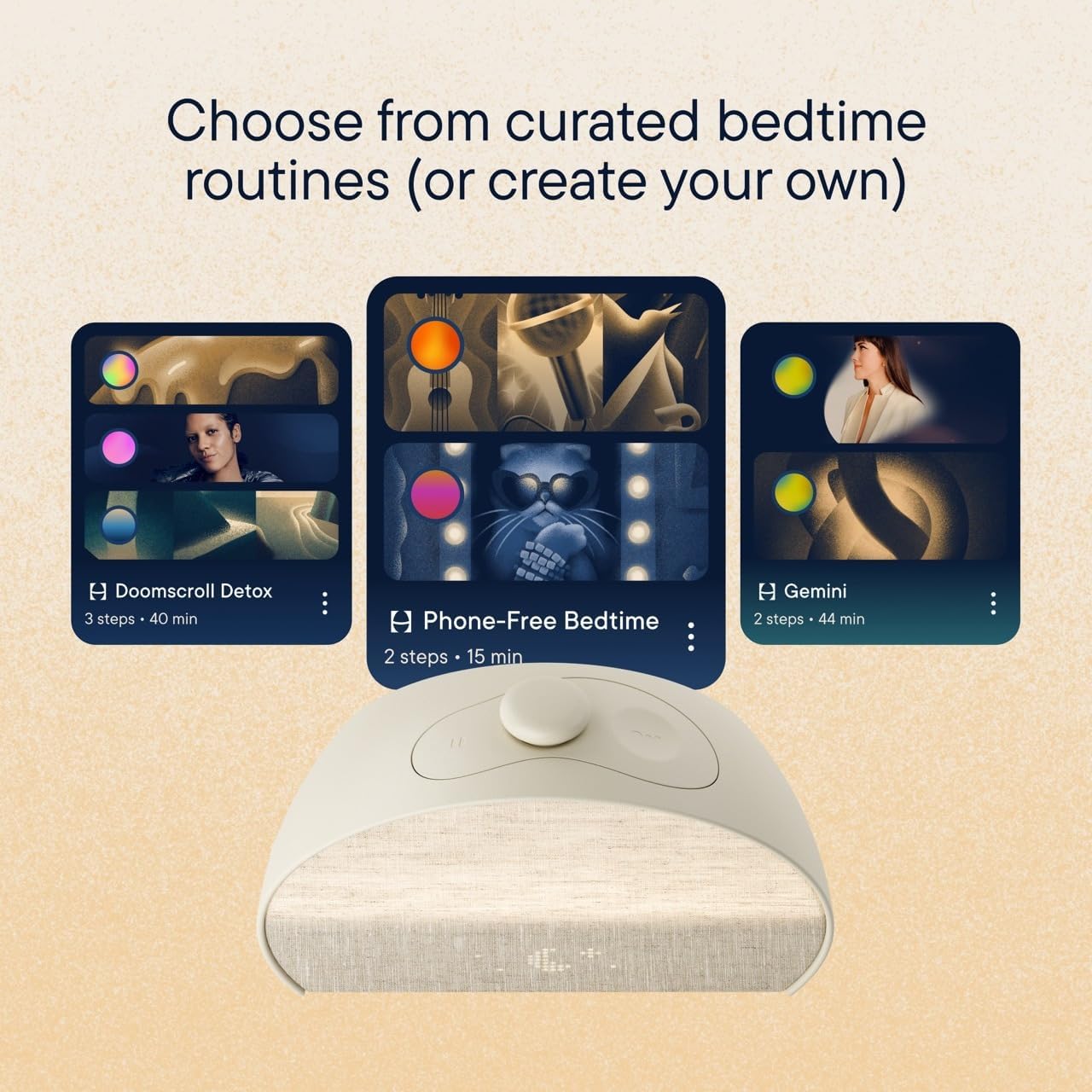
The Hatch Sleep app’s routine builder lets you chain light color, intensity, audio, and timing into a single tap — no fiddling with separate settings at 10 PM.
Hatch Restore 3 vs. Loftie vs. Hatch Restore 2: Which One Wins?
| Feature | Hatch Restore 3 | Loftie Clock 2 | Hatch Restore 2 | Winner |
|---|---|---|---|---|
| Price | $169.99 | $159.00 | $129.99 | Restore 2 |
| Sunrise Alarm Quality | Best-in-class | Good, narrower range | Good, same core | Restore 3 |
| Sleep Sound Library | 80+ (Hatch+) | Limited built-in | 60+ (Hatch+) | Restore 3 |
| Subscription Required | $49.99/yr (optional) | None | $49.99/yr (optional) | Loftie |
| Hardware Design | Semicircular, premium | Rectangular, minimal | Cylindrical, older | Restore 3 |
| Works Without Wi-Fi | No | Partial | No | Loftie |
| Content: Podcasts/Audiobooks | Yes (Hatch+) | No | No | Restore 3 |
| Bedside Light Button | Dedicated button | No | No | Restore 3 |
The verdict: Choose Loftie if the idea of a recurring subscription annoys you. Choose Restore 2 if budget is the primary constraint. Choose Restore 3 if you want the best audio experience and don’t mind paying annually for it.
The Reality of Long-Term Ownership
Maintenance & Wear
The hardware itself is solid — no degradation in speaker quality, no light flickering. The physical button has a satisfying tactile click that hasn’t loosened. The power cable is proprietary, so losing it means a replacement order — keep it safe.
The Wi-Fi dependency is a long-term fragility point. If Hatch’s servers go down (it’s happened before, briefly), the device loses audio streaming. Core alarm and light functions work locally, but your sleep sounds go silent. That’s a real risk worth knowing.
Hidden Costs
The Hatch+ subscription at $49.99/year is the main one. Without it, you’re left with a limited free tier that covers basic sounds — enough, but not why most people buy this device. Treat the $169.99 as a $219.98 first-year cost with the subscription factored in.
Power consumption is negligible — it runs on corded electric and draws very little standby power. Not a concern worth calculating.
The Tinkerer’s Hack: Custom Light Temperature
Inside the Hatch app, under your bedtime routine’s light settings, you can set a “fade-in” for the bedtime light — not just the sunrise alarm. Dial it to a 10-minute fade from amber to deep red as part of your sleep wind-down. This mimics fire/candlelight color temperature progression and triggers melatonin production more aggressively than a static amber setting. It’s not documented prominently, but it’s there.
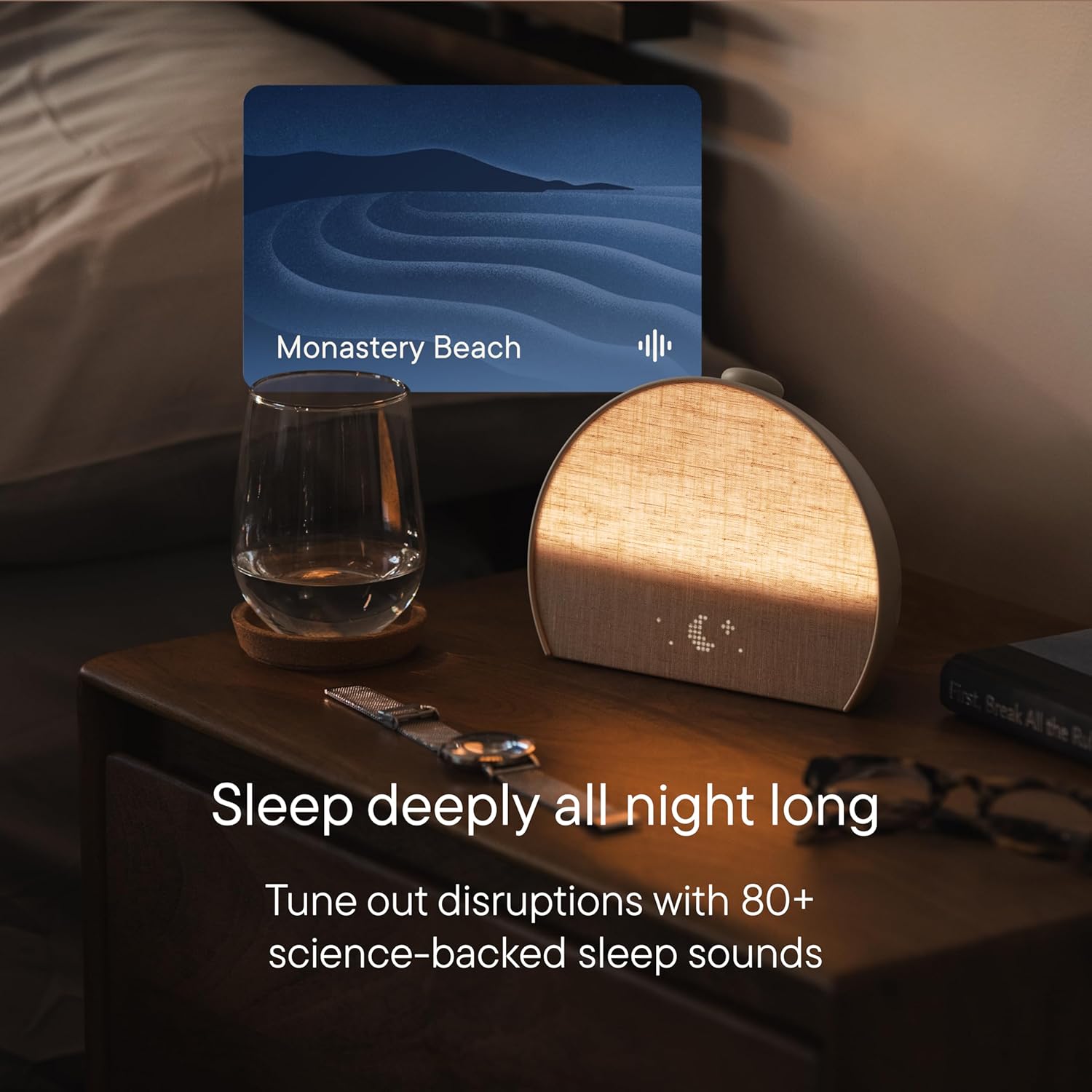
80+ sleep sounds — but the ones that matter most for sleep onset (pink noise, engineered white noise) require the Hatch+ subscription.
How Easy Is the Setup? Honest Walkthrough
One friction point: if you only have 5GHz Wi-Fi, you’ll need to create a separate 2.4GHz network on your router. That’s not difficult on modern routers, but it’s a step most setup guides gloss over. Check your Wi-Fi band before unboxing.
The single-button design on the device itself is intentional minimalism. One button controls routine start, volume adjustment, and snooze. The separate Bedside Light button is a small but genuinely useful addition over the Restore 2 — I use it every night when I need to navigate to the bathroom without full light exposure.
Is the “Screen-Free Bedroom” Promise Real?
After the first week, the Hatch routine becomes a Pavlovian trigger. The amber light comes on, the familiar brown noise starts, and your body understands the signal. That’s when phone usage naturally drops — not because you’re disciplined, but because the bed routine is more compelling.
If you’re a parent managing sleep schedules across multiple household members, the Hatch app supports multiple devices and routines on the same account. The family sleep routine use case is strong — this is the same technology Hatch uses in their baby products, applied to adult sleep architecture.
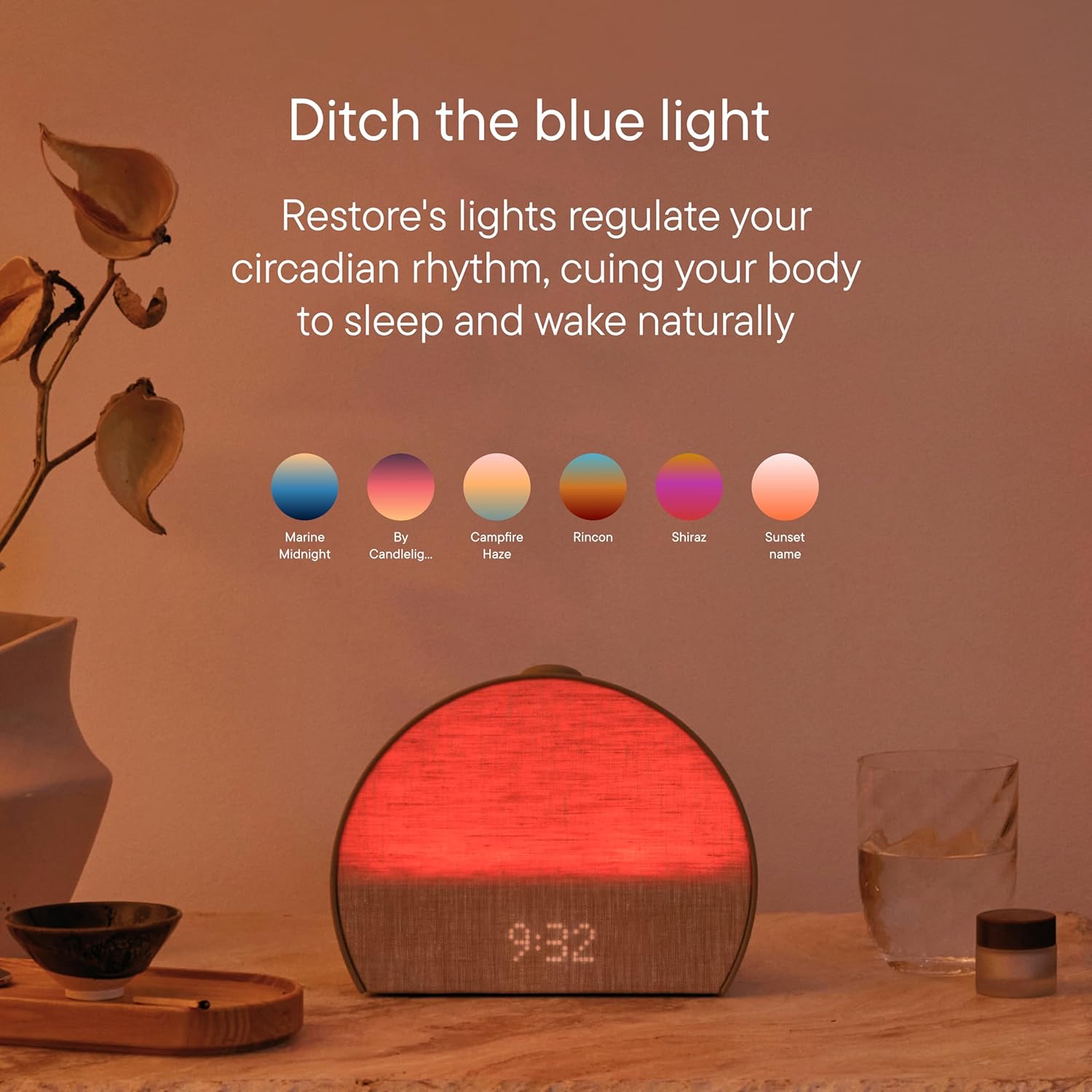
Ditch the blue light. The Restore 3’s warm amber replaces the phone as your last sensory input before sleep — and that switch is where the behavioral change actually starts.
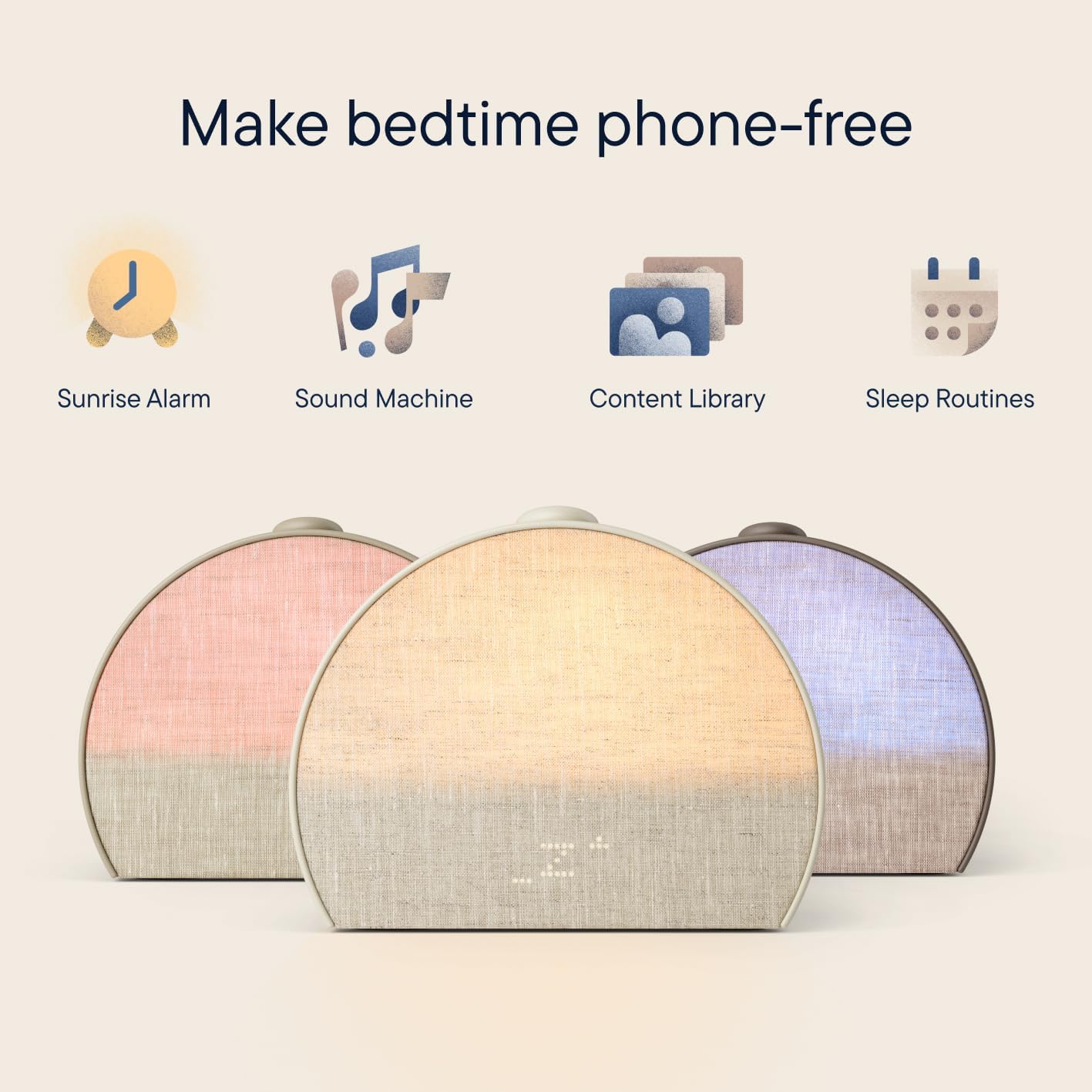
Phone-free bedtime is achievable — but this device makes it easy rather than forcing it. The distinction matters for long-term habit formation.
The Hatch Restore 3 is the most complete sleep device in its price class. The sunrise alarm works, the audio library is genuinely deep, and the hardware design is clean enough to disappear on your nightstand. The mandatory subscription model is a real cost — but at $49.99/year, it’s reasonable for what it unlocks. If you’ve tried cheaper solutions and still struggle with sleep onset or jarring mornings, this device solves both problems better than any alternative at this price point.
View on Amazon — $169.99 →
Frequently Asked Questions
The device includes a 30-day free Hatch+ trial. After that, Hatch+ costs $4.99/month or $49.99/year. Core alarm and light functions work without a subscription, but most of the 80+ sleep sound library requires Hatch+.
The Restore 3 introduces a new semicircular form factor, a dedicated Bedside Light Button, an expanded Hatch+ content library (including sound baths, podcasts, and audiobooks), and improved clock dimming for darker rooms at night.
No. The Restore 3 requires a 2.4GHz Wi-Fi connection for audio streaming and ongoing use. Bluetooth is only used during initial setup. Without Wi-Fi, sleep sounds will not play — though the alarm light function still works locally.
Yes, if sleep quality is a priority. It replaces a white noise machine, a light therapy alarm, and a sleep meditation app in one device. Account for the Hatch+ subscription cost ($49.99/yr) when calculating total first-year spend.
Initial setup requires the Hatch Sleep app (iOS/Android). Once configured, the device runs your saved routines independently. But editing routines, changing content, or accessing new features always requires the app.
Related posts:
 7 Best Air Purifiers for 3D Printing Workspaces in 2025
  Best Eero Mesh WiFi Routers to Boost Your 3D Printing Game
  Amazon Smart Air Quality Monitor for 3D Printers to Breathe Easy
  Top 10 Bluetooth Speakers for 3D Printing Workstations – 2025 Picks
  Buy Amazon Echo Spot 2024: The Ultimate Smart Alarm Clock for Your Nightstand
  10 Best Amazon Kids Devices 2025: Deals from $21.99 + Quiz Guide
  Best Portable Carpet Cleaner of 2025: Why BISSELL Little Green Tops the List
  Cyber Monday Smart Home Deals for 3D Printing
  Cyber Monday Deals for Home Decor Lovers: 10 Must-Have Tech & Creative Finds Under $200
  Lifepro Waver vs MERACH Vibration Plate (2026): Unbiased Head-to-Head Test