
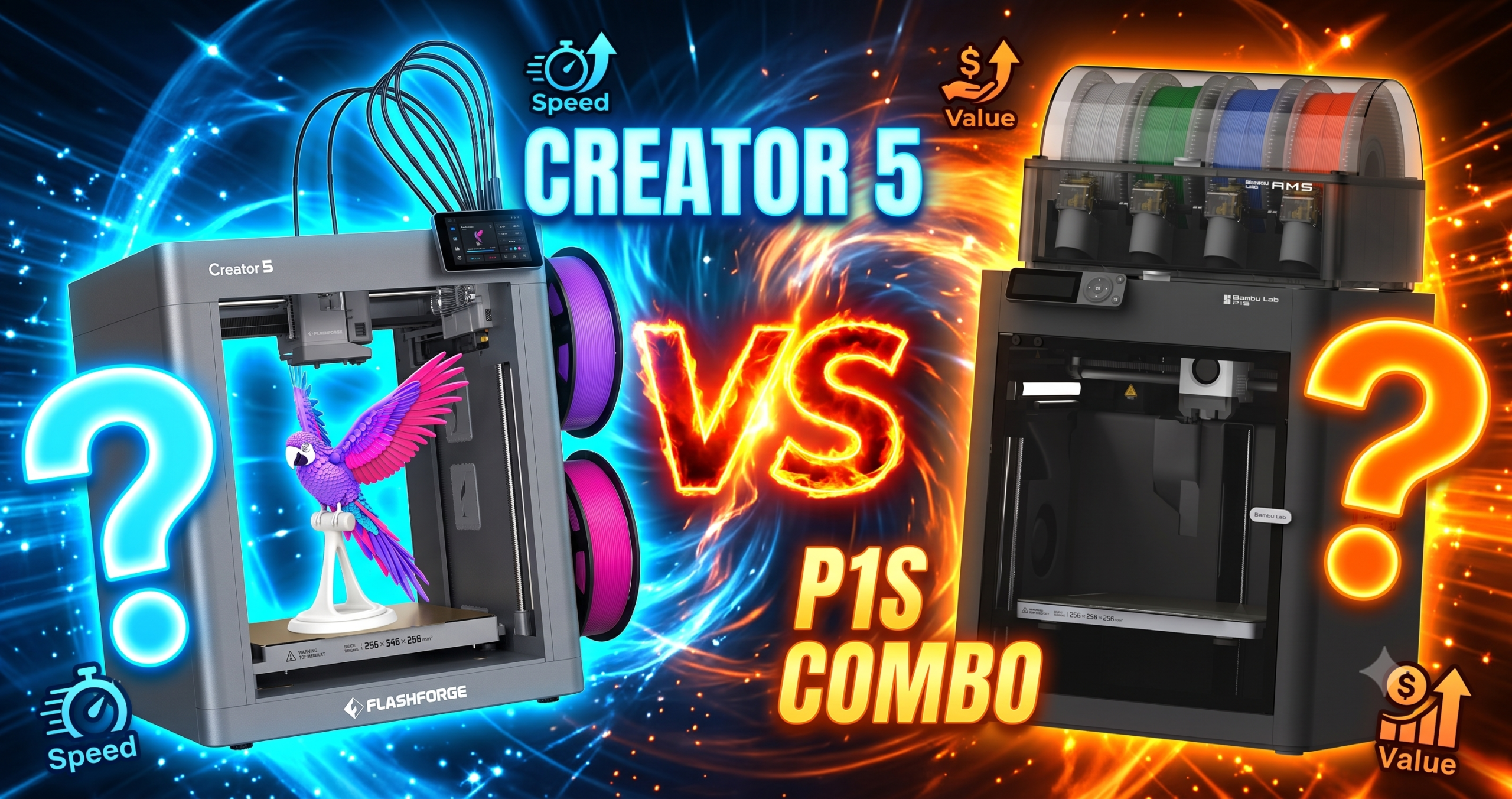
The FLASHFORGE Creator 5 and Bambu Lab P1S Combo solve the same problem — multi-color, multi-material printing — with almost opposite engineering. One gives every color its own nozzle. The other feeds four filaments through a single nozzle and purges between swaps. That difference decides everything from your filament bill to how often you’re troubleshooting instead of printing.
The Bottom Line: Buy the Bambu Lab P1S Combo if you want a proven, well-supported machine today. Buy the Creator 5 only if near-zero purge waste matters more to you than buying from a brand with an established parts pipeline.
The Killer Feature: Creator 5’s four independent toolheads cut filament waste dramatically compared to single-nozzle AMS-style systems, since colors never have to purge through one shared nozzle.
2026 Value Score: P1S Combo: 8.6/10 | Creator 5: 7.4/10
✓ Prime eligible · 30-day returns · Free shipping
Is the Bambu Lab P1S Combo Still the Safer Buy in 2026?
Yes. The P1S Combo remains the safer buy for most people in 2026 — it’s the #1 best seller in its category, has nearly 600 verified ratings averaging 4.4 stars, and Bambu’s parts and support network is mature. It’s also $150 cheaper than the Creator 5.
Bambu launched the P1S in mid-2024, so by 2026 it’s a known quantity. Reviewers consistently point to the CoreXY motion system and enclosed chamber as reasons print quality stays flawless run after run, and the AMS unit lets you queue up four spools for multi-color and multi-material jobs without babysitting the printer.
The recurring complaint isn’t the hardware — it’s the software. Multiple owners describe the onboarding process (binding the printer over WiFi and Bluetooth, pairing Bambu Studio) as confusing and slower than it should be, and the built-in screen looks dated next to the rest of the machine. Budget an evening for first setup, not fifteen minutes.
Is the FLASHFORGE Creator 5 Worth $699?
It’s worth it only if you print multi-color or multi-material objects often enough that filament waste and swap time actually matter to your budget and workflow. As a brand-new 2026 release, it also carries early-adopter risk that the P1S Combo no longer has.
The core pitch is real: four independent toolheads mean the printer never has to purge one nozzle clean between colors, which owners report as a dramatic drop in wasted filament compared to single-nozzle AMS-style machines, plus tool changes that complete in about seven seconds instead of the slower purge-and-flush cycle those systems require. One owner also noted print times roughly halved next to their AMS-equipped machine on the same multi-color file, since there’s no purge tower eating into the schedule.
The catch is reliability and support maturity. The Creator 5 only became available in late June 2026, and as of late July one long-time FlashForge owner couldn’t find replacement nozzles or spare parts anywhere yet — a real problem if a toolhead fails and you’re not covered by warranty replacement. That same reviewer also described a toolhead breaking mid-print on a related FlashForge model within its first week, and warranty support as slow to respond.
✓ Prime eligible · 30-day returns · Free shipping
FLASHFORGE Creator 5 vs Bambu Lab P1S Combo: Key Differences
The biggest differences are the color-swapping architecture (four toolheads vs. one nozzle plus AMS), filament waste, price, and how established each brand’s support pipeline is. Here’s the full breakdown.
| Feature | FLASHFORGE Creator 5 | Bambu Lab P1S Combo | Winner | Why It Won |
|---|---|---|---|---|
| Price | $699.00 | $549.00 | P1S Combo | $150 cheaper for a mature, well-reviewed machine |
| Color-swap architecture | 4 independent toolheads | Single nozzle + AMS filament swap | Creator 5 | No shared-nozzle purge between colors means far less waste |
| Tool/color change speed | ~7 seconds with background preheat | Slower — full purge/flush per swap | Creator 5 | Preheated toolheads skip the flush cycle entirely |
| Max speed | Up to 600mm/s (CoreXY) | Up to 500mm/s, 20,000mm/s² accel | Creator 5 | Higher rated top speed on paper |
| Customer rating (Amazon) | 4.1/5 (33 ratings) | 4.4/5 (598 ratings) | P1S Combo | Far larger, more established review base |
| Parts & support maturity | Brand new — no spare parts listed yet as of late July 2026 | Established since 2024, wide accessory ecosystem | P1S Combo | You can actually get replacement parts if something breaks |
| Materials supported | PLA, PETG, TPU, PETG-CF, dedicated support material | PLA, PETG, TPU, PVA, PET-ABS, ASA; PA/PC capable | P1S Combo | Broader material list, including engineering filaments |
| Enclosure | Not specified as fully enclosed | Fully enclosed chamber | P1S Combo | Enclosure matters for warping ABS/ASA and ambient dust |
The Reality of Long-Term Ownership
Long-term, the P1S Combo’s costs are predictable — filament and the occasional nozzle — while the Creator 5’s true cost of ownership is still unknown because it hasn’t been in the field long enough to know what breaks first.
Maintenance & Wear
On the P1S Combo, expect standard CoreXY upkeep: periodic nozzle swaps, belt tensioning, and AMS spool-path cleaning if you run a lot of colors. Nothing unusual for the category. The Creator 5 introduces four toolheads instead of one, which is four times the moving parts that can eventually wear — and one owner’s related FlashForge model already broke down mid-print inside the first week, which is the kind of data point worth weighing heavily on a new architecture.
Hidden Costs
Both machines will cost you a build plate, spare nozzles, and a stock of budget filament beyond the sticker price. For the Creator 5 specifically, factor in the real risk that a broken toolhead currently means waiting on FlashForge directly rather than picking up a part locally, since no accessories or spares were available as of late July 2026.
30.8 lbs, 16″D x 14″W x 18″H
47.5 lbs, 18.72″D x 23.01″W x 18.72″H
Pros and Cons
Bambu Lab P1S Combo — Pros
- Best-selling, heavily reviewed 3D printer on Amazon
- Fully enclosed chamber for warp-prone materials
- Broadest supported material list of the two
- Mature accessory and parts ecosystem
Bambu Lab P1S Combo — Cons
- Confusing WiFi/Bluetooth binding process on first setup
- Built-in screen feels dated next to the hardware
- Single-nozzle AMS swapping still purges filament between colors
FLASHFORGE Creator 5 — Pros
- Four independent toolheads cut multi-color filament waste sharply
- ~7-second tool changes via background preheating
- Dedicated support-material toolhead for clean removal
- Automatic calibration on a rigid CoreXY frame
FLASHFORGE Creator 5 — Cons
- No replacement parts or accessories available yet (as of late July 2026)
- Small review base (33 ratings) compared to the P1S Combo
- One reviewer reported a related FlashForge toolhead failing within a week
- $150 more expensive than the P1S Combo
Recommended Accessories for Either Printer
Whichever machine you pick, most buyers immediately add a build plate upgrade, a reliable PLA spool, and a purpose-made 3D-printing glue for supports and bed adhesion.
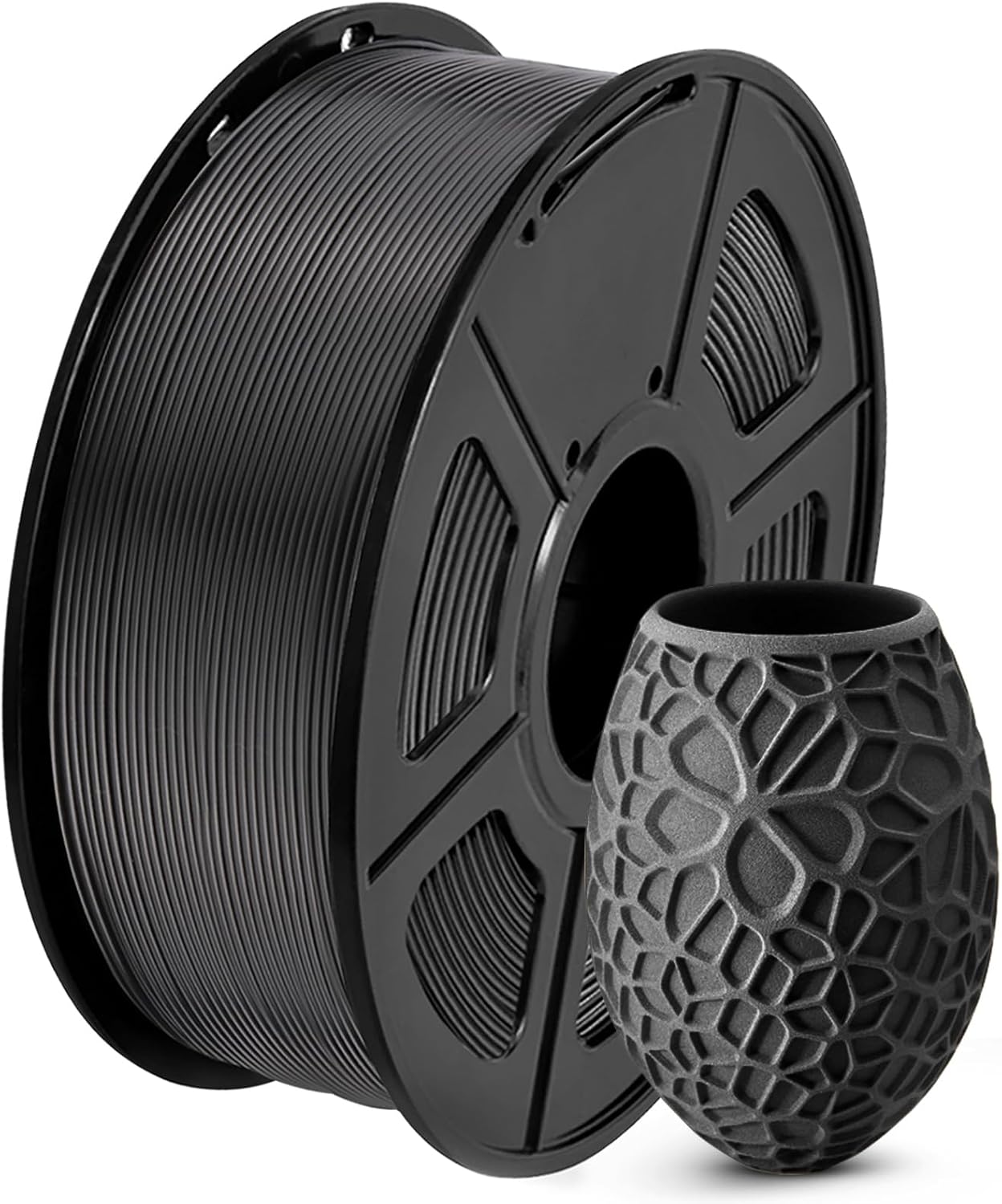
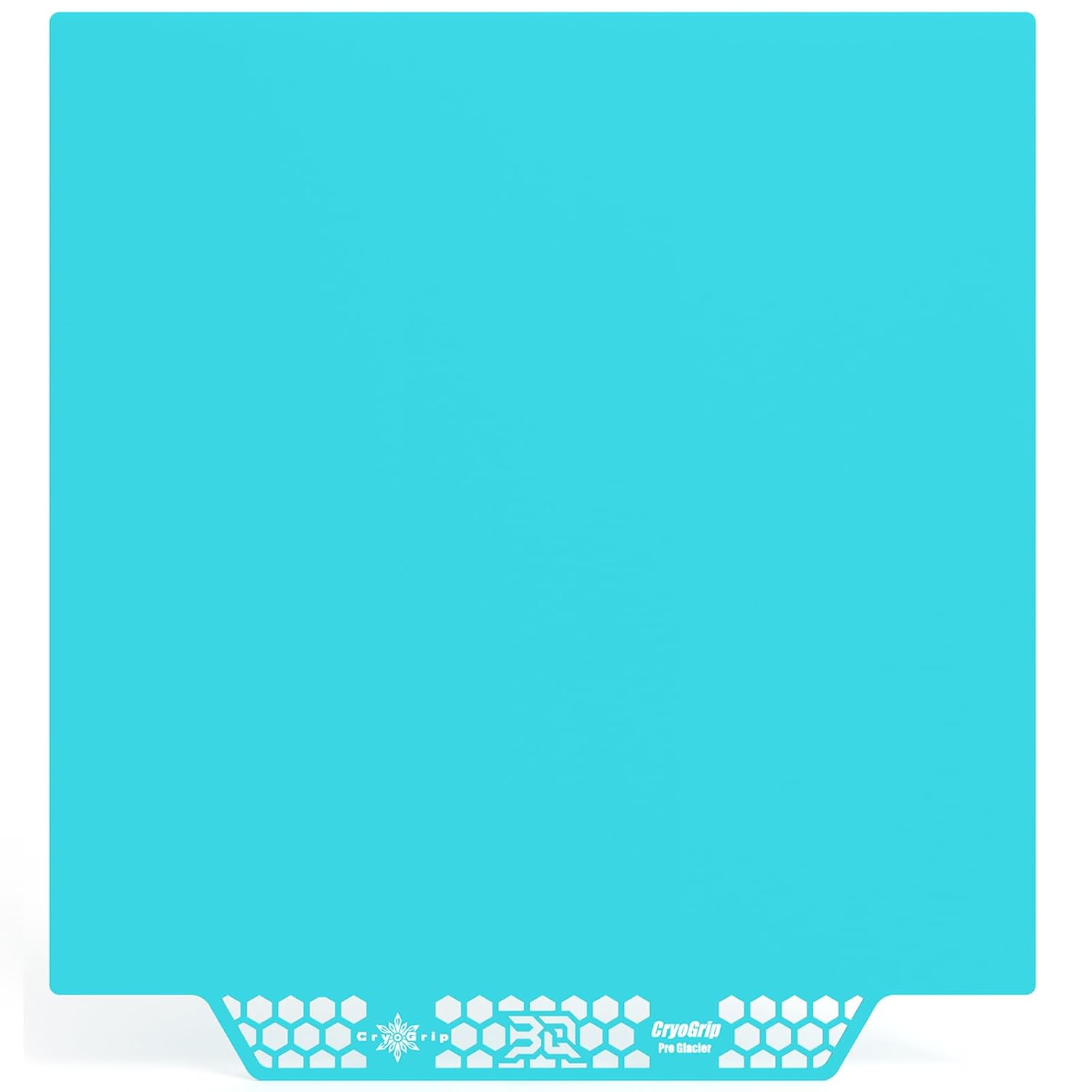
BIQU CryoGrip Pro Build Plate — $25.99
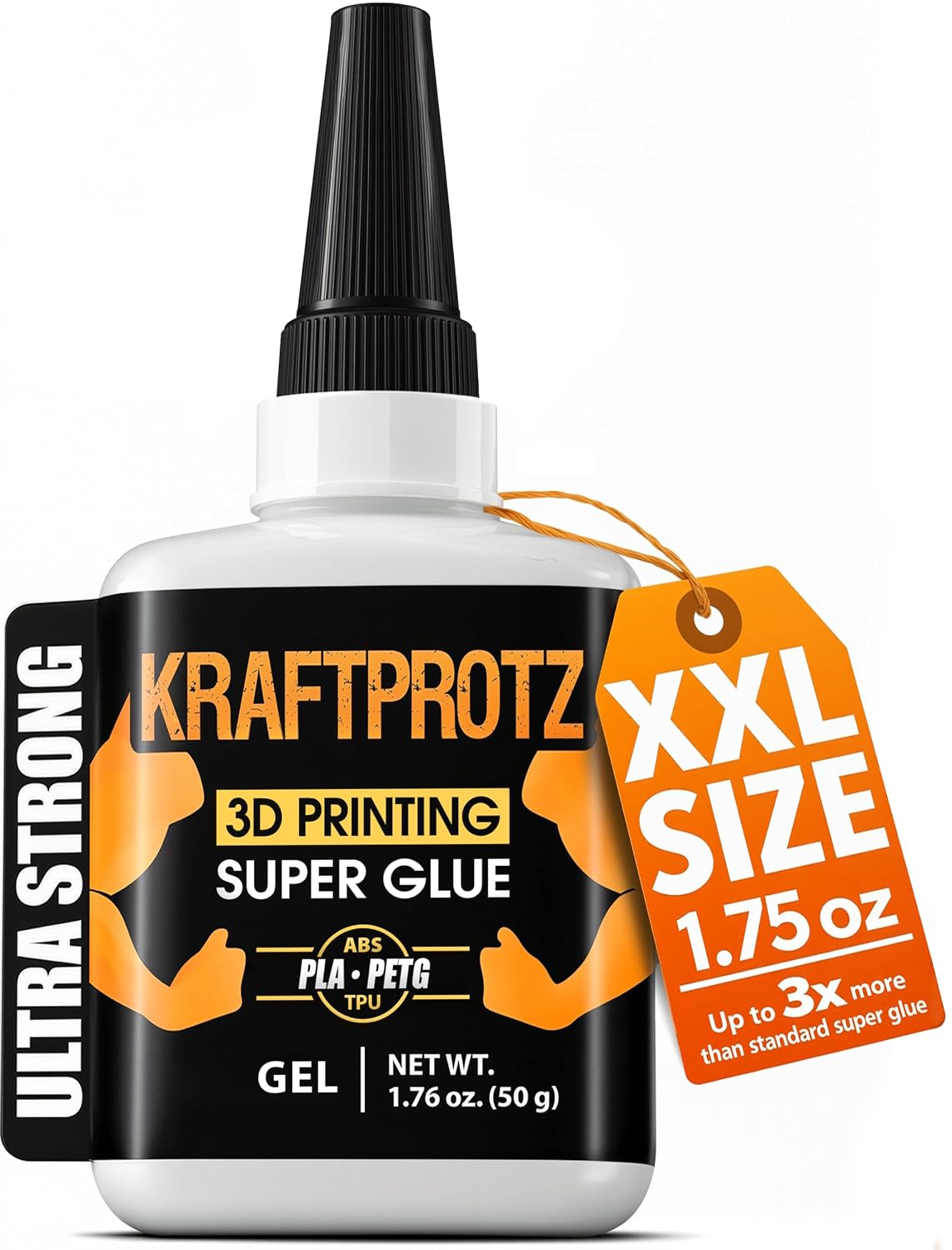
ANYCUBIC PLA 10-Color Bundle (10KG) — $116.99
Frequently Asked Questions
Can I even buy replacement parts for the FLASHFORGE Creator 5 right now?
As of late July 2026, one verified owner reported no accessories or replacement nozzles were available yet for the Creator 5. That’s typical for a printer released in late June 2026, but it means early buyers should have a backup plan if a toolhead needs replacing.
Do I need to buy the AMS separately for the Bambu Lab P1S Combo?
No — the “Combo” listing includes the AMS unit needed for multi-color and multi-material printing, so it works out of the box for up to four filaments.
Which printer wastes less filament on multi-color prints?
The Creator 5. Its four independent toolheads avoid the single-nozzle purge that AMS-style systems like the P1S Combo require between color changes, which owners report as a major reduction in wasted filament.
Is the Creator 5 actually faster in practice, not just on paper?
One owner comparing it directly to an AMS-equipped machine reported roughly half the print time and half the filament use on the same multi-color file, mainly because there’s no purge tower slowing the job down. Your results will vary by model complexity.
Is the Bambu Lab P1S Combo good for a first-time 3D printer buyer?
Yes — several reviewers specifically recommend it as a beginner machine, citing reliable auto bed leveling and consistent print quality, though you should budget extra time for the initial WiFi/Bluetooth setup.
Which printer has the better warranty and support experience?
Buyer reports favor Bambu here. One reviewer with multiple FlashForge printers described support as slow and difficult to get a refund through, while Bambu’s ecosystem is more established after two-plus years on the market.
Related posts:
 Best 3D Printer Black Friday Deals 2026: What’s Actually Worth Buying (Based on Real Amazon Sales Data)
  Best 3D Printer 2026: 14 Models Compared
  Snapmaker U1 vs Creality K2 Pro Combo: Real 2026 Test
  Best Multicolor 3D Printers of 2025 for Etsy Sellers Boosting Sales
  What is the Best Multi-Material 3D Printer?
  Black Friday 3D Printer Deals 2026: 18 Printers Sorted by Price
  Live Black Friday 3D Printer Offers 2025 – Updated Hourly – Save Up to $400!
  Best Cyber Monday 3D Printer Deals 2025: Save Up to 45% on Bambu Lab, Creality & ANYCUBIC (Live Deals)
  Why 87% of Small Businesses Waste Money on Wrong 3D Printers (2025 Buying Guide)
  Is Bambu Lab A1 Plug and Play? Setup Time & First Print Results (Reddit Data)
  Anycubic Kobra X vs ELEGOO Centauri Carbon Review: Best 3D Printer Under $400 in 2026?
  Snapmaker U1 Review 2026: Is the 4-Toolhead Printer Worth $899?
1 thought on “FLASHFORGE Creator 5 vs Bambu Lab P1S Combo: Which Multi-Color Printer Is Actually Worth It?”