
Updated September 2026 · 12 min read · As an Amazon Associate we earn from qualifying purchases.
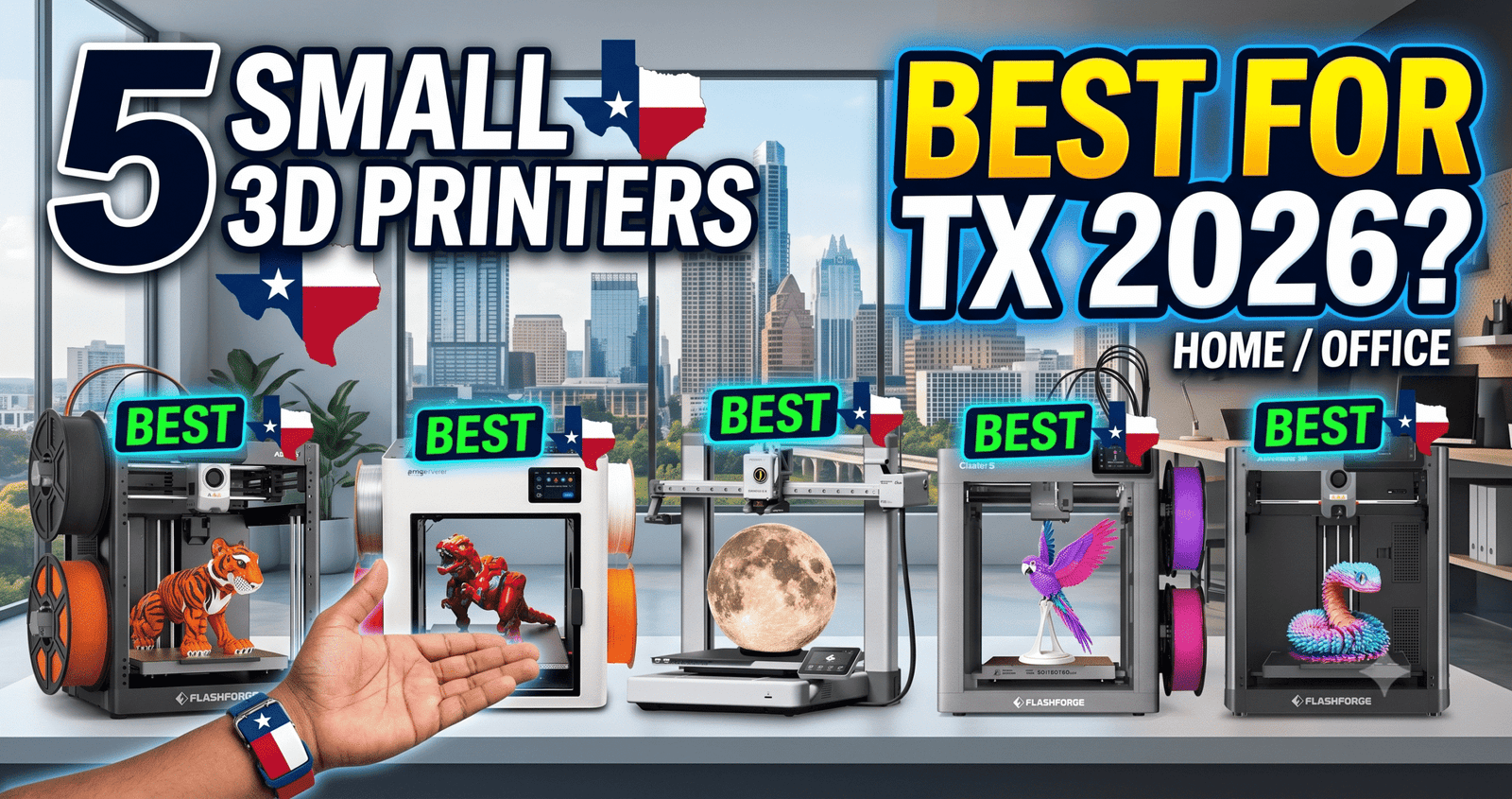
These five machines fit on a desk, don’t need a garage-sized enclosure, and are the ones we get asked about most from first-time buyers.
Skip the spec-sheet rabbit hole. We compared five small 3D printers that consistently show up in beginner shopping carts right now, from a $249 single-color starter to an $849 four-toolhead workhorse.
The short version: most beginners don’t need the most expensive machine on this list, and the cheapest one isn’t automatically the safest bet either. Here’s what actually matters once the box is open.
The Bottom Line: Buy the Bambu Lab A1 Combo if you want the smoothest first-week experience; buy the FLASHFORGE Adventurer 5M if $249 is your hard ceiling.
The Killer Feature: The Bambu Lab A1 Combo pairs full auto-calibration with a phone-first workflow, so a first print can happen within an hour of opening the box.
The 2026 Value Score: 8.6/10 (our rating, based on price-to-capability against the rest of this list)
✓ Prime eligible · 30-day returns · Free shipping
Is the Bambu Lab A1 Combo Worth It for Beginners?
Yes — the A1 Combo is the easiest machine on this list to get printing color models within the first day, because auto bed-leveling and Z-offset calibration remove the two steps that trip up most first-time owners.
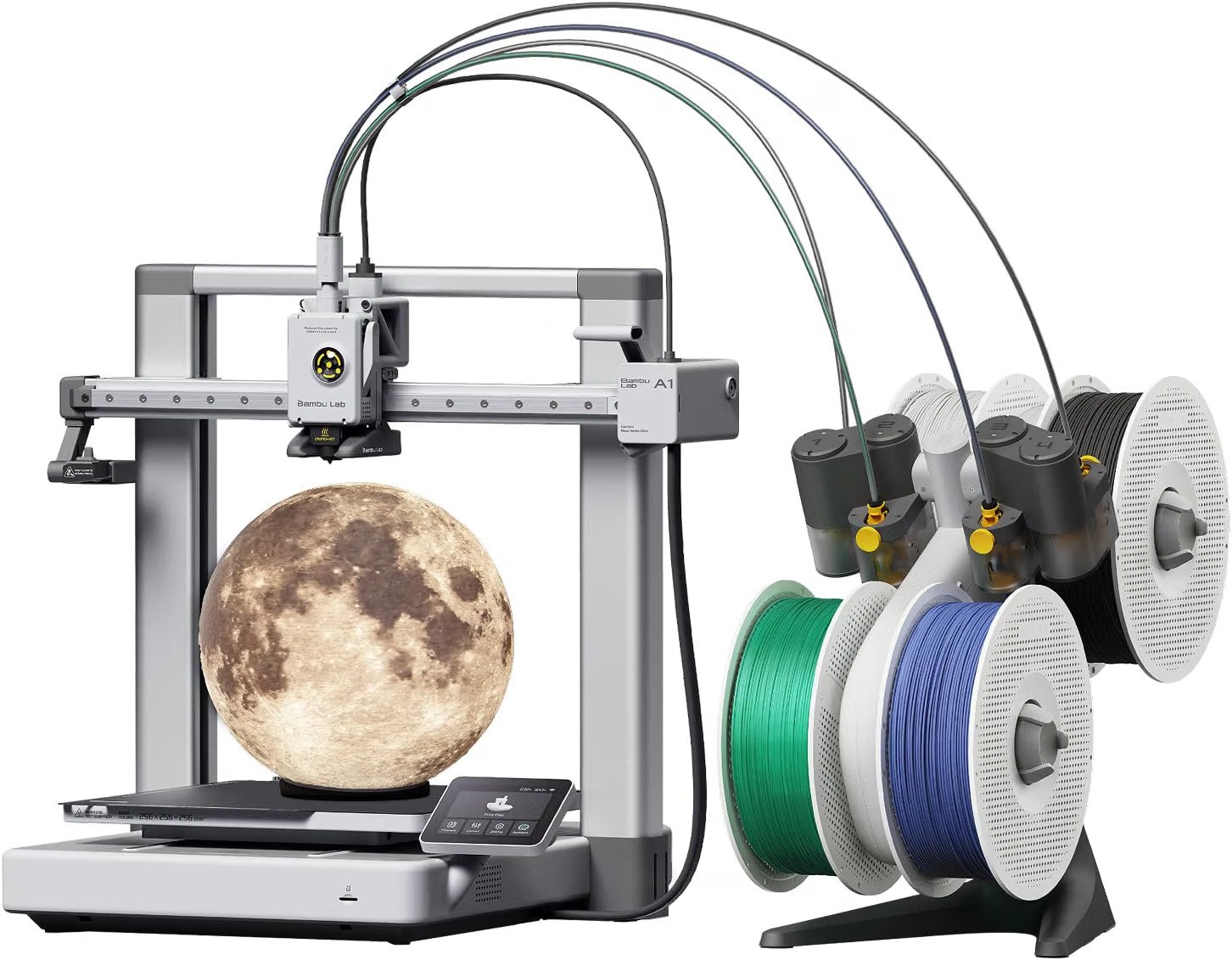
The bundled AMS lite is what separates this from a basic single-color printer: it feeds up to four spools automatically, so color swaps happen mid-print instead of requiring a manual filament change. One owner who upgraded from a resin printer described the whole setup, from unboxing to first print, taking under an hour, with the printer’s app handling monitoring and alerts the rest of the way.
Watch out for: the box ships with only a few short filament sample strands. Budget for at least two or three full spools before it arrives, or the printer will sit idle on day one.
- Full auto-calibration, no manual bed leveling
- Phone app control plus onboard camera and timelapse
- AMS lite enables real 4-color prints
- Barely any starter filament included
- Setup instructions cover assembly, not daily operation
- Noticeable fan noise if kept on a desk you sit near
✓ Prime eligible · 30-day returns · Free shipping
Is the FLASHFORGE AD5X Good for Multi-Color Printing on a Budget?
The AD5X is the cheapest four-color printer on this list at $349, using a single nozzle with an automatic filament-change system instead of Bambu’s AMS-style swapping unit.
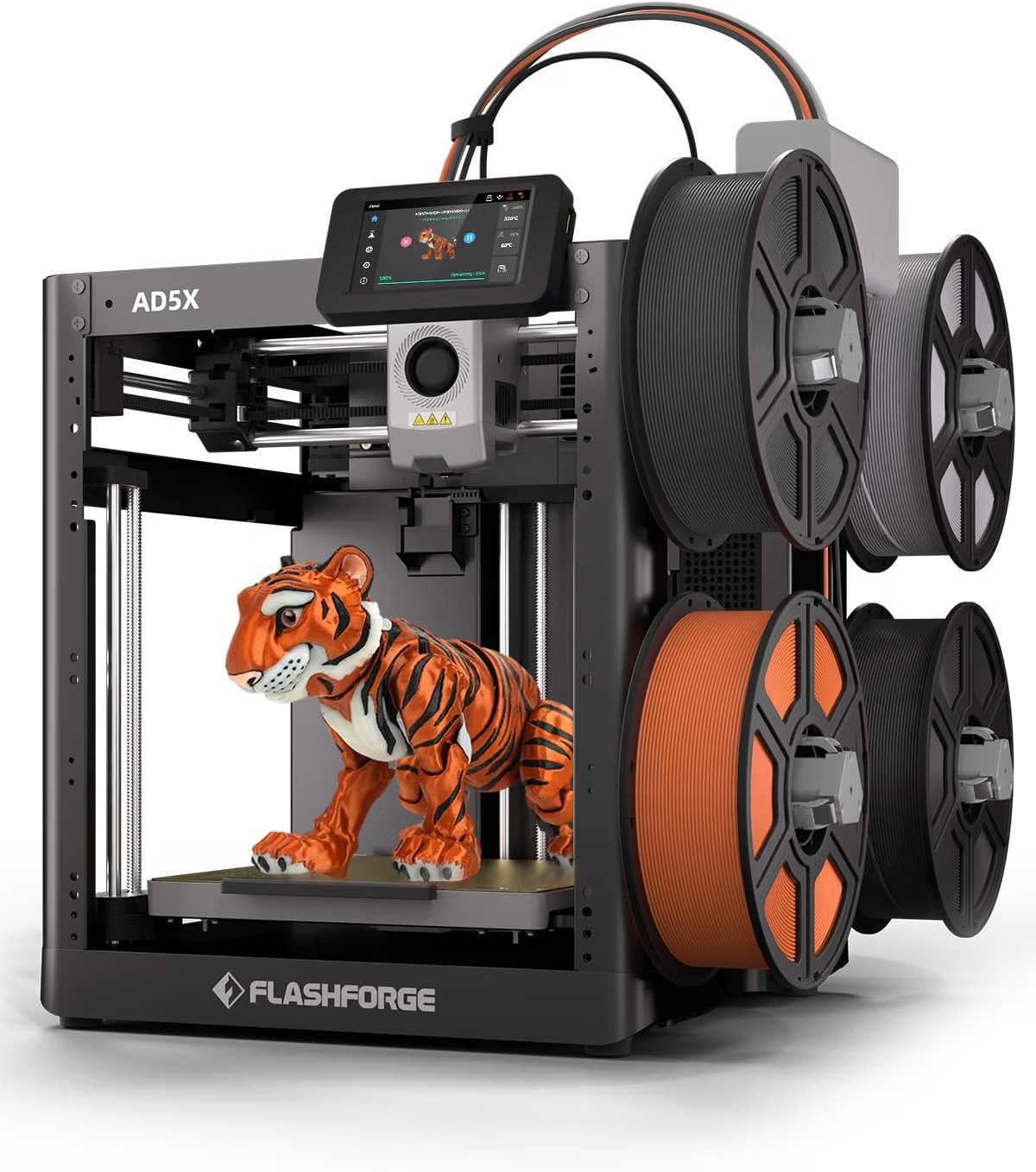
Its CoreXY frame and 600mm/s top speed make it noticeably faster at single-color jobs than most printers in this price range, and the touchscreen-based auto leveling removes a common beginner failure point. One long-term owner logged roughly 3,000 hours of printing on the machine before writing a follow-up review, replacing a hotend along the way after a bad filament batch, and rated FLASHFORGE’s support highly for parts replacement after a bed-plate incident.
Watch out for: that same owner reported a leveling-related collision between the nozzle and bed that damaged both components after roughly 300 hours — a reminder to double-check bed clearance before starting large prints, especially early on.
✓ Prime eligible · 30-day returns · Free shipping
Is the FLASHFORGE Creator 5 Pro Overkill for a Beginner?
For most first-time buyers, yes — at $848.99 the Creator 5 Pro is priced and built for small-batch production, not a first printer, with four independent toolheads instead of a single swapping nozzle.
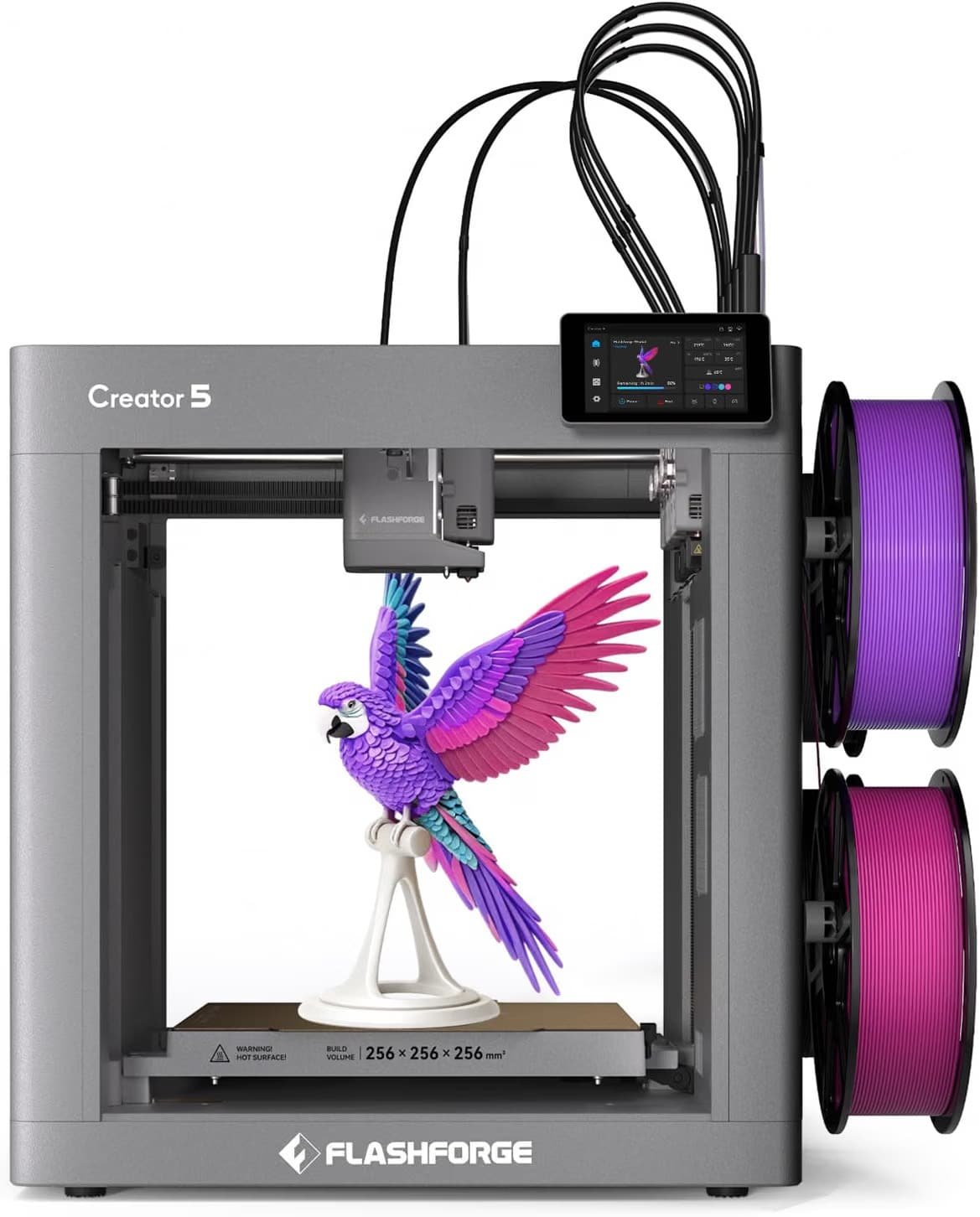
What justifies the price for the right buyer is the 7-second tool swap and heated chamber up to 65°C, which lets it print engineering filaments like ABS and PA without the warping issues that ruin those prints on open-frame machines. One buyer who had two units fail out of the box before a third worked correctly still chose to order two more after it ran clean for several days, citing fast color changes and quiet operation once it was calibrated.
Watch out for: the same reviewer noted the printer needs a firmware update and a second calibration pass before it settles in, and it vibrates enough during printing that it needs a solid, dedicated surface rather than a wobbly desk.
✓ Prime eligible · 30-day returns · Free shipping
Is the FLASHFORGE Adventurer 5M Enough Printer for $249?
For a single-color beginner machine, yes — the Adventurer 5M brings CoreXY speed and auto bed-leveling down to the lowest price point on this list, at $249 after its current 17% discount.
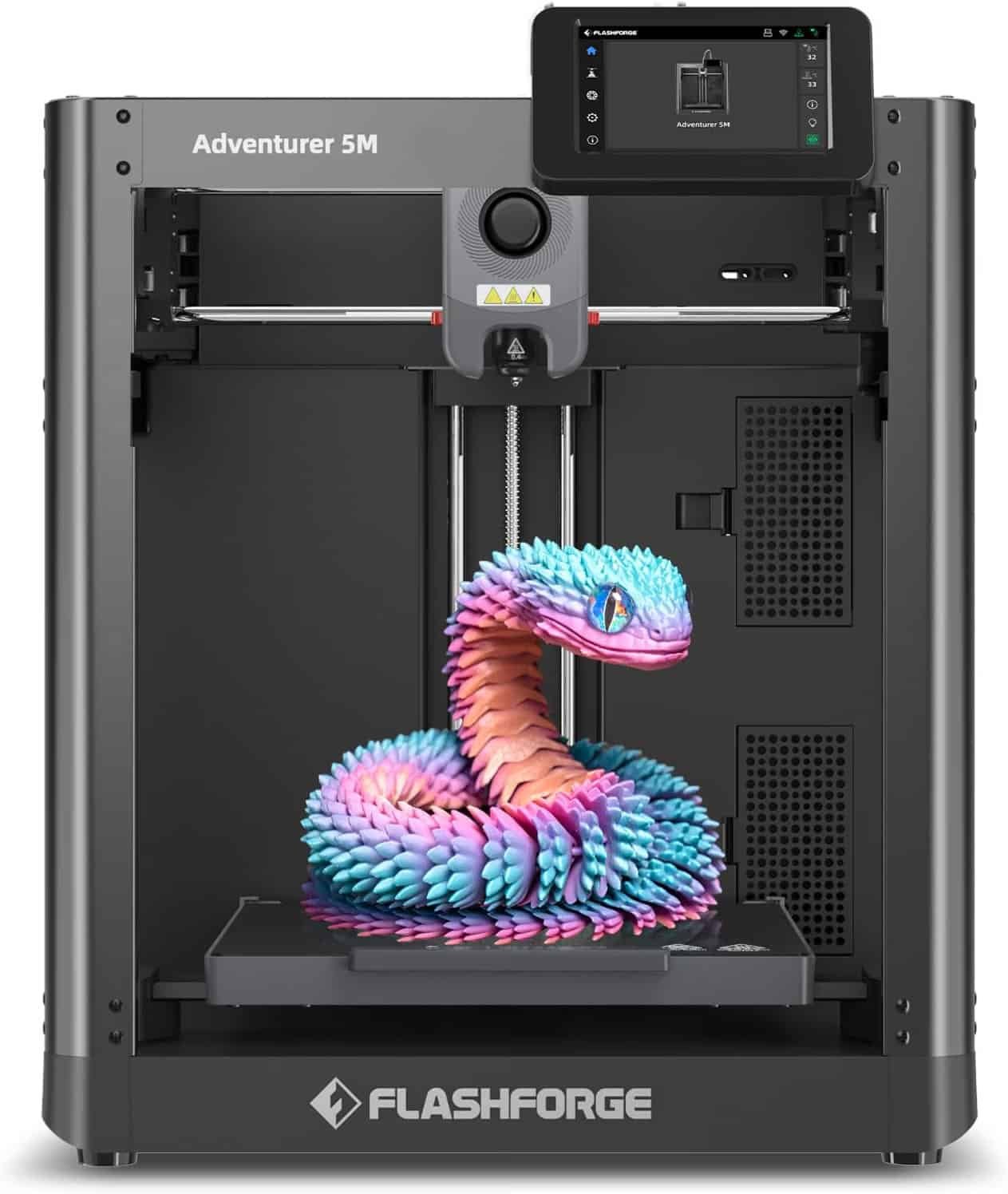
It’s the entry point in FLASHFORGE’s lineup: no multi-color system, a smaller material list, and a build volume that keeps it to smaller models, but it still delivers auto-leveling and fast warm-up that used to be reserved for pricier machines a few years ago. One owner who returned to the hobby after years away compared it favorably to a $1,000 printer they’d previously owned, noting that most of their print failures traced back to bed prep or slicer settings rather than the machine itself.
Watch out for: the companion mobile app is widely reported as unreliable — plan to print from a USB drive or a direct network connection instead of depending on remote app monitoring.
↗ Check FLASHFORGE Adventurer 5M — $249.00 on Amazon✓ Prime eligible · 30-day returns · Free shipping
Is the Snapmaker U1 Better Than Bambu for Multi-Color Printing?
For dedicated multi-color work, the Snapmaker U1’s four-toolhead system changes materials in about 5 seconds with far less wasted filament than AMS-style setups, at the cost of a $849 price tag and a heavier, bulkier frame.
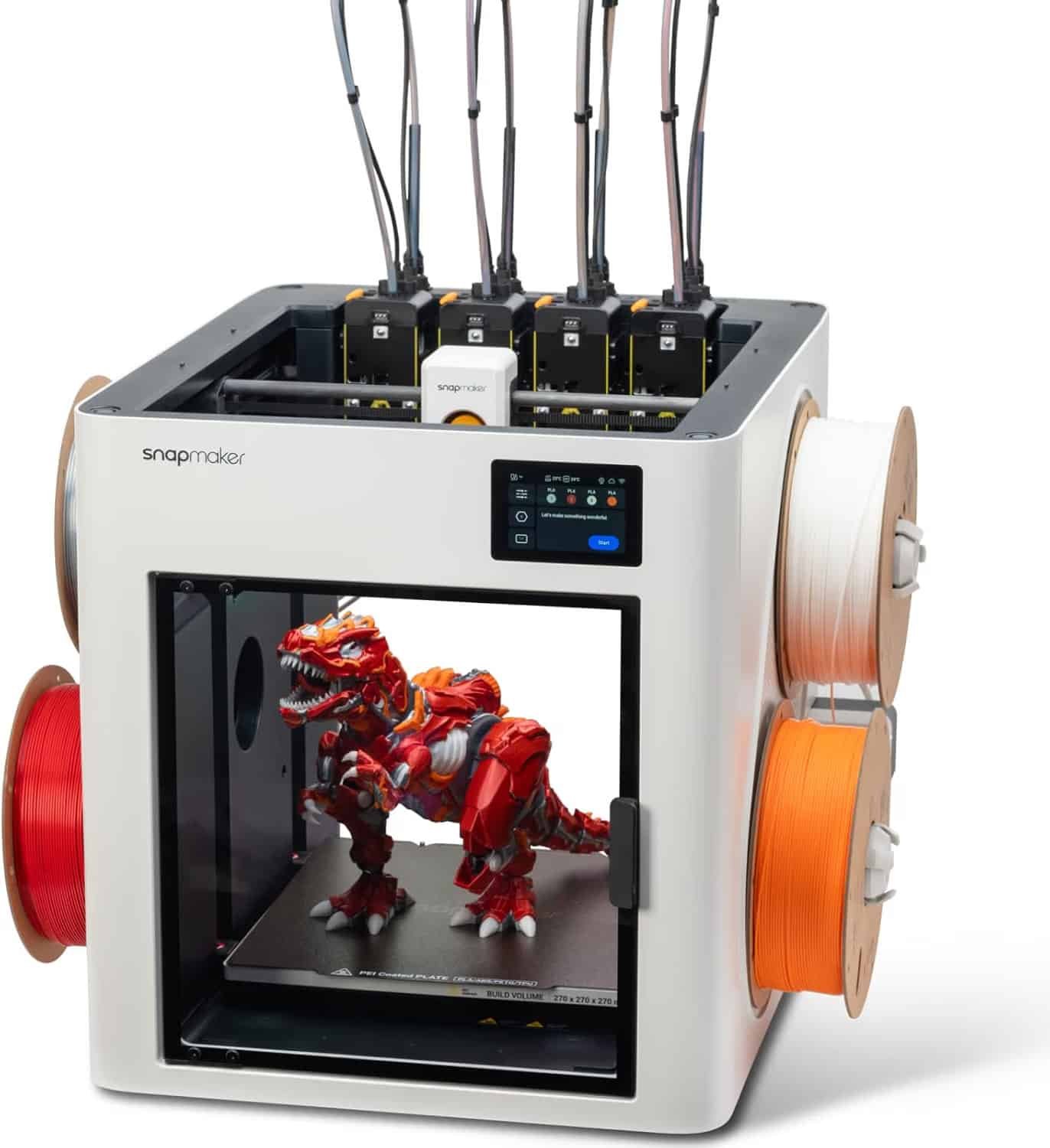
Because each toolhead stays preheated and preloaded, the U1 skips the purge waste that filament-swapping systems generate every color change, which matters if you’re printing multi-color models often rather than occasionally. One reviewer switching from a Creality machine called the setup process straightforward despite the unit’s weight, and specifically preferred using it in LAN mode over the cloud app for reliability and privacy.
Watch out for: setup can take close to an hour due to the printer’s weight and the amount of shipping tape and protective packaging to remove — budget more time than a quick unboxing video suggests.
✓ Prime eligible · 30-day returns · Free shipping
Which of These 3D Printers Should You Actually Buy?
The right pick depends mostly on budget and whether you care about multi-color printing, so the table below lines up the specs that actually change the buying decision.
| Printer | Price | Multi-Color | Top Speed | Best For | Our Score |
|---|---|---|---|---|---|
| Bambu Lab A1 Combo | $419.00 | Yes (AMS lite, 4 colors) | 10,000 mm/s² accel. | Easiest overall first printer | 9.0/10 |
| FLASHFORGE AD5X | $349.00 | Yes (auto filament feed, 4 colors) | 600 mm/s | Cheapest multi-color entry | 8.0/10 |
| FLASHFORGE Creator 5 Pro | $848.99 | Yes (4 independent toolheads) | 600 mm/s | Small-batch, engineering filaments | 7.8/10 |
| FLASHFORGE Adventurer 5M | $249.00 | No (single color) | 600 mm/s | Lowest-cost beginner printer | 8.2/10 |
| Snapmaker U1 | $849.00 | Yes (4 toolheads, 5-sec swap) | 500 mm/s | Frequent multi-color, low-waste printing | 8.4/10 |
The Reality of Long-Term Ownership
Specs tell you what a printer can do on its best day. These are the patterns that show up after weeks or months, based on owners who’ve actually logged the hours.
Maintenance & wear: nozzles and bed plates are the parts that wear out first across every machine here, and a bed-leveling misfire is the single most commonly reported failure mode among reviewers — one AD5X owner’s leveling error caused a nozzle-to-bed collision that took weeks to fully clean and repair with replacement parts.
Hidden costs: starter filament included in the box rarely lasts past the first weekend, and multi-color systems in particular chew through extra spools during color-change purging, so budget for filament as an ongoing cost, not a one-time accessory. Power draw is modest on all five machines during normal printing, but heated-bed and heated-chamber models like the Creator 5 Pro pull noticeably more during warm-up, which matters if you’re running long overnight prints regularly. Spare nozzles are also worth keeping on hand — every printer here eventually needs one, and buying a replacement after a clog happens is slower than buying one in advance.
How We Compared These Printers
We pulled specs directly from each listing, then weighed them against patterns in verified buyer reviews rather than marketing copy alone. A printer only earns credit here for something a real owner confirmed after real hours of use — auto-leveling that actually holds up, an app that actually works, a nozzle swap that’s actually fast.
Price-to-capability drove the value scores in the table above: a $249 printer scores well if it does its one job reliably, while an $849 printer needs to justify the gap with genuine capability, not just a longer spec sheet.
Enclosures and add-ons: open-frame printers like the A1, AD5X, and Adventurer 5M can all be enclosed later for better temperature control with engineering filaments, but that’s an extra purchase most beginners don’t need on day one.
3D Printer FAQ for Beginners
Do I need the AMS or multi-toolhead system if I’m just starting out?
No. Single-color printing teaches you bed adhesion, slicer settings, and print orientation without the added complexity of filament-swap failures, so a single-color machine like the Adventurer 5M is a reasonable first purchase.
How much filament should I buy alongside the printer?
Plan on at least 3–4 spools beyond whatever sample filament is included, since most of these printers ship with only enough to print a couple of small test models.
Are these printers loud enough to bother other people in the house?
They’re generally described as quiet in normal operation, but several reviewers noted fan noise that’s noticeable up close — placing the printer in a separate room or basement resolves this for most owners.
What actually breaks first on a budget 3D printer?
Bed leveling sensors and nozzles see the most wear, and a failed auto-leveling cycle is the most common cause of the collision-type damage reported by long-term owners in this list.
Is a $250 printer too cheap to be reliable?
Not necessarily — the Adventurer 5M’s owners report reliability comparable to printers costing several times more, with most reported issues traced back to bed prep or slicer settings rather than the hardware itself.
Do I need a completely separate room for a 3D printer?
No, but ventilation matters more with materials like ABS or ASA, and any printer producing strong odors benefits from being run in a well-ventilated space or under a vent hood.
Final take: if you want the least friction between unboxing and your first successful print, the Bambu Lab A1 Combo remains the safest recommendation on this list. If budget is the deciding factor, the FLASHFORGE Adventurer 5M is the strongest value at $249.
✓ Prime eligible · 30-day returns · Free shipping
Related posts:
 6 Top Multi-Color 3D Printers for the Money in 2025: From Bambu Lab A1 Mini to Creality K2 Plus
  Bambu Lab A1 vs Creality K2 Plus vs Anycubic Kobra 3 Max: Ultimate 2026 Showdown
  Creality Ender 3 V3 SE vs Creality Ender 3 Max Neo: The Best 3D Printer for Hobbyists and Pros in 2025
  Bambu Lab vs Flashforge vs Creality vs Anycubic: Which to Buy in December 2025
  Best 3D Printers of 2025: Top 10 Picks for Speed, Quality & Budget (USA Tested)
  Best Beginner 3D Printers of 2025: Affordable Picks Under $500
  The Ultimate 3D Printer Tier List 2025: Best Machines for Beginners, Pros & Every Budget
  Resin vs Filament 3D Printing: Which Technology Wins for Your Projects?
  Sovol SV08 Core-XY 3D Printer: The Ultimate Large-Format Solution for Stunning Home Decor
  Is the Bambu Lab A1 Worth It? Honest Review + Test Prints (2025)
  2025’s Best Multi-Color 3D Printer: AD5X Full Review
  Ultimate Flashforge 3D Printer Guide 2025: Compare All Models