
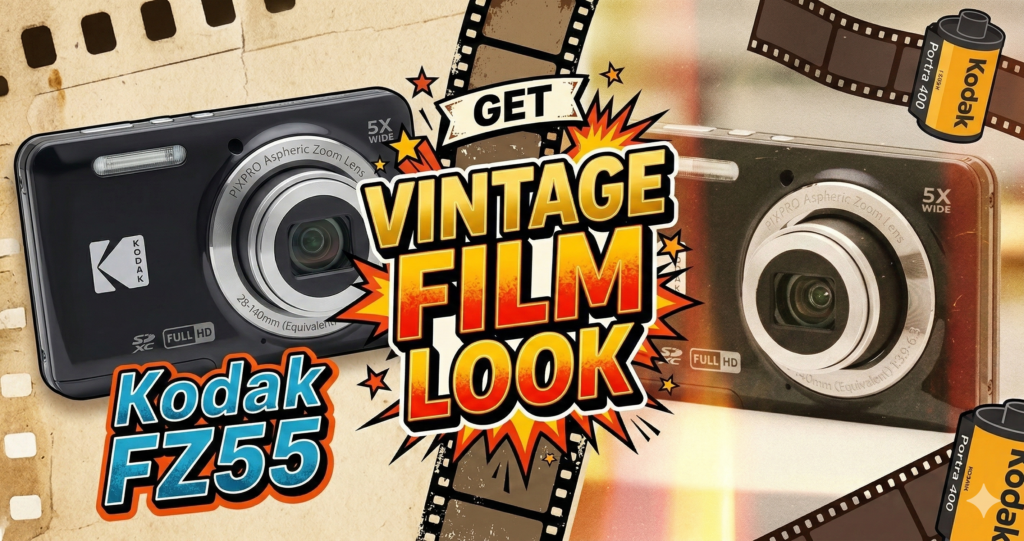
How to Get the “Vintage Film” Look on Your Kodak FZ55
(Best Settings Guide)
Your $140 digicam can produce images that look like Kodak Portra, a Y2K disposable, or a 90s fashion editorial — but only if you know which settings to abuse.
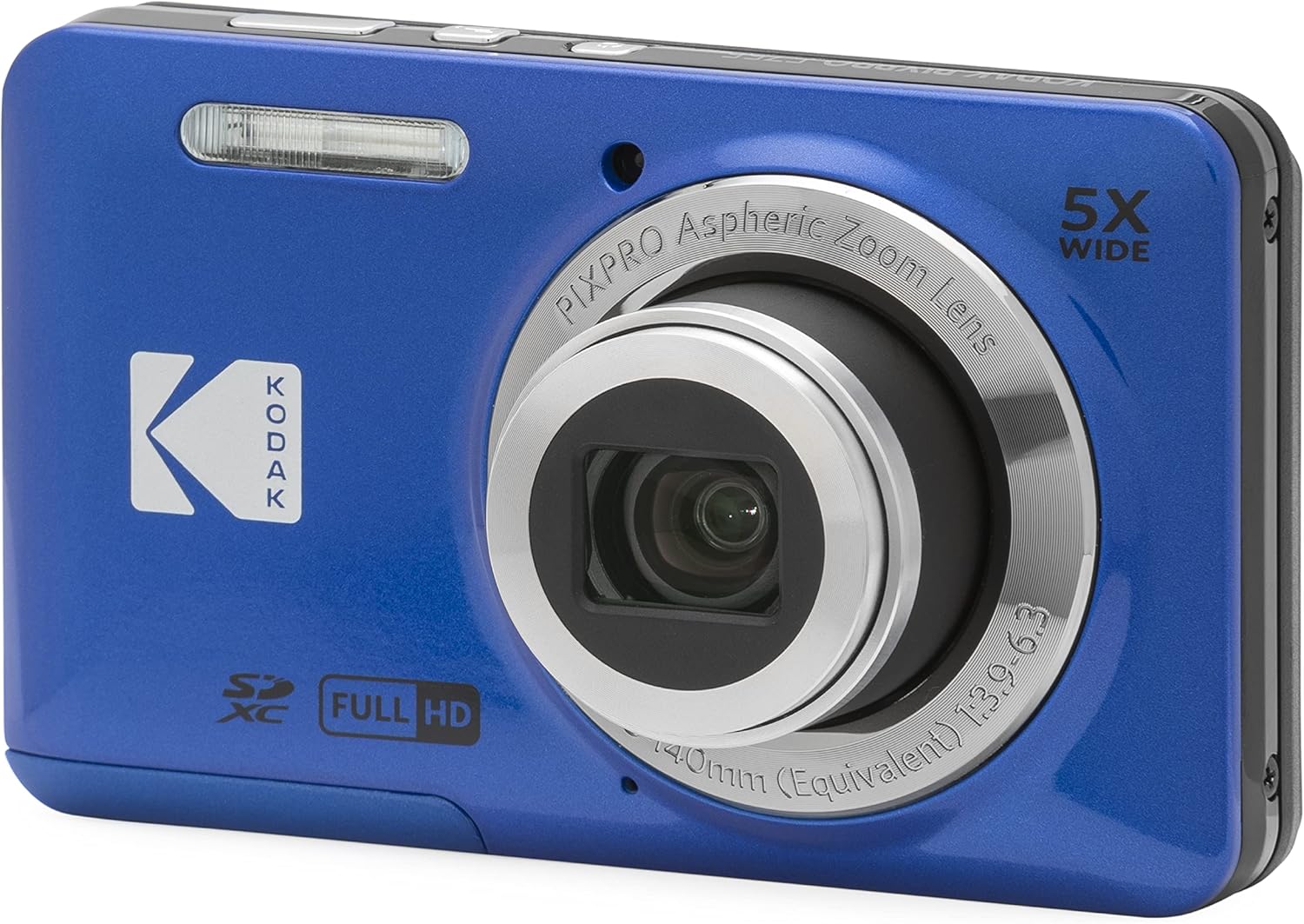
The Kodak PIXPRO FZ55 has quietly become the most talked-about budget camera of 2026 — not because of what it does well, but because of what it refuses to do. It doesn’t over-sharpen. It doesn’t correct your whites into clinical perfection. It doesn’t erase grain and call it an upgrade. Left in the right mode with the right settings, it produces images that look and feel like analog film.
This guide is for photographers who already own the FZ55 and want more than Auto Mode. We’re going deep into the manual controls, menu configurations, and shooting techniques that unlock the camera’s real personality — that specific, sought-after “digital film” aesthetic that costs $1,500+ to fake on a modern iPhone.
Before diving in, check out our full Kodak PIXPRO FZ55 Review (2026) for a complete breakdown of the camera’s strengths, limitations, and who it’s best suited for. If you’re deciding between models, our FZ55 vs FZ45 Comparison is a must-read.
Step 1: Get Off Auto — Use Program (P) Mode
This is non-negotiable. Auto mode actively works against the film aesthetic by attempting to “fix” the very imperfections that make vintage photos look organic: noise, warmth, crushed blacks, and natural vignetting.
Turn your mode dial to Program (P). This gives you control over exposure compensation, white balance, and ISO while the camera handles shutter/aperture — a fair trade for a fixed-lens point-and-shoot.
1A — Exposure Compensation: The “Negative” Hack
Digital sensors clip highlights brutally compared to film. Slide film, in particular, was famous for its rich, dense color rendition when slightly underexposed. We’re mimicking that here.
| Setting | Value | Why It Works |
|---|---|---|
| EV Compensation | –0.3 to –0.7 | Prevents blown highlights; creates deeper, denser color like Kodak Ektar or Velvia |
| Bright Scenes | –0.3 | Subtle density — great for outdoor portraits |
| Overcast / Indoors | –0.7 | Moodier, richer shadows — great for street or cafe shooting |
Underexpose in-camera, then lift the shadows slightly in Lightroom Mobile. This recovers detail from the sensor’s native dynamic range rather than fighting clipping after the fact.
1B — White Balance: Kill the “Digital Blue”
Auto White Balance (AWB) is the single biggest enemy of the vintage look. It neutralizes color casts — which is exactly what we don’t want. Film stocks had personality because they rendered light with bias: Kodak Gold leaned warm, Fuji Superia leaned green, Cinestill 800T leaned blue.
| Condition | WB Preset | Effect |
|---|---|---|
| Sunny Outdoors | Daylight | Warm, golden tones — mimics Kodak Gold 200 |
| Open Shade | Daylight (not Shade) | Introduces warmth that fights shade’s blue cast — creates vintage sun-baked look |
| Golden Hour | Cloudy | Piles amber on top of existing warmth — cinematic and editorial |
| Indoor / Flash | Incandescent | Creates cyan-tinted party flash shots — perfect for 2000s nightlife aesthetic |
Never use AWB for aesthetic shooting. It strips the color personality that defines film stocks and produces results indistinguishable from any modern smartphone camera.
1C — ISO: Learn to Love Grain
Modern cameras market “noiseless” performance as a feature. Film photographers know noise (grain) is a texture, not a flaw. ISO 400 on the FZ55 introduces a fine grain that breaks up the plastic-smooth look of CMOS processing.
Lock ISO at 200 or 400 manually. Do not use Auto ISO — it will select the lowest possible value, which produces overly clean images with no texture. ISO 800 works for indoor night shots if you want a grittier, high-contrast look.
Step 2: The Fill Flash Trick (The Y2K Paparazzi Look)
If you’ve ever seen early 2000s celebrity photos — flat faces, sharp subjects against blurry warm backgrounds, that high-contrast fall-off — you already know what direct-flash digicam photography looks like. It’s having a major comeback in 2026, and the FZ55 nails it.
Set your flash to “Fill Flash” (Force On). Use it in daylight. This sounds counterintuitive, but this is the technique that produces those iconic high-saturation, sharp-subject images with naturally vignetting backgrounds.
The flash overpowers ambient light on your subject while the background naturally falls off in exposure. Combined with the FZ55’s lens character, this creates the signature “paparazzi digicam” vibe without any editing.
For best results, shoot within 6–10 feet of your subject outdoors. Further than that and the flash loses impact. This technique works especially well for portraits and urban street shooting.
Step 3: Menu Settings for Maximum “Soul”
Navigate into the camera’s internal menu and configure these three settings. Together, they transform the output from “generic digital camera” to “vintage film document.”
| Setting | Select | Purpose |
|---|---|---|
| Color Effect | Vivid | Mimics the high-saturation of Fujifilm Velvia or Kodak Ektar; makes colors pop without filtering |
| Sharpness | Low / Soft | Modern digital sharpening looks synthetic. Soft mimics the lower resolving power of vintage glass and 1990s–2000s lens coatings |
| Image Quality | Fine (not Best) | Advanced: Slight JPEG compression introduces micro-artifacts that read as organic texture on phone screens — not visible at full resolution but adds character |
This is a counterintuitive choice. “Best” quality actually over-sharpens and over-processes in the camera’s engine. “Fine” applies less aggressive processing, which ironically preserves more of the sensor’s native character — including its filmic imperfections.
Step 4: Film Stock Presets — Dial In a Specific Aesthetic
By mixing the settings above, you can target specific analog looks in-camera before touching any editing software. Here are four tested presets:
- EV–0.3
- White BalanceDaylight
- ISO100–200
- FlashOff
- SharpnessLow
- ColorVivid
- EV–1.0
- White BalanceAuto
- ISO400
- FlashForce On
- ColorVivid
- SharpnessNormal
- EV–0.3
- White BalanceFluorescent
- ISO400
- FlashOff
- SharpnessLow
- ColorNormal
- EV+0.7
- White BalanceCloudy
- ISO200
- FlashOff
- SharpnessLow
- ColorNormal
Shoot 30–50 frames on a single preset before reviewing. The FZ55’s 230k-dot screen is not accurate — the real magic only reveals itself on a laptop or large monitor. Trust the settings, not the tiny LCD.
Step 5: Lighting Matters More Than You Think
The FZ55’s small sensor is especially sensitive to light quality. Harsh overhead LED strips will kill any analog warmth. The right lighting environment can make your shots feel like they were taken in a different decade.
For workspace and studio shooting, controllable LED lighting makes a significant difference in achieving that warm, consistent look. Govee-style ambient LED setups — particularly those that allow you to tune color temperature to 2700–3200K — can replicate the tungsten-heavy feel of 1990s interior photography.
Step 6: The “No-Wi-Fi” Analog Workflow
The FZ55 has no Wi-Fi — and that’s not a weakness. It’s the feature that forces a deliberate, intentional workflow that mirrors how analog photographers actually worked: shoot first, review later.
Shoot 50+ photos before touching the playback button. The tiny screen will lie to you. Every digicam photographer learns this the hard way.
Physical SD-to-smartphone adapters (USB-C or Lightning) preserve your file’s full metadata and avoid the compression losses found in Bluetooth or AirDrop transfers from camera-companion apps.
If the softness isn’t enough: add +10 Grain, –10 Clarity, and a subtle +5 Vignette. These three adjustments finish the analog illusion without touching color, letting the in-camera settings do their job.
For reviewing and sharing footage or reviewing large batches of shots, a 4K projector or large display makes a remarkable difference in evaluating your frames properly.
Taking Your FZ55 Out in the Wild
One of the strongest arguments for the FZ55 over a smartphone is its portability and pocketability. For street photography, city walks, or travel, you’ll want to keep your accessories lightweight and minimal.
The FZ55 runs on a proprietary rechargeable battery that charges via USB, so a quality power bank keeps you shooting all day without hunting for outlets. Look for slim 10,000mAh banks with USB-C PD output for the cleanest carry setup.
Frequently Asked Questions
No — the FZ55 uses a 16MP CMOS sensor, not CCD. However, its image processing engine, lens optics, and color science are tuned in a way that produces output visually similar to CCD cameras from the early 2000s. That’s why the vintage look is achievable, not inherent.
No. The FZ55 shoots JPEG only. This makes the in-camera settings in this guide critical — you cannot recover white balance or exposure bias in post the same way you could with a RAW file. Get the settings right before you shoot.
Any Class 10 / UHS-I microSD or standard SD card works perfectly. The FZ55 doesn’t need high write speeds since it shoots JPEG. A 32GB or 64GB card is more than sufficient for a full day’s shooting.
It’s passable for casual vlogging with a nostalgic aesthetic, but limited: no stabilization, fixed focal length, and no external mic jack. For serious vlogging or video, consider pairing it with a DJI gimbal or switching to a drone camera for establishing shots. See our DJI Mini 3 comparison below.
Both cameras share a similar aesthetic philosophy, but the FZ55 offers a higher resolution sensor and slightly better low-light performance. We’ve done a detailed side-by-side in our FZ55 vs FZ45 comparison.
FZ55 vs Modern Camera Alternatives
The FZ55’s vintage aesthetic is a deliberate choice, not a compromise. But it’s worth understanding where it sits in the broader camera ecosystem — particularly if you’re considering pairing it with other gear.
For creators who want both the intimate “digicam” look for street shots and cinematic aerial footage, the FZ55 and a compact drone make a compelling two-camera kit. The contrast between hyper-detailed, stabilized 4K aerial shots and the FZ55’s grainy, warm ground-level photos creates a distinctive visual language.
The Kodak FZ55 is a hardware cheat code for photographers who understand that constraints create art. Every setting in this guide exists to work with the sensor’s natural limitations rather than against them. The result isn’t a perfect photograph — it’s a real one.
More Gear Worth Reading
Related posts:
 Kodak FZ55 vs. FZ45 Review: Which $140 “Aesthetic” Camera is Right for You? (2026)
  Best Digital Cameras for Aesthetic Photos in 2025: The Pixel-Perfect Nostalgia We Love
  Best Content Creator Gear in 2025 on Amazon (Tested Picks for YouTube, Instagram & TikTok)
  Don’t Miss Top Amazon Prime Day Deals 2025 USA: Biggest Savings October 7-8 (Hourly Updates!)
  Black Friday Tech Deals 2025: Grab Them Now or Wait for Black Friday 2026
  Xtra Muse Vlogging Camera Review 2026 — Is This $379 Pocket 4K Gimbal Worth Every Cent?
  Kodak PIXPRO FZ55 Digital Camera Review: The Best Budget Camera Under $150 (2026)