
Best 3D Printers for Beginners 2026:
What Nobody Tells You Before You Buy
I run a print farm with four Bambu Lab machines and have personally tested eight printers across three brands in the past year. The entry-level market has compressed fast. What cost $600 in 2023 now ships for $199. This guide tells you exactly what to buy, what to skip, and what brands won’t tell you about the first 90 days of ownership.
What You Actually Need vs. What Brands Sell You
Your real needs list is three items long. Auto bed leveling, a build volume above 180mm, and stable PLA/PETG support. Everything else is a want — and knowing the difference saves you $200.
- Auto bed leveling — Non-negotiable. Manual leveling on your first printer will kill your enthusiasm inside week one.
- Build volume ≥ 180mm — Anything smaller limits you to tiny prints. Most useful objects — organizers, brackets, cosplay parts — need 180mm minimum.
- Slicer compatibility — Bambu Studio and Orca Slicer work perfectly out of the box. Avoid printers locked to proprietary-only software.
- App control / remote monitoring — Saves prints. You cannot be physically present for every 6-hour job.
- Multicolor (optional) — Adds $100–$200. Learn single-color first. Upgrade when you actually understand your slicer settings.
Not sure where to start with specs? My definitive guide on how to choose a 3D printer breaks down every spec in plain English — no jargon.
The Best Beginner 3D Printers Right Now ($199–$549)
Every machine below includes auto bed leveling, app control, and goes from box to first print in under 30 minutes. These aren’t paid placements — they’re what I actually recommend after running them daily.
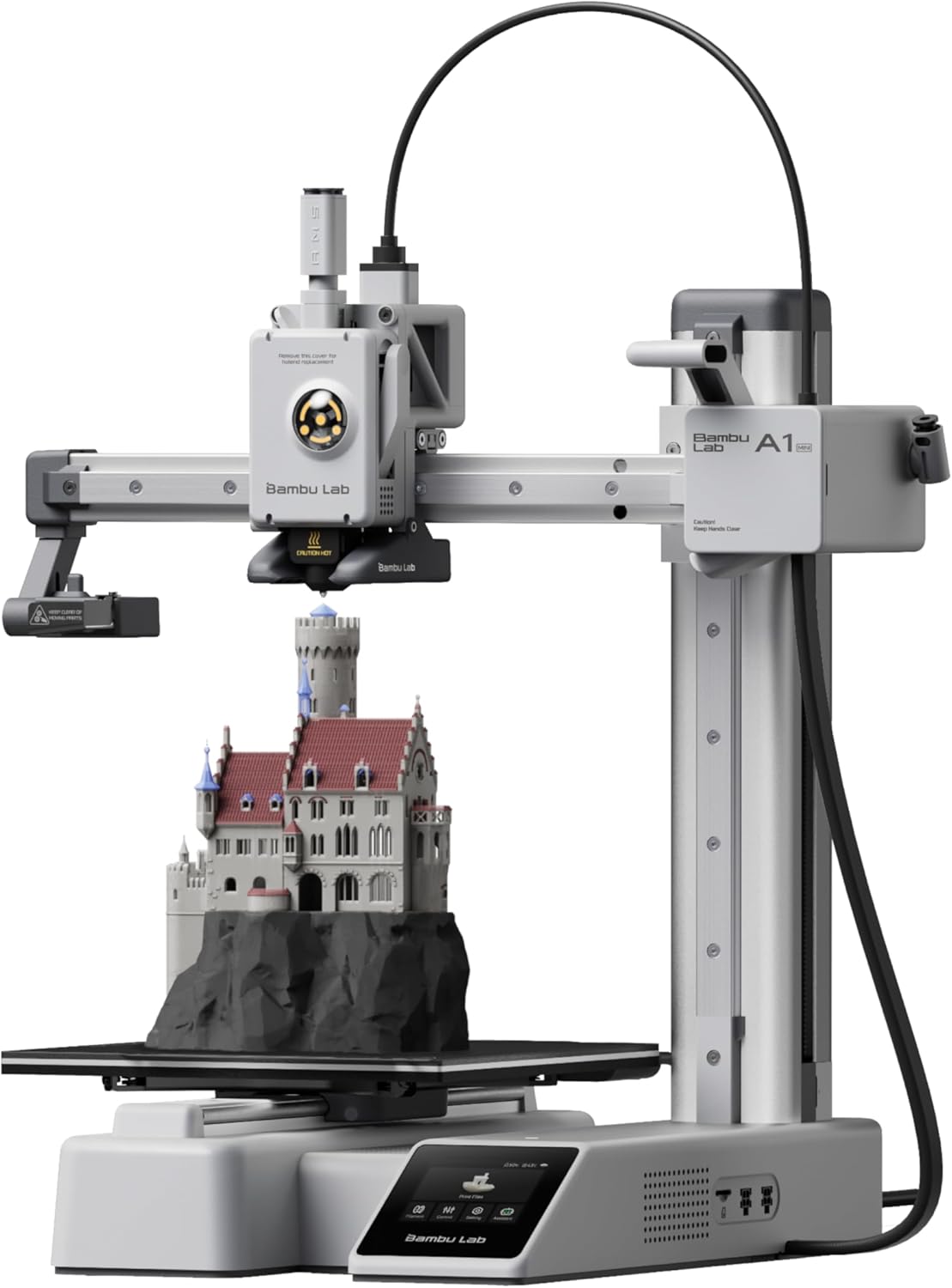
180mm build volume. Built-in camera. Whisper-quiet active motor noise cancellation. I’ve run four of these in my print farm — the fan at 4 AM was quiet enough that my cat slept through it. Setup: 20 minutes. The Bambu Handy app connects on the first try. Auto bed leveling is flawless. For apartments, home offices, and total beginners, this is the machine.
Check Price on Amazon →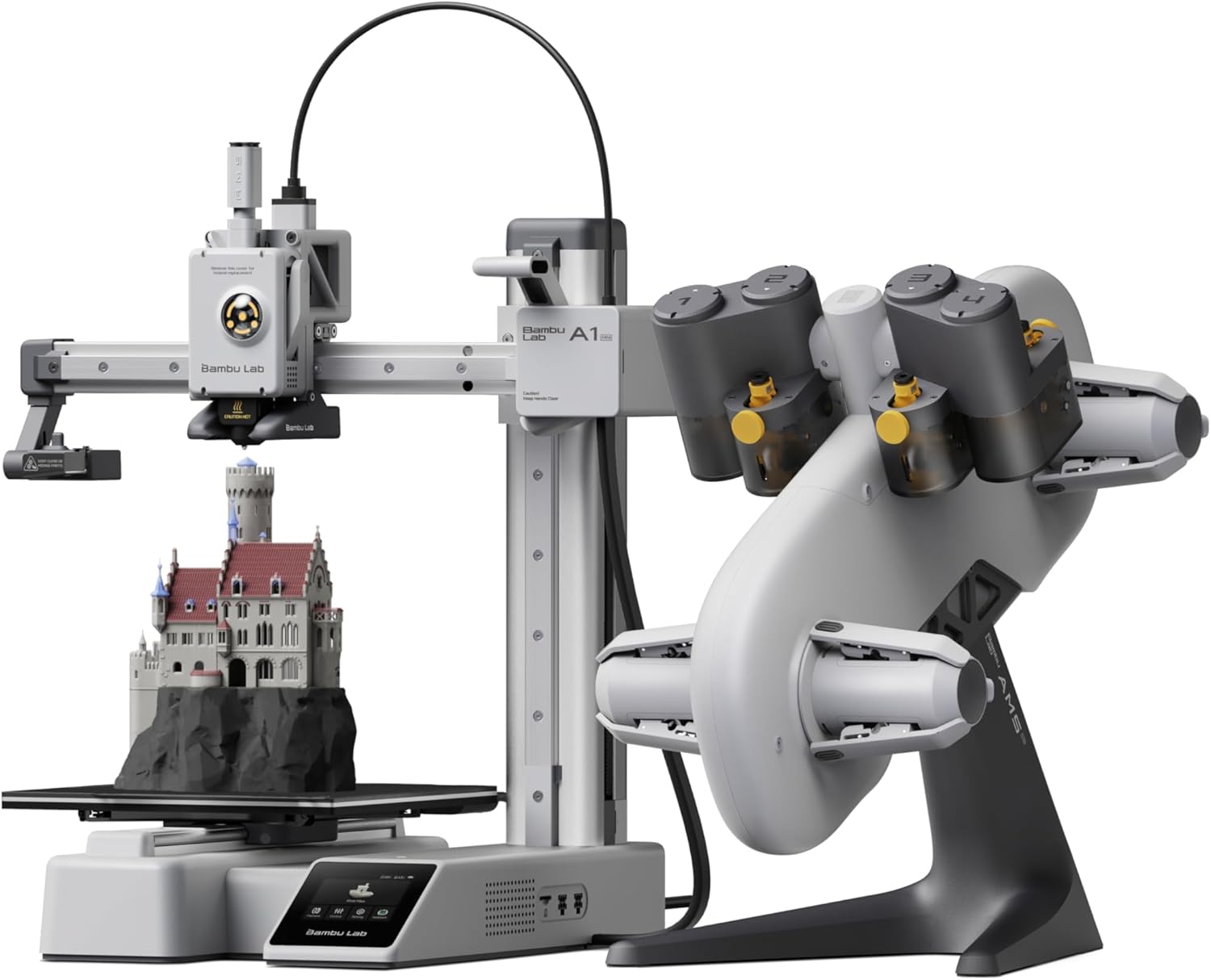
Everything above plus the AMS Lite for 4-color printing. Filament tangle detection and auto-reload prevent mid-print disasters. At $329, this is the best multicolor deal on the market — and it’s not close. The $270 markdown from MSRP is a genuine discount, not a gimmick inflated MSRP.
Check Price on Amazon →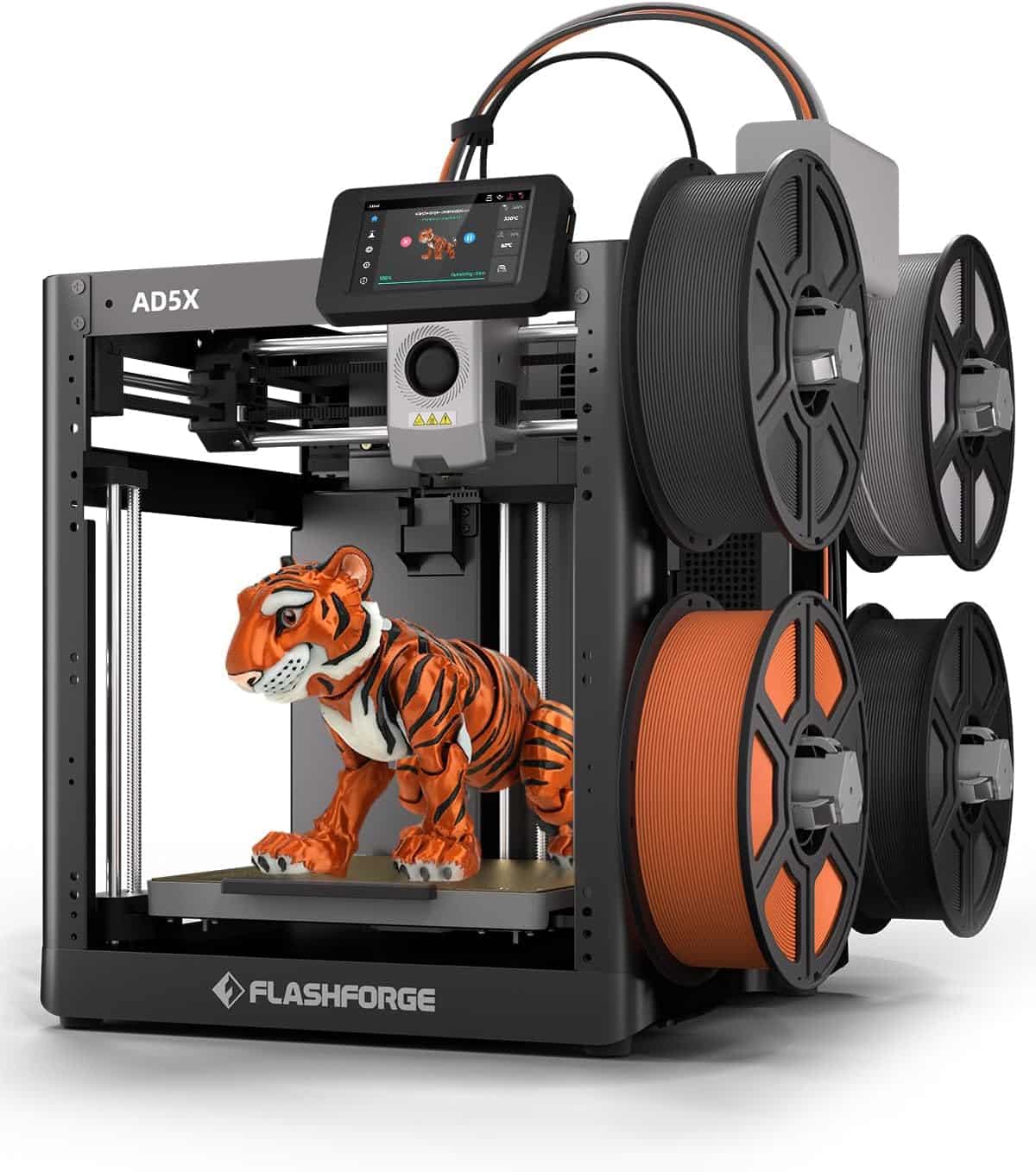
Core XY design reduces vibration at speed. The integrated filament system (IFS) handles 4-color swaps without a separate unit — one fewer box to set up. Advertised 600mm/s; realistic daily speed is ~300mm/s, which is still fast. The 220mm build plate is the main limitation. For a side hustle running 3–5 machines, the lower per-unit price compounds into serious savings.
Check Price on Amazon →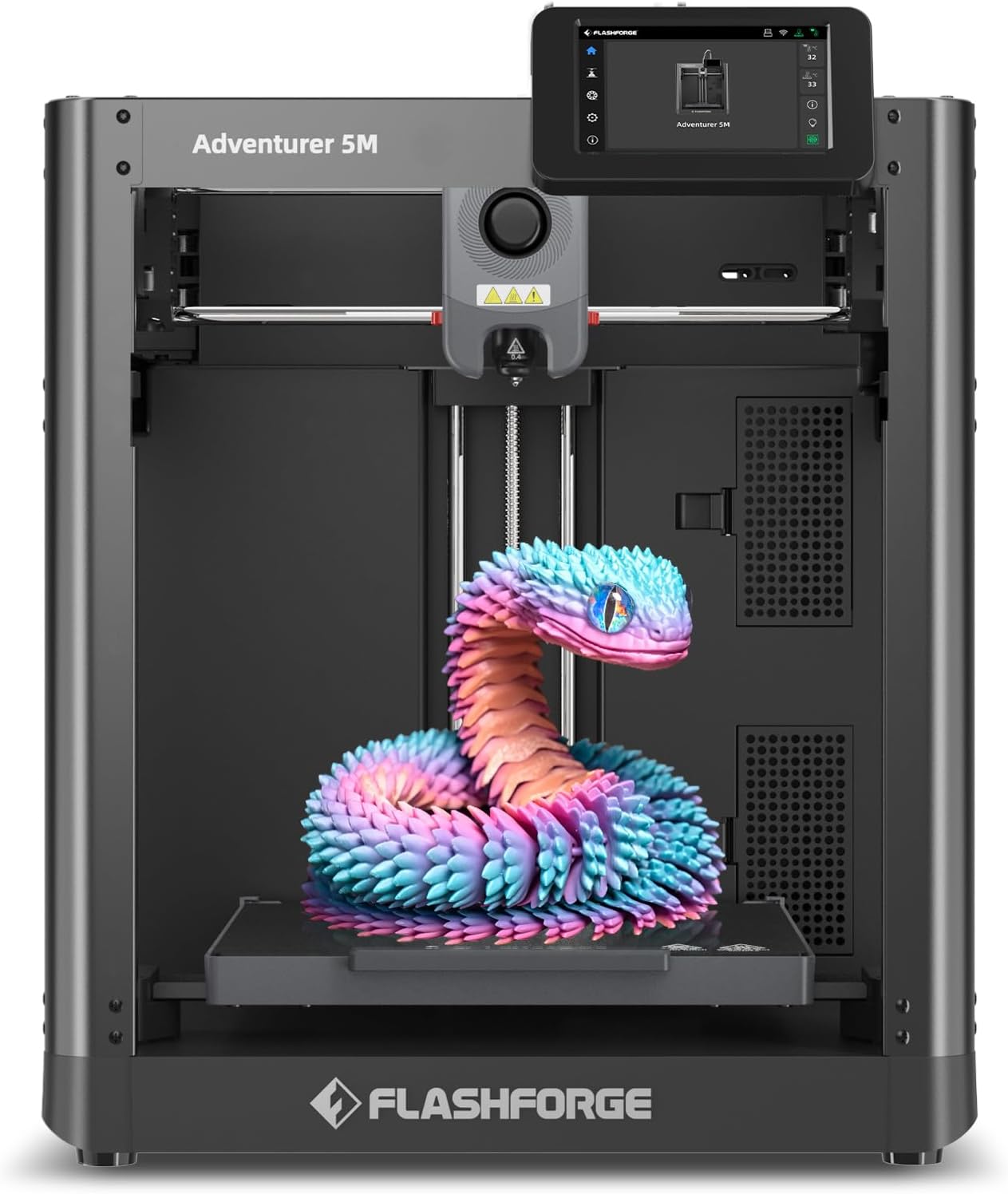
Enclosed build chamber at this price is rare. Hot-end swaps in 30 seconds — the fastest of any machine I’ve used. Auto leveling is reliable. Best single-color pick if you want an enclosure without spending $400. Handles PLA, PETG, and light ABS without modifications.
Check Price on Amazon →
Full enclosure, all-metal hotend to 300°C, 256mm build plate. Solid machine that competes directly with the Bambu P1S at this price. Where it falls short: Anycubic’s ecosystem and app are less mature than Bambu’s. Good hardware, weaker software — a real consideration for beginners who rely on the app for monitoring.
Check Price on Amazon →
Core XY, enclosed, 600mm/s capable, reliable auto leveling. Orca Slicer profiles exist for every K-series Creality machine, so slicer setup takes five minutes. Best fallback option if Bambu machines are backordered — and Creality’s community is enormous, which means fast answers when you hit problems.
Check Price on Amazon →For a complete tiered breakdown from $150 to $1,500, see my best 3D printers for every budget guide. My top picks for beginners page is also updated quarterly.
Head-to-Head: Top 3 Beginner Picks Compared
The three machines most beginners should actually be choosing between, measured on what matters in daily use.
| Feature | Bambu A1 Mini | FlashForge AD5X | Creality K1 SE | Winner + Why |
|---|---|---|---|---|
| Price (Apr 2026) | $199 | $359 | $236 | A1 Mini — lowest barrier to entry |
| Build Volume | 180mm³ | 220mm³ | 220mm³ | AD5X / K1 SE — more printable area |
| Auto Bed Leveling | ✅ Excellent | ✅ Excellent | ✅ Good | Tie — A1 Mini slightly faster cycle |
| Multicolor (stock) | No (Combo +$130) | Yes — 4-color IFS | No | AD5X — multicolor included at base price |
| Noise Level | ~35dB (very quiet) | ~45dB | ~44dB | A1 Mini — apartment and office safe |
| App Quality | Bambu Handy ★★★★★ | FlashCloud ★★★ | Creality Cloud ★★★ | A1 Mini — best app ecosystem by far |
| Built-in Camera | ✅ Yes | ❌ No | ❌ No | A1 Mini — timelapse + live monitoring |
| Setup Time | ~20 min | ~30 min | ~30 min | A1 Mini — fastest path to first print |
| Best For | Beginners, apartments | Print farms, side hustle | Budget-first buyers | Depends on use case — see above |
FDM vs. Resin: Which Type Actually Suits You?
FDM (filament) printers are for 95% of beginners. Functional parts, large objects, household items, cosplay props — all FDM. Resin printers produce jaw-dropping detail but require ventilation, nitrile gloves, IPA wash stations, and UV curing. Do not start with resin unless miniature or jewelry detail is your specific goal.
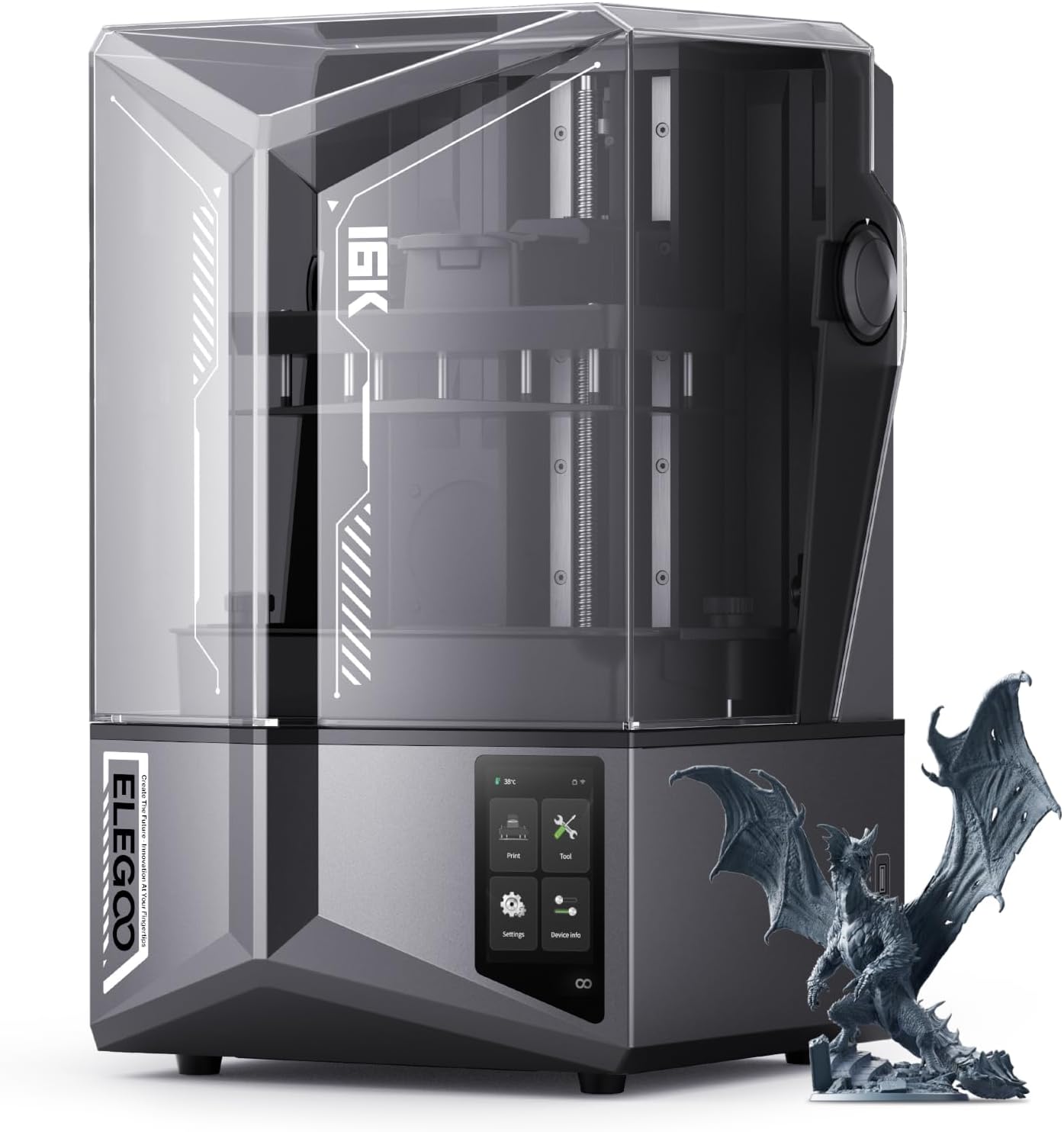
10-inch 16K mono LCD. The detail at this price is genuinely extraordinary for D&D miniatures and jewelry masters. Requires a ventilated space — resin fumes are not something to ignore. Not a first printer for most people, but the best large-format resin value in 2026.
Check Price on Amazon →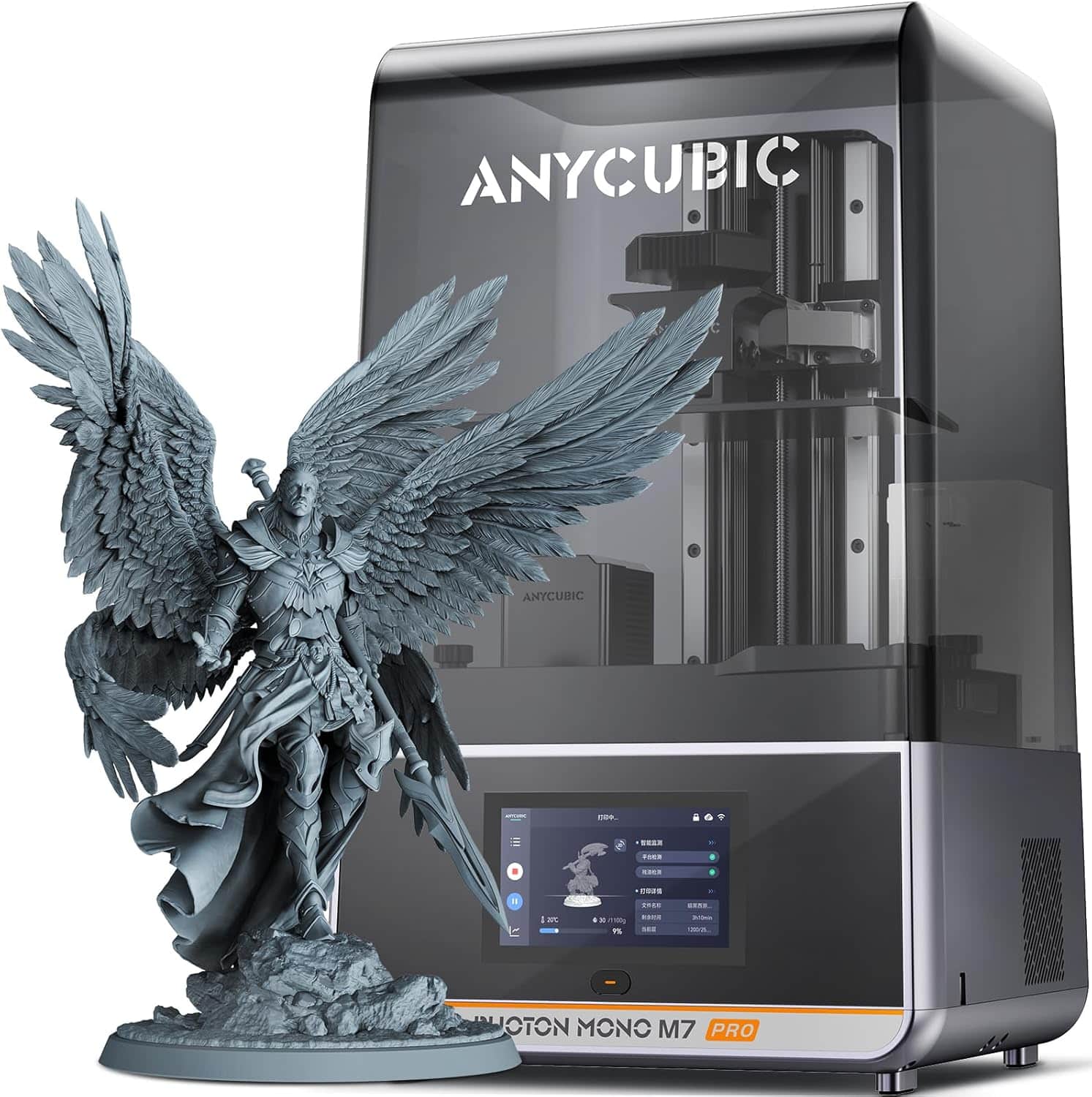
Automated resin leveling and a tilt-screen wash system reduce the usually messy post-processing workflow. 14K resolution. Best step-up from entry resin machines for serious miniature painters and jewelers.
Check Price on Amazon →Still undecided? My resin vs filament 3D printing comparison breaks down every use case with actual print samples.
The Reality of Long-Term Ownership
Reviews cover the unboxing. Nobody covers month four. Here’s what actually happens after the novelty wears off.
What Breaks or Gets Annoying
Nozzles clog. On any machine, expect a clog every 10–20 prints until your retraction settings are dialed in. Brass nozzles wear fast with abrasive filaments — glow-in-the-dark PLA and carbon-fiber PETG will eat them. Switch to a hardened steel nozzle ($8–$12) if you’re using those materials. On the A1 Mini, the nozzle swap takes 90 seconds cold. On older Creality machines, budget 20 minutes.
PEI bed surfaces scratch and lose adhesion after 3–6 months of heavy use. A replacement textured PEI plate costs $12–$20 and restores first-layer grip instantly. Budget one per year per machine in heavy use.
Hidden Costs Nobody Lists in Reviews
- Filament: $20–$30/month at moderate hobby use. 1kg spool yields roughly 15–25 standard-sized prints depending on infill settings.
- Electricity: A 200W machine running 6 hours/day adds ~$3–$6/month in the US. In India at current rates, roughly ₹50–₹90/month.
- Filament dryer: Essential in any humid climate. I destroyed three rolls of PETG before I bought one. Don’t make that mistake.
- Nozzle replacements: $5–$15 every 2–3 months depending on abrasive filament use.
- Failed prints / learning waste: Budget 10–15% filament loss in the first month. Drops to 2–3% within two months of regular printing.
The Tinkerer’s Hack That Isn’t in Any Manual
Enable Timelapse mode in Bambu Studio before every print. It costs nothing extra, runs automatically, and creates a video of your print building layer by layer. I’ve closed $200+ in custom orders directly from timelapse clips posted to Instagram Reels. The visual converts browsers to buyers faster than any product photo ever will. It’s free marketing built into every single print.
Filament: Start Here, Upgrade Later
Start with PLA. It’s forgiving, doesn’t warp without an enclosure, and works at standard temperatures. Move to PETG after 10 successful prints. Save ABS and ASA for after you have an enclosed machine — open-frame printing in ABS produces warped parts and fumes.

Best cost-per-kilogram for PLA+. Consistent diameter, minimal stringing at standard Bambu/Creality profiles. Available across 10 colors per bundle. This is the filament running through my farm daily. $11.73/kg is hard to beat for this quality level.
Check Price on Amazon →
16 small spools across 16 colors — ideal for AMS and IFS multicolor setups where you want variety without 1kg minimums per shade. Each roll is ~250g, which is the sweet spot for testing colors before committing to a full spool.
Check Price on Amazon →
PETG is tougher and more heat-resistant than PLA — critical for brackets, outdoor items, and anything that sees temperature or mechanical stress. Move to this once your PLA settings are fully dialed in.
Check Price on Amazon →For a complete material breakdown with temperature charts and strength comparisons, read my complete 3D printer filament guide. Specifically confused about PLA vs PETG vs ABS? My material comparison article settles it with actual test data.
Filament Dryers: Essential in Any Humid Climate
Moisture-saturated filament creates stringing, bubbling, and brittle layers. In Mumbai, coastal cities, or anywhere with >60% humidity, a dryer is not a luxury accessory — it’s part of your setup. I ruined three rolls before I bought one.

Heats to 70°C, fits one spool, includes a pass-through port for printing directly from the dryer while it runs. This is my first recommendation for every new buyer in a humid environment. The price drop from MSRP makes this a no-brainer.
Check Price on Amazon →
Two spool capacity with integrated storage. Better for multicolor setups where you’re cycling through colors frequently. The extra spool slot pays for the price difference quickly.
Check Price on Amazon →
Simultaneously dries 4 spools. For a print farm running multicolor on multiple machines, this pays for itself in one month of saved filament. Overkill for a single printer — perfect for 3+ machine setups.
Check Price on Amazon →My ultimate filament dryer guide explains exactly when drying makes a measurable quality difference — and when it doesn’t.
Can You Actually Make Money? The Honest Math
Yes — but with realistic expectations. Filament costs under $0.05 to print a phone case that sells for $15–$20 on Etsy. A single machine running 8 hours/day can generate $200–$400/month in product value, depending on what you print and how you price it.
1 machine: Hobby use, personal gifts, learning the craft.
2–3 machines: Side hustle targeting $300–$600/month extra income.
5+ machines: Serious secondary income — multiple Etsy/Amazon Handmade listings, automated print queues via Farm Loop or Swap Mod.
Best-converting products: articulated dragon toys, custom keychains, D&D minis, logo-branded phone cases, wall hooks, planters, cable organizers, and custom cosplay props.
For a full cost-per-print breakdown with ROI modeling, see my budget 3D printer buying tips for beginners 2026. And my best affordable 3D printers 2026 guide specifically covers machines optimized for side-hustle economics.
Don’t Buy a Printer Without These Accessories
You’ll need these in the first week. Buy them before the printer arrives.

Spatula, nozzle cleaning needles, flush cutters, hex keys, and tweezers. Everything you need for the first two months of printing in one $25 kit. Non-negotiable purchase for any beginner.
Check Price on Amazon →My 35 essential 3D printing tools list and must-have accessories guide cover everything from beginner basics to the upgrades that actually improve print quality.
Frequently Asked Questions
Related posts:
 Best 3D Printer Black Friday Deals 2025: What’s Actually Worth Buying (Based on Real Amazon Sales Data)
  How to Choose a 3D Printer: The Definitive 2025 Guide for Hobbyists, Pros, and Creators
  Creality Hi Combo vs Bambu Lab A1 Mini Combo Review: Best Multicolor 3D Printer for 2025?
  Creality K1 SE vs Flashforge Adventurer 5M: Budget-Friendly 3D Printer Showdown
  Creality K1 SE 3D Printer: 2025’s Top Budget 3D Printer Reviewed
  Anycubic Kobra S1 vs Creality K1C: I Tested Both for 6 Months – Here’s the Winner (Dec 2025)
  Bambu Lab vs Flashforge vs Creality vs Anycubic: Which to Buy in December 2025
  Why the QIDI Q2C Enclosed 3D Printer Is Perfect for Beginners in 2026
  Creality K2 Pro Combo Review: The Good, The Bad & The Ugly Truth
  Bambu Lab A1 vs Creality K2 Plus vs Anycubic Kobra 3 Max: Ultimate 2026 Showdown
  ELEGOO Centauri Carbon 2 Combo Review: Best Sub-$500 Multicolor 3D Printer in 2026?
  Creality SPARKX I7 Combo Review 2026 – Is This the Best Multicolor 3D Printer Under $500?