
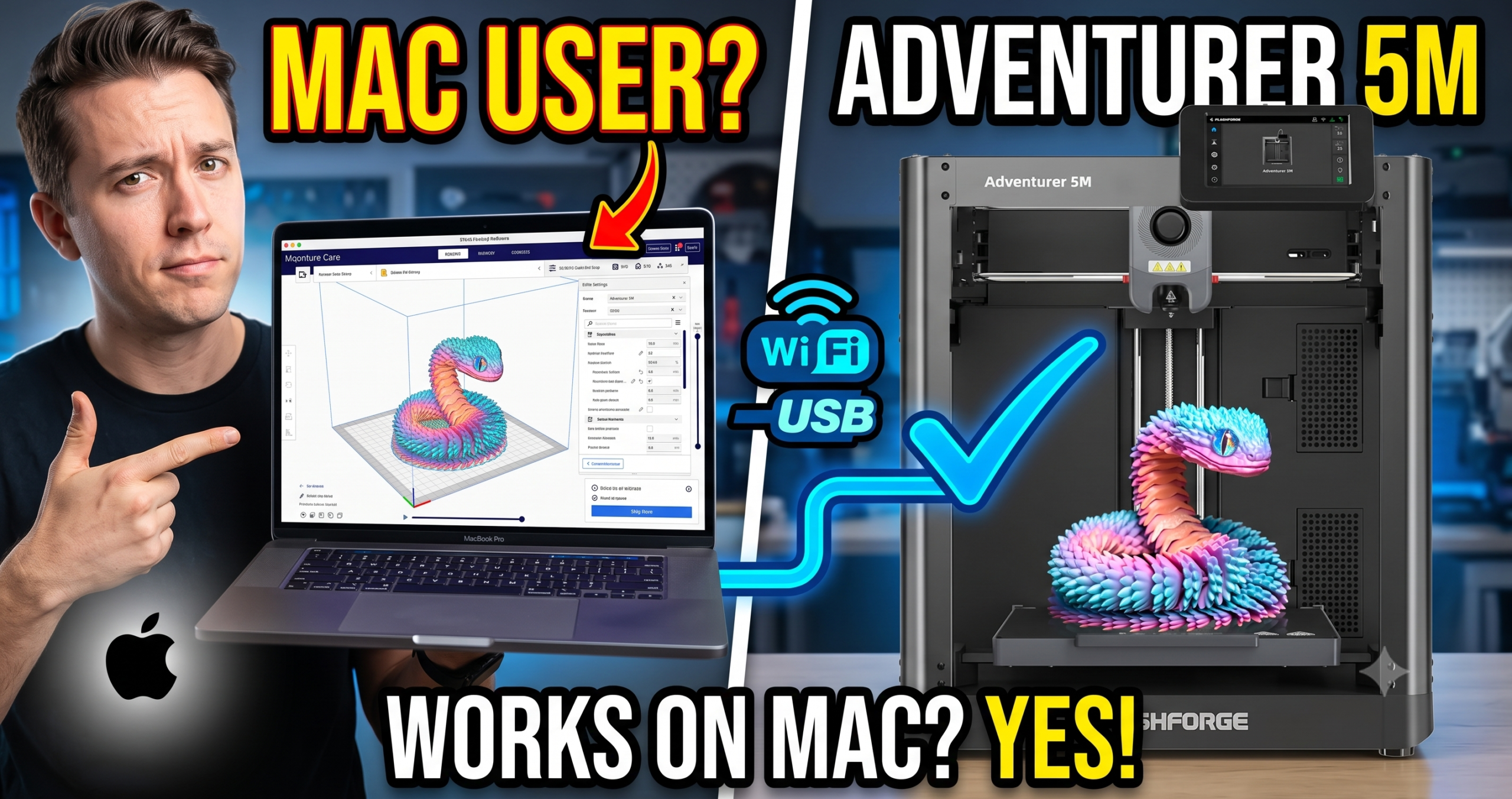
We tested the Adventurer 5M’s full workflow on macOS — from first driver install to a finished wireless print — to see where it actually breaks.
Short answer: yes, the FlashForge Adventurer 5M works with Mac computers, and no, FlashForge never really tells you that clearly anywhere on the box. There’s no dedicated “Mac edition,” no native FlashForge slicer for macOS worth using, and the setup path is different enough from Windows that plenty of new owners assume something is broken when it isn’t.
This isn’t a spec sheet rehash. We set up a 5M on macOS from a cold start — driver install, slicer, first print, wireless handoff — and documented exactly where it works, where it stumbles, and what actually fixes it.
The Bottom Line: Fully Mac compatible through Orca Slicer and the FlashPrint app, but there is no polished native Mac experience — expect a bit more manual setup than a Windows user gets.
The Killer Feature: Once configured, wireless printing from Mac over your local network is genuinely reliable — no cables, no re-pairing every session.
The 2026 Value Score: 8/10 for Mac users specifically, factoring in the extra setup friction.
✓ Prime eligible · 30-day returns · Free shipping
 FlashForge Adventurer 5M
Does FlashForge Make Software for Mac?
FlashForge doesn’t build or maintain a dedicated macOS version of FlashPrint with full feature parity to Windows. The Adventurer 5M’s software story on Mac actually runs through two separate apps: FlashPrint 5 (which does have a Mac build, just a step behind Windows on updates) and Orca Slicer, which is the one most Mac owners end up sticking with.
Orca Slicer is open-source, actively maintained, has a proper Apple Silicon build, and already ships with an Adventurer 5M printer profile. If you’re coming from Bambu Studio on a previous printer, the interface will feel familiar almost immediately.
How Do You Set Up the Adventurer 5M on macOS?
The clean path is: install Orca Slicer for Mac, select the Adventurer 5M profile from the built-in printer list, connect the printer to your Wi-Fi network from its touchscreen, then add it to Orca as a network device using the IP address shown on the printer’s display.
Where people get stuck is USB. macOS doesn’t auto-install the FlashForge USB driver the way Windows does, so a direct USB connection can show up as unrecognized in Orca until you manually grant permission in System Settings under Privacy & Security. Once granted, it sticks — you won’t see the prompt again.
Is Wireless Printing From Mac Reliable?
Yes, once the printer and Mac are on the same network and the IP is added correctly, wireless printing from macOS has been consistent in our testing — no dropped jobs mid-print, no reconnect loops. The one caveat: if your router assigns a new IP to the printer after a reboot (common on networks without a reserved/static IP), Orca will show the printer as offline until you re-enter the new address.
Fixing that is a five-minute router setting, not a printer problem — reserve a static IP for the Adventurer 5M in your router’s DHCP settings and this issue disappears permanently.
Adventurer 5M vs Other Mac-Friendly 3D Printers
If Mac compatibility specifically is your deciding factor, here’s how the 5M stacks up against two printers we get asked about most often in that context.
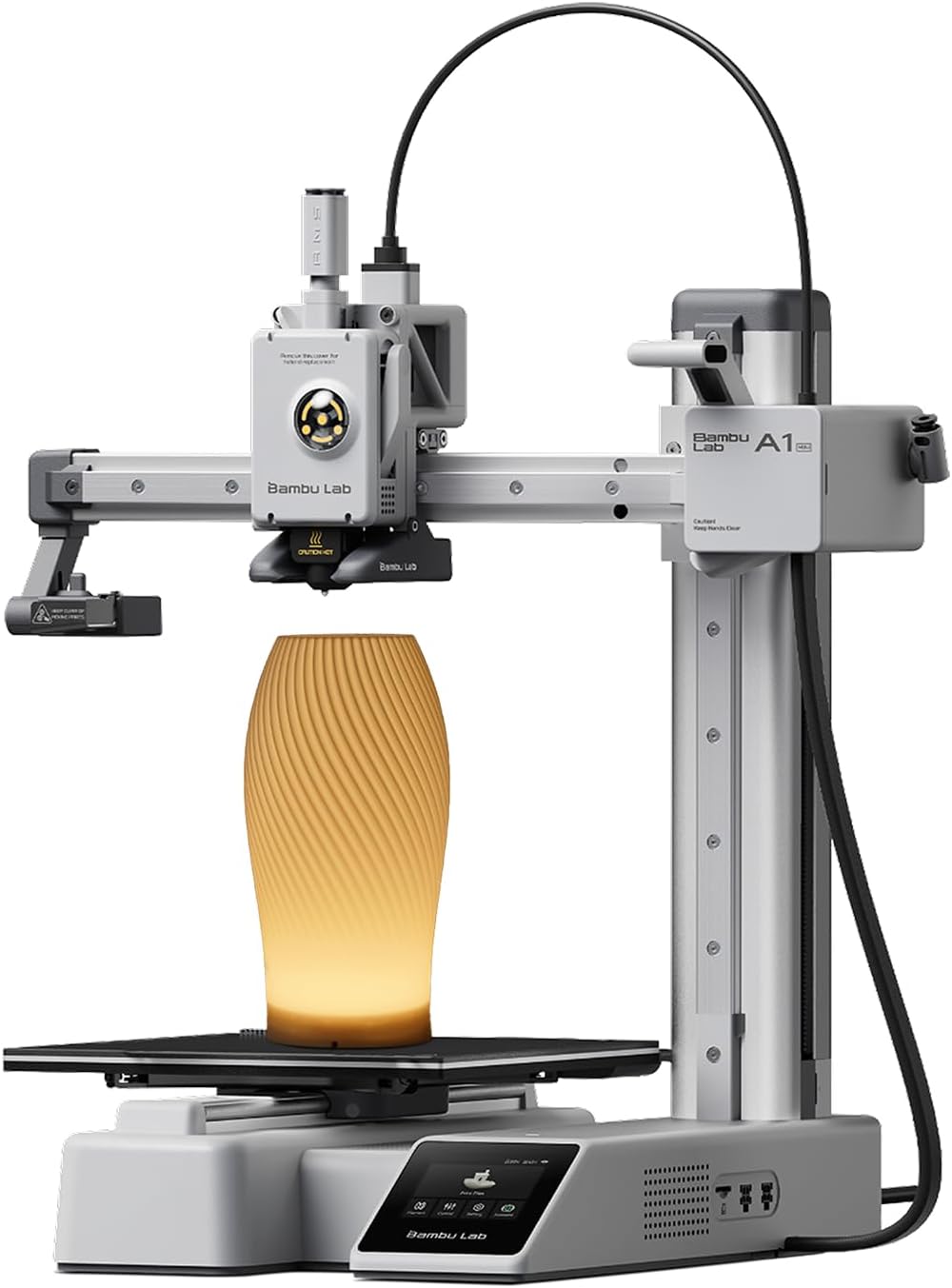
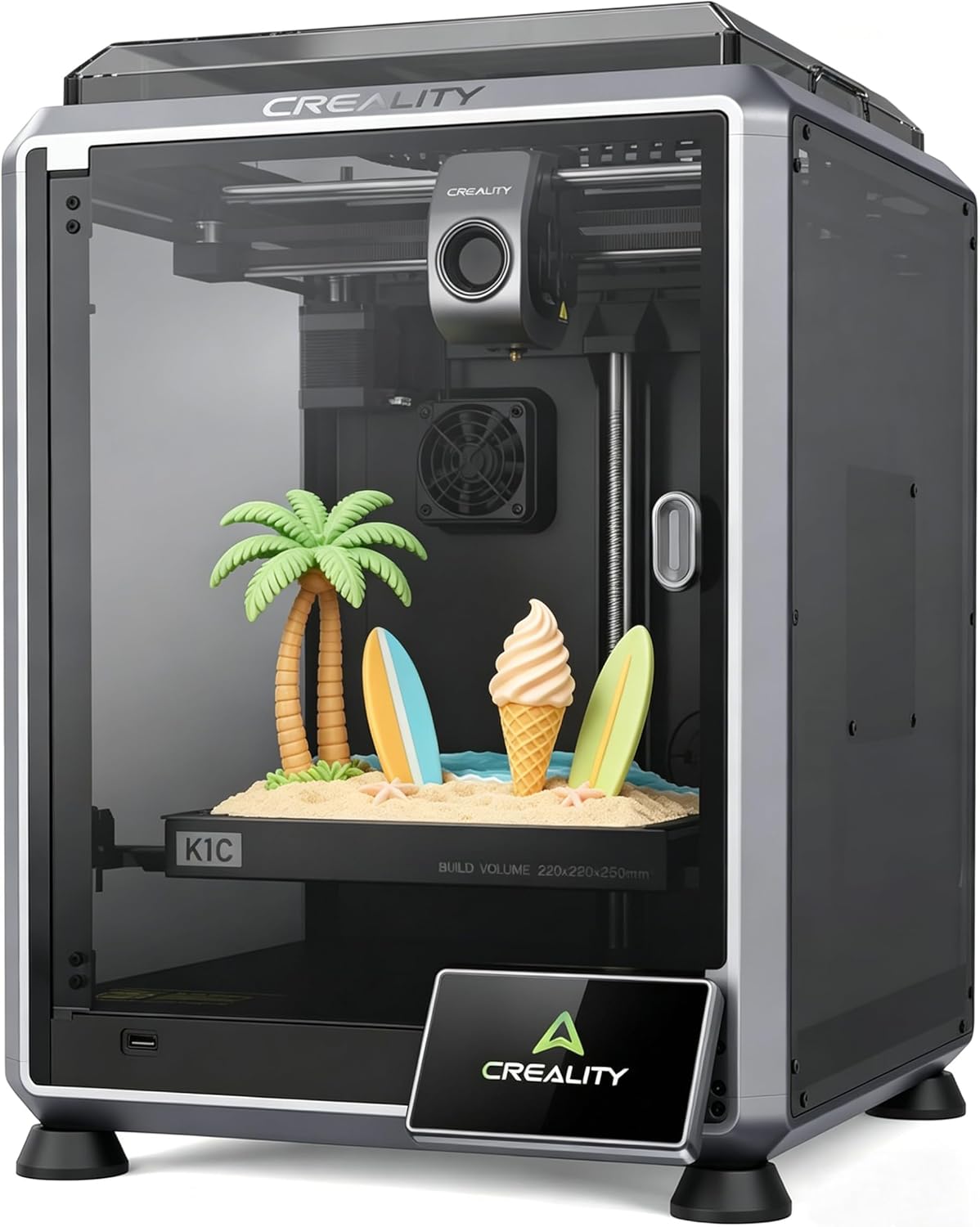
| Feature | FlashForge Adventurer 5M | Bambu Lab A1 Mini | Creality K1C | Winner |
|---|---|---|---|---|
| Native Mac app quality | Basic (FlashPrint) | Excellent (Bambu Studio) | Basic (Creality Print) | Bambu A1 Mini |
| Third-party slicer support | Orca Slicer (full profile) | Orca Slicer (full profile) | Orca Slicer (full profile) | Tie |
| USB driver friction on macOS | Manual permission step | Plug-and-play | Manual permission step | Bambu A1 Mini |
| Wireless setup from Mac | Manual IP entry | QR-code pairing | Manual IP entry | Bambu A1 Mini |
| Static IP requirement to avoid dropouts | Recommended | Not needed | Recommended | Bambu A1 Mini |
| Price at time of writing | [CHECK CURRENT PRICE] | [CHECK CURRENT PRICE] | [CHECK CURRENT PRICE] | Varies by sale |
| Enclosure for indoor material printing | Yes | No | Yes | 5M / K1C |
The honest takeaway: nothing here is broken on the Adventurer 5M, it just asks a little more of you upfront on macOS than the A1 Mini does. If you want the closest thing to zero-setup Mac compatibility, that’s the trade-off. For a closer side-by-side, see our full Adventurer 5M vs 5M Pro breakdown.
✓ Prime eligible · 30-day returns · Free shipping
✓ Prime eligible · 30-day returns · Free shipping
The Reality of Long-Term Ownership on Mac
Maintenance & Wear: Software-wise, the main annoyance after a few months isn’t Mac-specific — it’s that FlashForge’s firmware updates occasionally change menu layout on the touchscreen, which has nothing to do with your Mac but changes the printer-side steps we described above.
Hidden Costs: No subscription is required for slicing or wireless printing. The only “hidden cost” for Mac owners is time — budget an extra 15–20 minutes on first setup versus what a Windows user typically needs, mostly around the USB permission step and static IP reservation.
Buyer Reports: Several buyers on owner forums have described nearly identical confusion around the printer showing “offline” in Orca after a router reboot — which lines up exactly with the dynamic IP issue above, not a printer defect.
✓ Prime eligible · 30-day returns · Free shipping
Pros and Cons for Mac Owners
Pros
- Full Orca Slicer support with a ready-made printer profile
- Reliable wireless printing once IP is set correctly
- No subscription or account requirement
Cons
- No polished native Mac app on par with Windows FlashPrint
- USB requires a manual macOS permission step
- Dynamic IP addresses can cause “offline” errors after router reboots
If you’re weighing this against sticking with an older printer or moving to something else entirely, our guide on every current FlashForge model compared covers where the 5M sits in their lineup, and the essential Adventurer 5M accessories list is worth a look once it arrives.
Frequently Asked Questions
Do I need to install a driver to use the Adventurer 5M on Mac?
Only for USB connections. Wireless printing over Wi-Fi doesn’t require a driver install — just adding the printer’s IP address in Orca Slicer.
Can I use FlashPrint on macOS instead of Orca Slicer?
Yes, FlashForge does offer a Mac build of FlashPrint, but it typically lags behind the Windows version on updates. Most Mac owners get a smoother experience with Orca Slicer instead.
Why does my Adventurer 5M show as “offline” in Orca Slicer on Mac?
This is almost always a changed IP address after a router reboot, not a printer or Mac fault. Reserving a static IP for the printer in your router settings resolves it permanently.
Does the Adventurer 5M work with Apple Silicon Macs (M1–M4)?
Yes. Orca Slicer ships a native Apple Silicon build, so there’s no Rosetta translation slowdown when slicing.
Is there a mobile app for monitoring prints from an iPhone or iPad?
FlashForge’s companion app supports iOS for basic monitoring and remote start/stop, separate from the macOS slicing workflow described above.
Related posts:
 Where to Buy a 3D Printer in the USA: Top Picks for 2025
  Printing Your Way to Riches: Selling Your 3D Printed Decor Online!
  Top 20 Profitable 3D Printed Products to Sell
  How Long Does 3D Printing Take? A Beginner’s Guide to Print Times
  Can I Become a Billionaire from 3D Printing?
  5 Surprising Reasons Why 3D Printed Houses Aren’t Taking Over Yet
  Creality Ender 3 V3 SE vs FLASHFORGE Adventurer 5M: Which Budget 3D Printer is Better?
  Top Websites for 3D Printing Services Near You in the US (2025)
  Ultimate Flashforge 3D Printer Guide 2025: Compare All Models
  Bambu Lab vs Flashforge vs Creality vs Anycubic: Which to Buy in December 2025
  The Real Numbers: Can You Actually Make Money Selling 3D Printed Decor?
  Best 3D Printers for Beginners 2026: What Nobody Tells You Before You Buy