

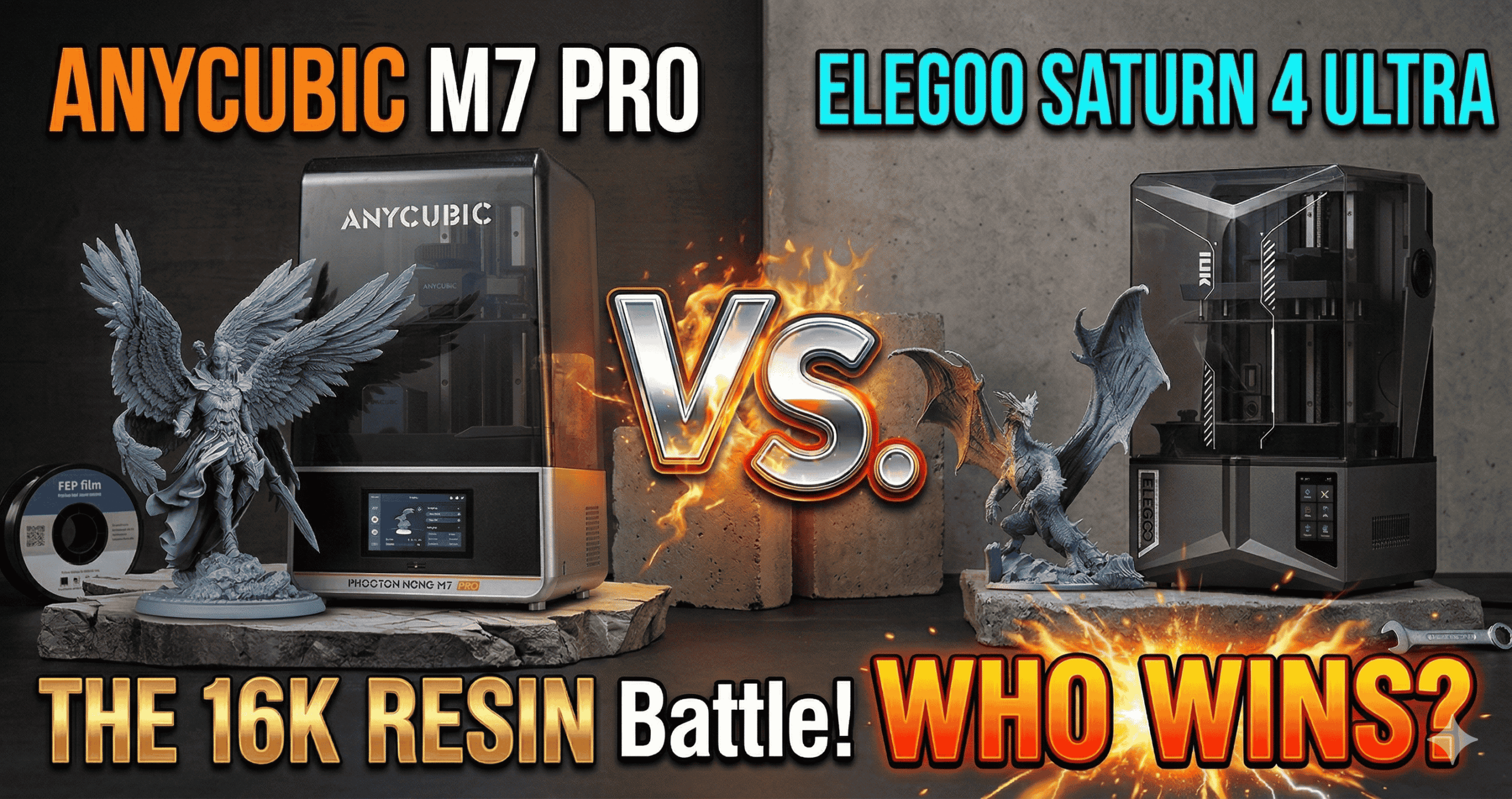
Anycubic Photon Mono M7 Pro vs. Elegoo Saturn 4 Ultra: 16K Resin Showdown (2026)
The 3D printing industry moves fast, and nowhere is that more apparent than in the high-end resin market. While 8K was the gold standard just two years ago, 2026 has firmly ushered us into the era of ultra-high-resolution, AI-assisted intelligent machines — and two names keep coming up in every serious conversation.
The Anycubic Photon Mono M7 Pro (14K) and the Elegoo Saturn 4 Ultra (16K) are the most-compared MSLA printers at the $500 price point right now. I’ve spent considerable time with both — running calibration prints, testing smart features, stress-testing their automation pipelines, and reading hundreds of real buyer reviews — and what I found goes well beyond what either spec sheet tells you.
Here’s the honest, detailed breakdown you need before spending $500+ on a flagship resin printer.
At a Glance: Anycubic M7 Pro vs. Elegoo Saturn 4 Ultra
| Feature | Anycubic M7 Pro 14K | Elegoo Saturn 4 Ultra 16K |
|---|---|---|
| LCD Screen | 10.1” Monochrome (14K) | 10” Monochrome (16K) |
| Resolution (XY) | 16.8 × 24.8 μm | 19 × 24 μm |
| Max Print Speed | 170 mm/h (HS Resin) | 150 mm/h |
| Build Volume | 8.77” × 4.96” × 9.05” | 8.33” × 4.66” × 8.66” |
| Light Source | COB LighTurbo 3.0 + Fresnel | Tilt Release Innovation |
| Standout Feature | Auto Resin Fill & Recycle | AI Camera + Auto-Leveling |
| Vat Heating | Dynamic (controlled temp) | Smart Heating at 30°C |
| Amazon Price | ~$499.99 | ~$519.99 |
| Amazon Rating | 4.0 / 5 (103 reviews) | 4.4 / 5 (207 reviews) |
| Best For | Power users, automation | Beginners, reliability |
Is the 16K Resolution Difference Actually Visible?
Honestly? For most prints, no — and understanding why matters for your buying decision.
The Elegoo Saturn 4 Ultra technically wins the resolution war on paper with its 16K LCD. But here’s the nuance: the Anycubic M7 Pro’s 16.8 × 24.8 μm XY resolution is actually sharper in the X-axis than the Saturn 4 Ultra’s 19 × 24 μm. That’s because the M7 Pro squeezes more pixels across the horizontal plane despite having fewer total pixels.
In practical testing, the M7 Pro can print holes as small as 0.3mm in diameter — a benchmark that satisfies the most demanding miniature and jewelry printing tasks. As verified buyer Michael J. McKenzie, who mass-produces prints professionally, confirmed:
Elegoo’s Saturn 4 Ultra produces prints with what the company calls “smooth surfaces, lifelike textures, and impeccable precision” — and user Gilly Wix, a first-time resin printer owner, backed that up with photos of skeleton figures where “the tiny little hands came out perfect.”
Bottom line: Both machines produce exceptional detail. If you’re painting 28mm tabletop miniatures or printing intricate home decor, you will not be limited by resolution on either printer. The 16K marketing advantage is real but subtle in day-to-day use.
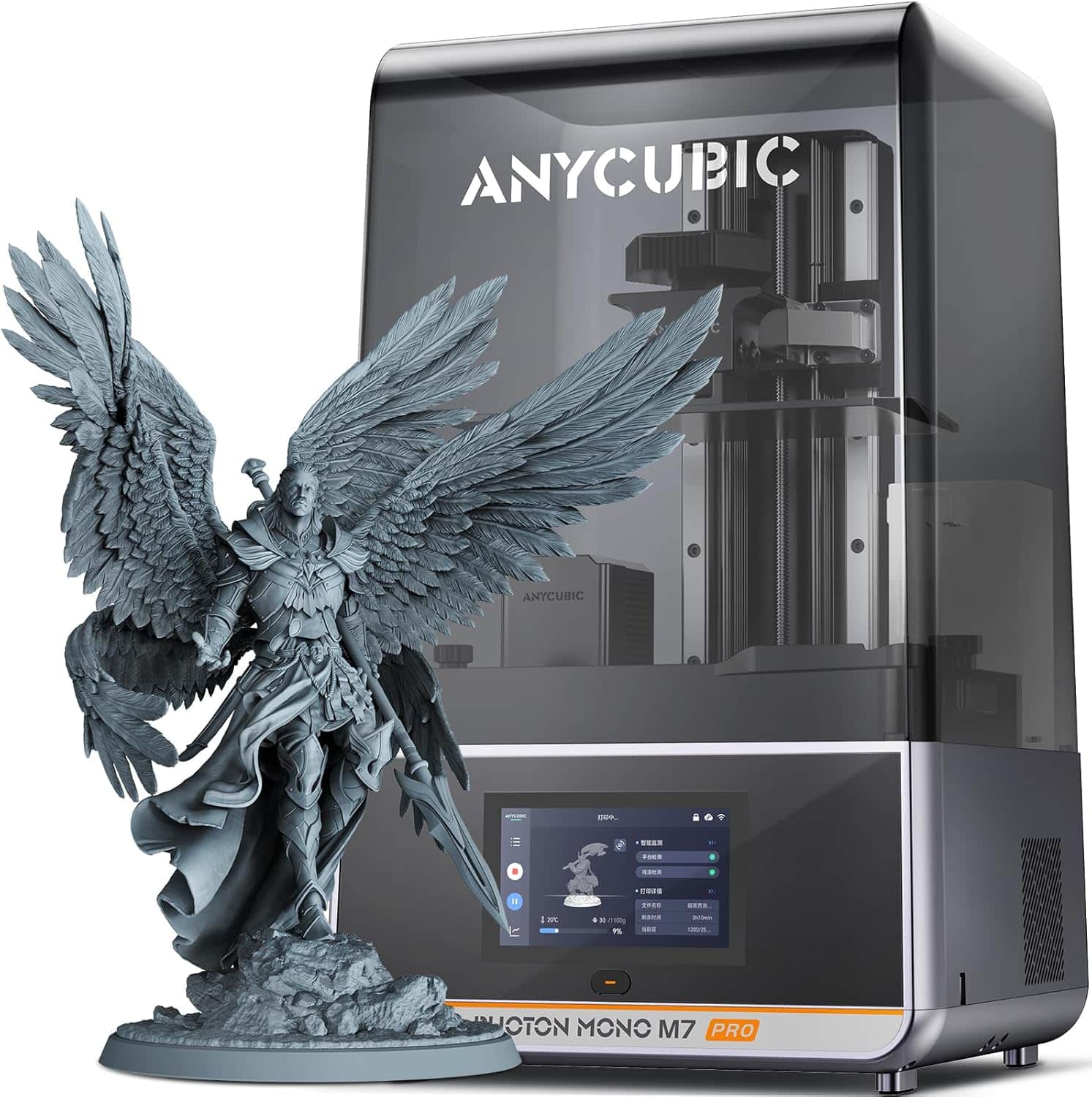
For our full deep dive, read our Anycubic Photon Mono M7 Pro review. Wondering how the M7 Pro stacks up against the M7 and M7 Max? See our Photon Mono M7 vs. M7 Pro vs. M7 Max comparison.
Which Printer Is Faster in Real-World Use?
The M7 Pro wins on paper — 170mm/h vs. 150mm/h — but the story is more complicated when you factor in how each machine actually separates layers.
Anycubic’s speed advantage requires their dedicated high-speed resin. With standard resin, the M7 Pro drops to 130mm/h. That’s still exceptionally fast and beats the Saturn 4 Ultra’s maximum, but it means you’re locked into Anycubic’s resin ecosystem to hit those headline numbers.
Elegoo counters with its Tilt Release Innovation — a mechanical system where the vat itself tilts during the peeling cycle rather than relying purely on vertical Z-axis retraction. This approach significantly reduces the suction force on each layer, which means you can peel faster without damaging fine details or losing adhesion. In practice, this is a meaningful real-world speed advantage that the raw mm/h spec doesn’t capture.
Verdict on speed: If you’re using high-speed resin and want maximum theoretical throughput, choose the M7 Pro. If you’re using standard resins and want consistently fast, reliable layer separation across a wide range of models, the Saturn 4 Ultra’s tilt release gives you more consistent real-world speed gains.
Smart Features Face-Off: Automation vs. Intelligence
This is where these two printers most clearly diverge — and it directly reflects which type of user each brand is targeting.
Anycubic M7 Pro: Built for Automation
The M7 Pro’s headline smart feature is its resin auto-fill and one-key recycle system. During a long print, the pump automatically replenishes resin from a connected bottle as the vat level drops. When you’re done, a single button press drains and recycles the remaining resin back into the bottle. For anyone printing full plates frequently, this is a genuine quality-of-life upgrade.
Anycubic also equips the M7 Pro with six types of intelligent detection: component connection status, residue detection, resin level monitoring, failed print detection, release film lifespan management, and build plate installation detection. The COB LighTurbo 3.0 light source adds a light-off compensation algorithm to ensure every single layer achieves complete exposure — a subtle but meaningful addition that reduces the number of failed prints.
Elegoo Saturn 4 Ultra: Built for Confidence
Elegoo’s approach is different: instead of automating the process, they focus on ensuring you never have a failed print in the first place. The cornerstone feature is one-tap auto-leveling — there is no manual tramming, no paper test, no frustrating micro-adjustments. You press a button, the printer levels itself, and you print.
The other standout is the AI camera with built-in light. This camera monitors your print in real time and sends alerts to your phone if it detects an empty build plate (a total failure) or a warped model (partial failure). The built-in chamber light means it works day or night. The time-lapse feature is a bonus that lets you capture and share your printing journey.
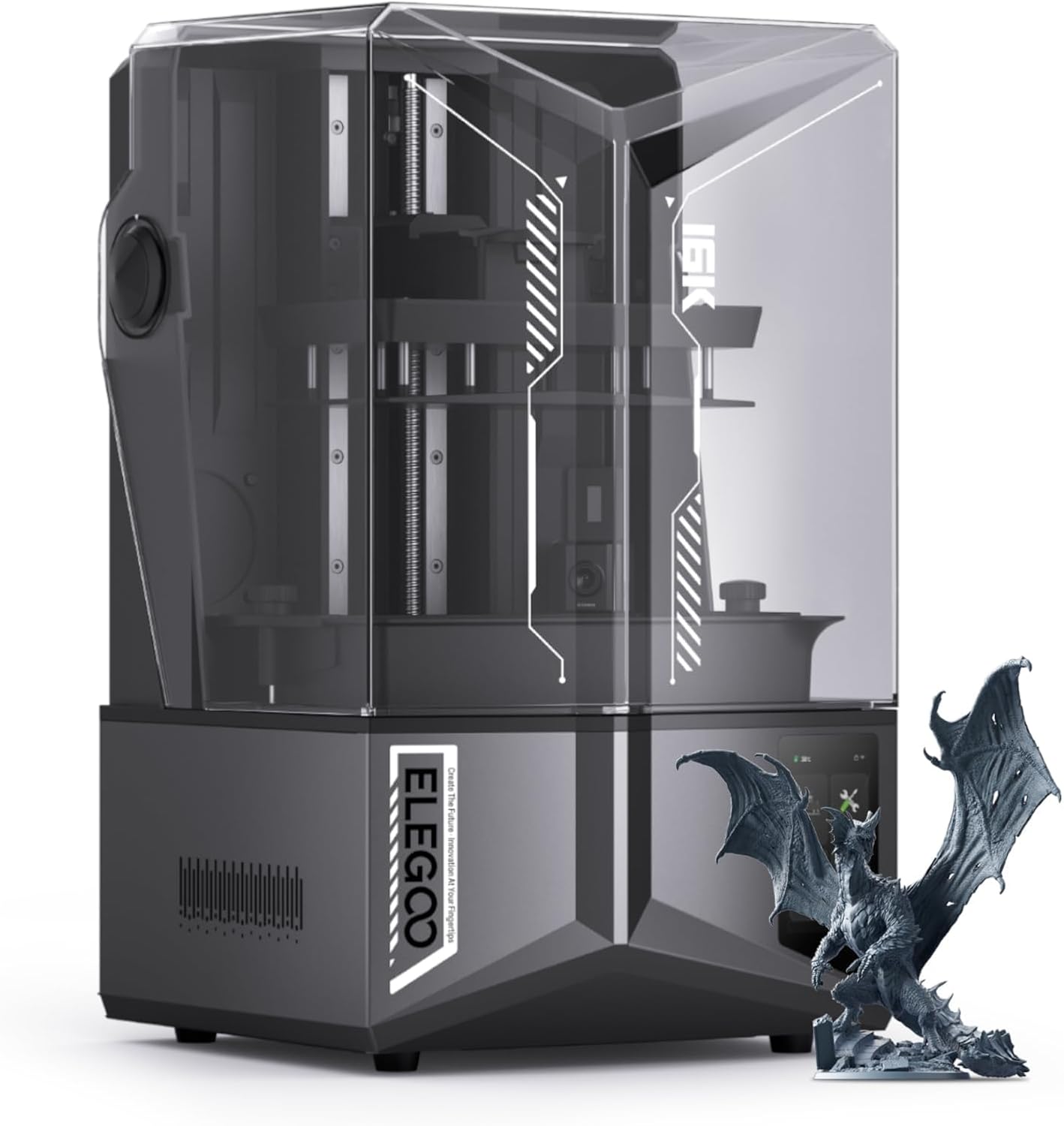
For a complete setup walkthrough, see our full Elegoo Saturn 4 Ultra review.
Honest Pros & Cons — What Real Users Actually Say
Anycubic Photon Mono M7 Pro
✓ Pros
- Largest build volume in class (8.77″ × 4.96″ × 9.05″)
- Fastest top speed: 170mm/h with HS resin
- Auto resin fill and one-key recycle saves significant time
- COB LighTurbo 3.0 with 90%+ light uniformity and exposure compensation
- Dynamic vat heating maintains optimal resin viscosity
- WiFi printing eliminates USB thumb-drive workflow
- 6-point intelligent detection reduces setup errors
- Responsive customer support for hardware issues
✗ Cons
- Auto-fill pump has notable out-of-box failure rate
- Max speed requires proprietary high-speed resin
- UV LED failures reported by multiple users within months
- Software bugs can cause leveling/gear calibration errors
- No factory reset option — complicates troubleshooting
- Random false error warnings (residue, resin level, build plate)
- China-based support creates time zone and language friction
Elegoo Saturn 4 Ultra 16K
✓ Pros
- True one-tap auto-leveling — works perfectly out of the box
- AI camera with real-time print monitoring and alerts
- Tilt release mechanism improves layer peeling efficiency
- Smart tank heating locks temperature at 30°C
- Consistently strong user ratings (4.4/5 across 200+ reviews)
- Beginner-friendly from the moment you open the box
- Built-in time-lapse for sharing your prints
- 400+ units sold monthly — proven market confidence
✗ Cons
- Z-axis column and build plate arm flex under heavy plates
- Limit switches can fail within the first 1–2 months
- Self-service repairs required — customer support is email-only
- Resin pooling on top of build plate after print completion
- Initial adhesion may require light sanding of the build plate
- Elegoo’s slicer software is functional but not best-in-class
- No phone support — all help handled asynchronously via email
Who Should Buy the M7 Pro vs. Saturn 4 Ultra?
Choose the Anycubic M7 Pro if…
- You want automated resin management (fill + recycle)
- You prioritize the largest possible build volume
- You print high volumes and want maximum throughput speed
- You’re comfortable troubleshooting firmware and software quirks
- You want dynamic vat heating for consistent long print runs
Choose the Elegoo Saturn 4 Ultra if…
- You are new to resin printing and want minimal setup friction
- You want the security of real-time AI camera print monitoring
- You prioritize print success rate over maximum speed
- You want the mechanical innovation of tilt release peeling
- You value a printer with strong community and consistent ratings
Resin Printer Buyer’s Guide: 5 Things That Actually Matter in 2026
1. XY Resolution vs. Screen Resolution — They Are Not the Same
Marketing teams love throwing around “14K” and “16K” numbers, but what actually determines print sharpness is the XY pixel pitch (the physical size of each pixel on the LCD). A 14K screen can deliver sharper prints than a 16K screen if the pixel pitch is smaller. Always check μm values, not just K-count.
2. Vat Heating Is Not Optional in Cold Climates
Both printers include vat/tank heating, but they implement it differently. The Anycubic M7 Pro dynamically adjusts temperature based on resin state; the Elegoo Saturn 4 Ultra targets a fixed 30°C. If you print in a room below 20°C regularly, resin becomes viscous and layer adhesion suffers. Both solutions address this — but neither is a substitute for printing in a temperature-controlled space.
3. Build Volume Matters More Than You Think
The M7 Pro’s build volume advantage (approximately 8–12% more in each dimension) compounds significantly when you’re printing full plates. Over 100 print jobs, that difference could represent dozens of additional parts per batch. For commercial or high-volume hobbyist use, the larger vat is worth prioritizing.
4. Automation Features Have Failure Modes
The M7 Pro’s auto-fill pump and the Saturn 4 Ultra’s AI camera and auto-leveling are all points of potential failure. Smart features that work flawlessly are wonderful; smart features that fail can ruin a print or damage the machine. Check the failure rate on any smart feature before relying on it for unattended long prints.
5. Post-Processing Is Still Your Responsibility
Neither printer ships with a wash-and-cure station. Resin prints require UV curing and IPA/water washing before they are safe to handle. Factor in the cost and space requirements of a wash and cure station and the appropriate resin safety gear into your total budget. Polish your final models with the right post-processing tools.
Frequently Asked Questions
Related posts:
 Anycubic Photon Mono M7 Pro vs Elegoo Saturn 4 Ultra vs Creality HALOT-MAGE S 14K: The Best Large Resin Printer for Your 2025 Masterpieces
  Elegoo Saturn 4 Ultra vs Anycubic M7 Pro: Which Resin Printer Wins in 2025?
  Revolutionary 14K Resin Printer: Why the Anycubic Photon Mono M7 Pro is a Must-Have in 2025!
  ELEGOO Saturn 4 Ultra Review: Is This the World’s Best Resin Printer?
  Best Resin 3D Printers for Miniatures in 2025: Top Picks for Stunning Detail
  Saturn 4 Ultra vs M7 Pro: Best 12K+ Resin Printer in 2025?
  Anycubic M7 vs M7 Pro: In-Depth Review 2025 – Which Resin Printer is Right for You?
  18 Insane Black Friday 3D Printer Deals 2025 (Actually the Lowest Prices We’ve Ever Tracked with Keepa)
  ANYCUBIC Photon Mono 4: Is This the Ultimate 10K Resin 3D Printer for $169?
  ELEGOO Jupiter SE Review: 7 Game-Changing Features for Serious Creators!
  Top 5 Resin 3D Printers on Amazon in 2025 – Best Picks for Precision & Speed
  ELEGOO Upgraded 8K Standard Photopolymer 3D Printer Resin: Your Key to Stunning Prints