

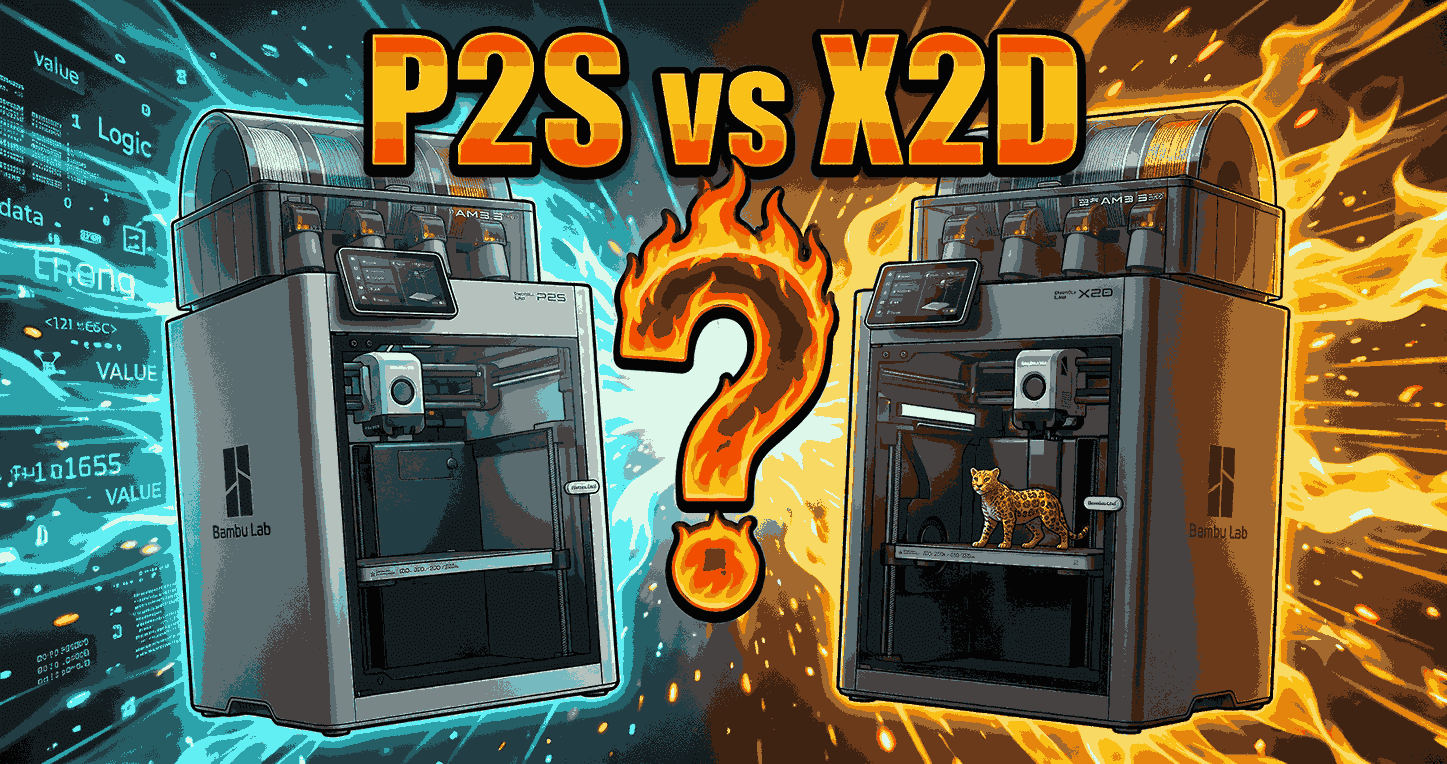
The P2S and X2D share a similar frame and the same AMS 2 Pro ecosystem, and at launch they sit exactly $100 apart: $549 vs $649 for the printers, $799 vs $899 as Combos.[1][3] So the real question is not speed or screen size. It is whether you will use a second nozzle and a heated chamber often enough to justify the gap.
Quick verdict: Choose the P2S if you print PLA and PETG one material at a time and want the simplest workflow. Choose the X2D if you print supports in a different material, run ABS, ASA or nylon, or do a lot of two-color work. Everyone else saves $100 with the P2S.
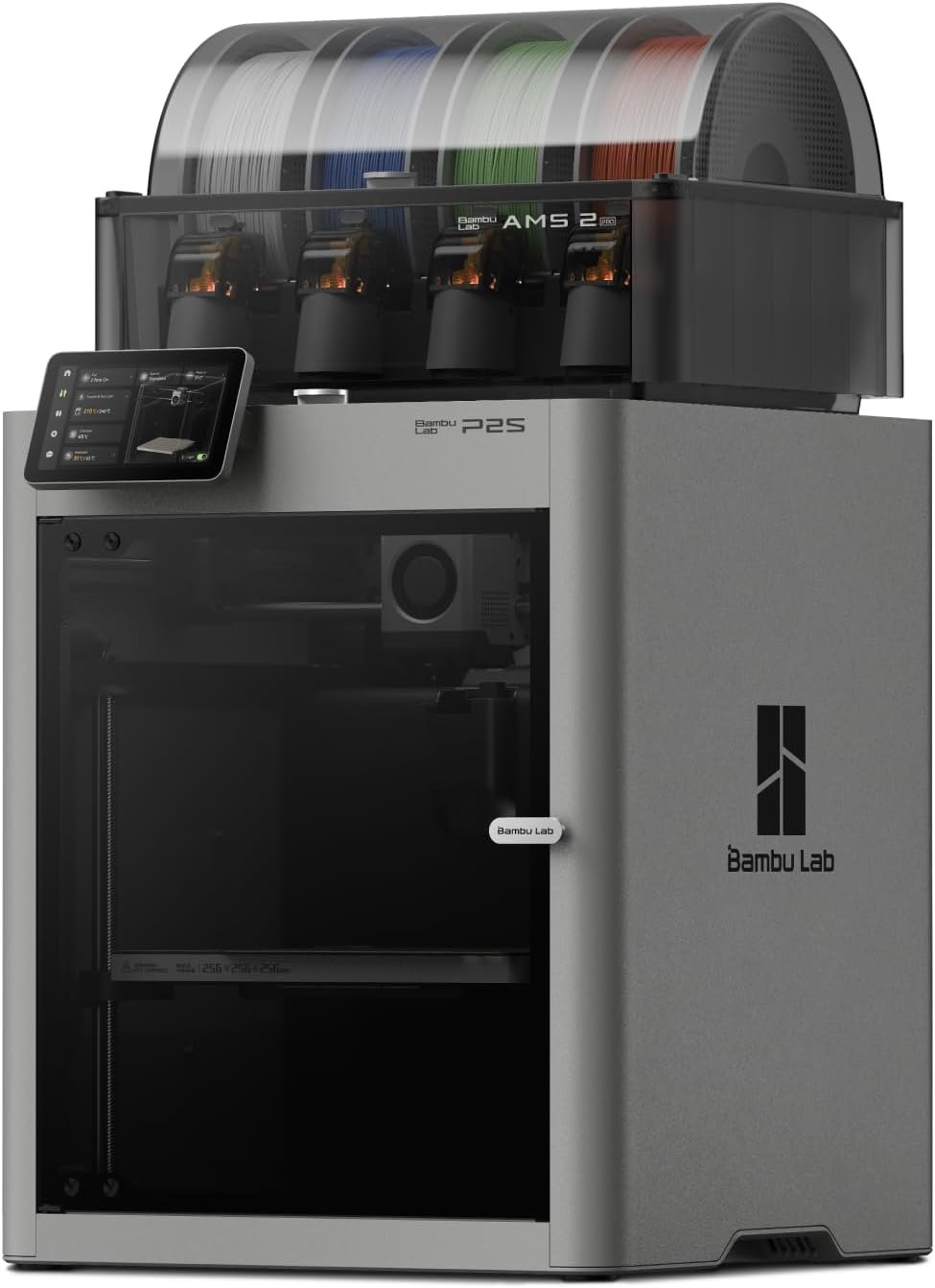
Bambu Lab P2S Combo
Single nozzle, simple workflow, AMS 2 Pro included.
Check P2S price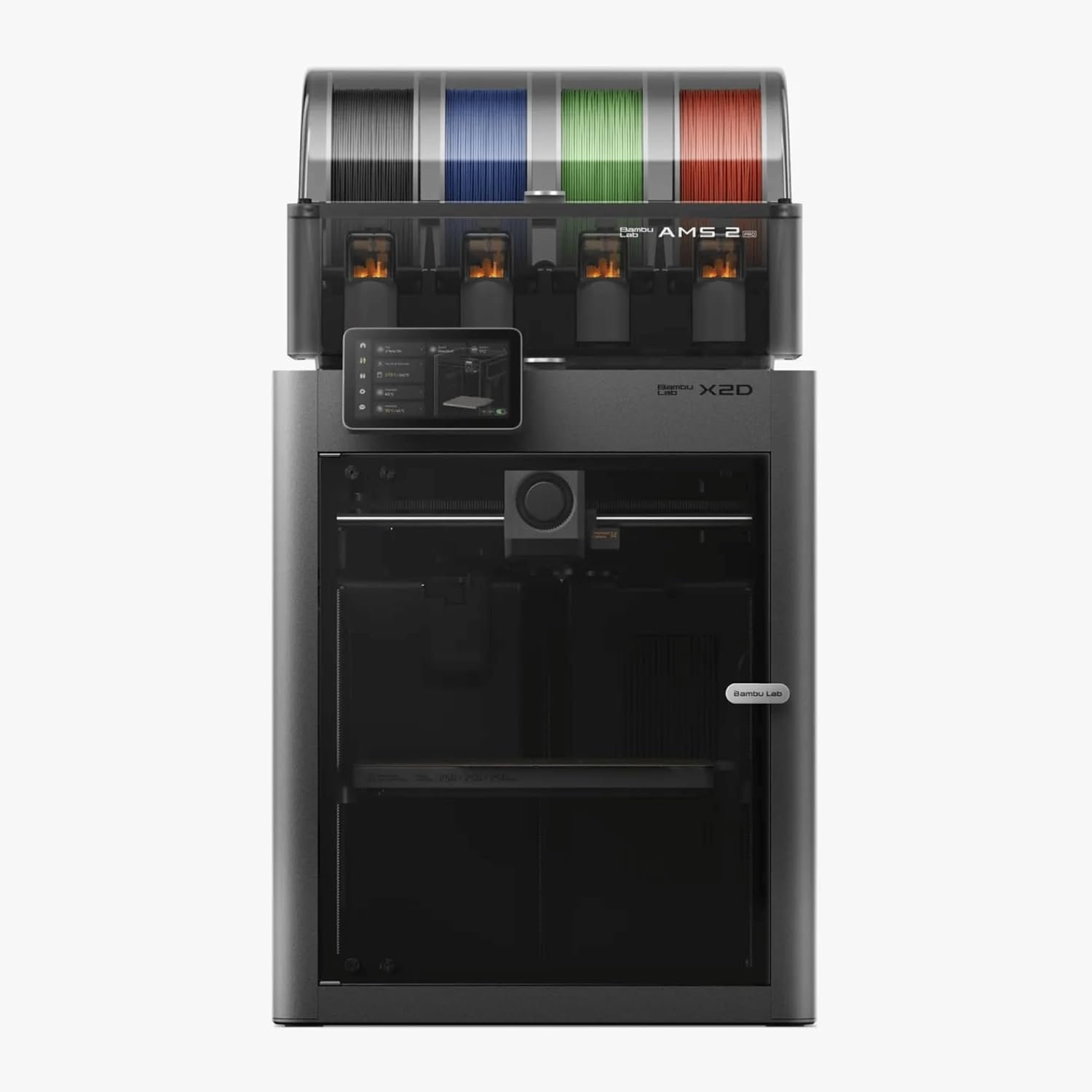
Specs Side by Side
| Feature | P2S | X2D |
|---|---|---|
| Launch price (printer / Combo) | $549 / $799[3] | $649 / $899[1] |
| Nozzles | One, direct drive[3] | Two: direct-drive main plus Bowden auxiliary[5][6] |
| Chamber | Enclosed, no active heating[3][11] | Actively heated to 65 °C[1][2] |
| Build volume | 256 × 256 × 256 mm[3] | 256 × 256 × 260 mm (main nozzle), 235.5 × 256 × 256 mm (dual-nozzle)[1][9] |
| Multicolor | AMS 2 Pro, purges between colors | AMS 2 Pro plus second nozzle, fewer flushes[7] |
| Filament drying | AMS 2 Pro includes drying and supports up to 24 filaments with expansion units[11] | |
What the X2D Adds
A second nozzle built for supports
Bambu’s own positioning is that the second nozzle exists mainly for support material, not for multicolor.[2] On the P2S, model and support share one nozzle, so every change means a purge. On the X2D, you can pair a model filament with a support that does not fuse to it, which leaves cleaner contact surfaces. Bambu says the mechanical nozzle switch passed over one million cycles in life-cycle testing.[1] In its long-term review, CNC Kitchen notes that two nozzles also cut purge waste compared with a single-nozzle printer.[7]
An actively heated chamber
The P2S has an enclosure but no chamber heater.[3] The X2D heats the chamber up to 65 °C with a 300 °C nozzle, which Bambu positions for ABS, ASA and nylon with reduced warping.[1] If engineering filaments are on your roadmap, this is a bigger reason to pay the extra $100 than the second nozzle. Our PLA vs ABS vs PETG guide explains why chamber temperature matters for each material.
Where the X2D Falls Short
The aux nozzle is a helper
It uses an external Bowden extruder that caps its speed and cannot print standard TPU without workarounds.[5] Notebookcheck also found the AMS 2 Pro does not feed TPU.[6] Keep flexible filament on the main nozzle.
Software is still maturing
A 200-hour owner review describes the X2D as well engineered but held back by firmware and a clumsy dual-extrusion experience in Bambu Studio.[8] Our Bambu Studio vs Orca Slicer comparison helps if you want options.
Aux nozzle clogs reported
Owner reports compiled by Printer-Hub describe clogs on the Bowden side when printing supports inside a hot chamber.[10] These are user reports, not a confirmed defect rate, so treat them as a risk to watch.
Less build area in dual mode
Jobs that use both nozzles are limited to 235.5 × 256 × 256 mm, slightly under the P2S’s full 256 mm cube.[9]
Where the P2S Still Wins
The P2S is the simpler, more settled machine. It brings a 5-inch touchscreen, AI error detection and a PMSM servo extruder to a fully enclosed CoreXY frame.[4] With the AMS 2 Pro you still get multicolor printing and filament drying.[11] You trade purge waste for a lower price and an easier workflow. The P2S Combo has also been discounted to $699 at times, which widens the price gap further.[4] Weighing it against other brands? See our P2S vs Creality K2 Pro and A1 Combo vs P2S comparisons.
Which One Should You Buy?
| If you… | Pick |
|---|---|
| Print mostly PLA or PETG, one material at a time | P2S |
| Are new to 3D printing | P2S (see our beginner picks) |
| Print supports in a different material | X2D |
| Print ABS, ASA or nylon regularly | X2D |
| Do frequent two-color or multi-material jobs | X2D Combo |
| Need TPU in the same job as rigid parts | X2D, with TPU on the main nozzle only[5] |
| Already own a working P2S | Keep it unless a specific limit costs you prints |
The Bottom Line
The extra $100 buys capability, not general improvement. Reviewers describe the X2D as very good but with a limited auxiliary nozzle.[6] If you will use dual-material supports or the 65 °C chamber, it earns its price. If not, the P2S does the job and is easier to live with. Wet filament ruins either machine, so pair your pick with one of the best filament dryers.
Keep Reading
FAQ
Is the X2D worth $100 more than the P2S?
Only if you will use dual-material supports or need an actively heated chamber.[1][2] For single-material PLA and PETG, the P2S covers your needs.
Can the P2S print multicolor?
Yes. With the AMS 2 Pro in the Combo it prints multicolor, though it purges between colors, which costs time and filament compared with a dual-nozzle machine.[7][11]
Can the P2S print ABS?
It is enclosed but has no chamber heater, so small ABS parts are often workable while large ABS, ASA and nylon parts are where the X2D’s heated chamber helps.[3][1]
Can the X2D print TPU?
On the main direct-drive nozzle, yes. The auxiliary Bowden nozzle cannot print standard TPU, and the AMS 2 Pro does not feed it.[5][6]
Is the X2D good for beginners?
It can work, but the dual-nozzle workflow in Bambu Studio is harder to learn than a single-nozzle printer’s.[8] Beginners who want the smoothest start should lean P2S.
Which Combo is the better value?
The X2D Combo if you know you will print multi-material regularly. The P2S Combo if you mainly want multicolor PLA at the lowest cost.
Sources
- 3DPrinting.com: Bambu Lab launches X2D with dual-nozzle system, priced from $649
- Fabbaloo: Bambu Lab launches X2D 3D printer with dual nozzles and heated chamber
- All3DP: Bambu Lab launches the P2S
- TechRadar: Bambu Lab P2S price drop
- Tom’s Hardware: Bambu Lab X2D review
- Notebookcheck: Bambu Lab X2D Combo review
- CNC Kitchen: Bambu Lab X2D review after 250 hours
- Bambu Lab Community Forum: My review of the X2D after 200+ hours
- Anton Månsson: Bambu Lab X2D breakdown
- Printer-Hub: Bambu Lab X2D known issues
- 3DJake: Bambu Lab P2S Combo specifications
As an Amazon Associate, 3DPrintedDecor.com earns from qualifying purchases. Prices and specs come from the sources above and may change, so confirm the current price on the product page before buying.
Related posts:
 Bambu Lab A1 vs Creality K2 Plus vs Anycubic Kobra 3 Max: Ultimate 2026 Showdown
  Adventurer 5M VS 5M Pro – Which 3D Printer Should You Choose?
  Creality K1 SE vs Creality K1C 3D Printer: Which One Is Better
  ELEGOO Neptune 3 Pro FDM vs ELEGOO Mars 5 Ultra 9K Resin 3D Printer: Which One is Better
  Creality Ender 3 V3 SE vs FLASHFORGE Adventurer 5M: Which Budget 3D Printer is Better?
  Creality K2 Plus Combo vs Anycubic Kobra 3 Combo Review: Battle of the Multi-Color 3D Printers
  Kobra S1 Combo vs K1C: Best Sub-$700 Printer? (Tested)
  Creality K1 SE vs ELEGOO Neptune 4 Pro: Which 3D Printer Should You Choose in 2025?
  Bambu Lab P1S vs Creality K1C vs Qidi Tech Plus 4: Is an Enclosed Printer Worth It for ASA/NYLON/PC?
  Creality K1 SE vs Anycubic Kobra 3 Max Combo: Which 3D Printer Reigns Supreme for Your Vision?
  Bambu Lab vs Flashforge vs Creality vs Anycubic: Which to Buy in December 2025
  Bambu Lab P2S vs P1S vs X1C: Test Reveals the Clear Winner in Noise, Speed & Quality (2025 Update)